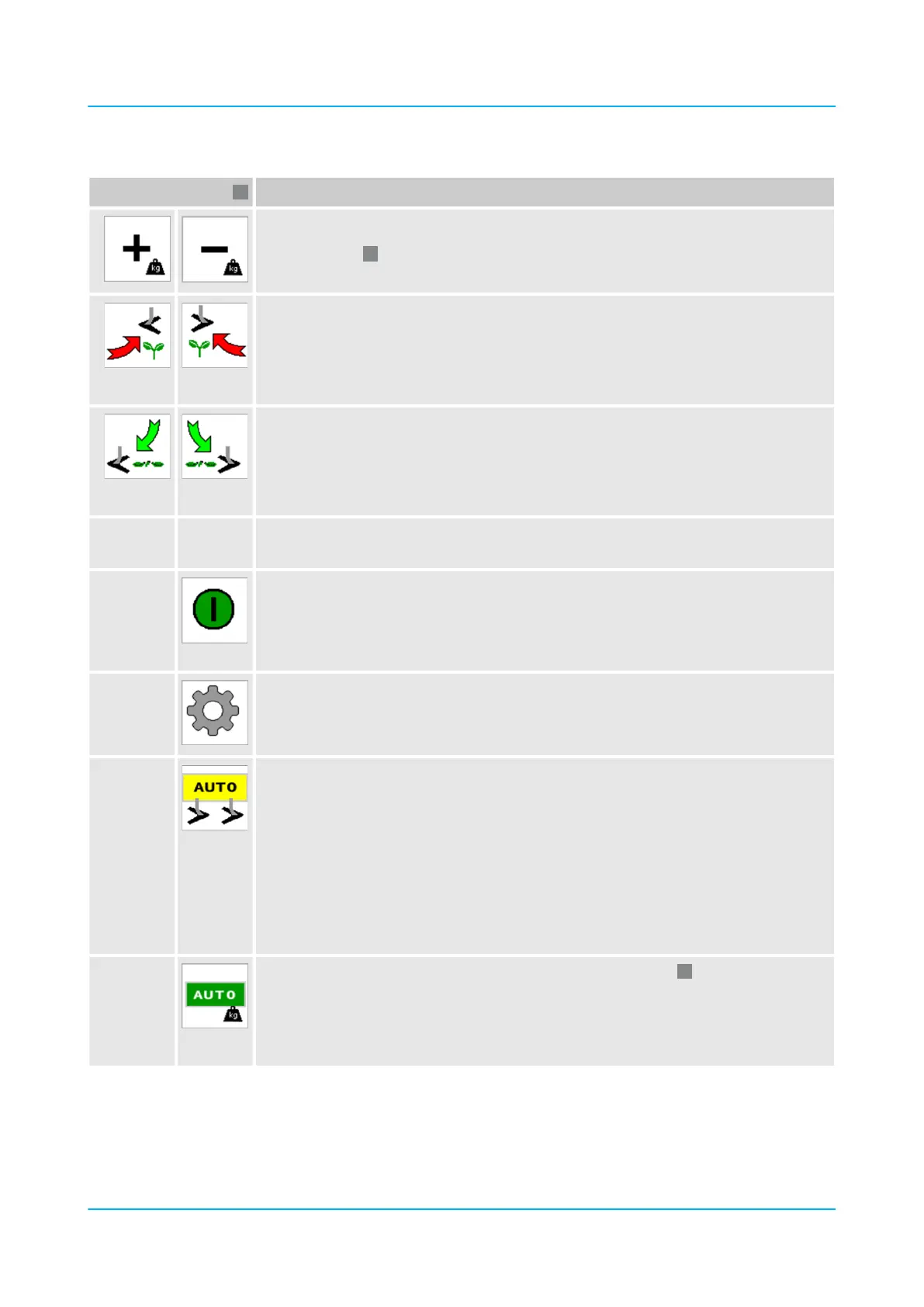
Buttons
Adjust the compacting pressure.
Corresponds to
Manually lift the hoeing elements individually one after the other.
n Left: Starting with the rst hoeing element
n Right: Starting with the last hoeing element
Manual lifting overrides automatic lifting.
Manually lower the hoeing elements individually one after the other.
n Left: Starting with the last hoeing element
n Right: Starting with the rst hoeing element
Manual lowering overrides automatic lowering.
Ä For manual operation of the hydraulic hoeing elements, see also Lifting and lowering
hoeing elements hydraulically, page 61.
Section Control Switch on and o.
n Green: Switched on
n Red: Switched o
The hoeing elements remain in the current position. GPS data is not processed.
Open the ‘Settings’ menu.
Ä Page 87
Switch the GPS automatic function on and o.
n Grey: GPS not active
n Yellow: GPS switched on but without signal
n Green: GPS active
The hoeing elements are moved via GPS.
n Red: GPS is switched on, "Hitch Control" is switched on, the machine is lifted.
If Section Control is switched on and the GPS automatic function is switched o (grey),
all hoeing elements are lowered.
Activate or deactivate automatic pressure adjustment (see point
).
Green: Automatic pressure adjustment active. The pressure is regulated automatically.
Grey: Automatic pressure adjustment deactivated. The set pressure remains constant
and can be adjusted manually using the "+" and "-" buttons.
Design and description
en-GB | Item no. 17513597 | BA 02/05-2022 41



 To Next Page