6-7
Routine Maintenance Operator Manual 920509-645
6.3.3 Clean Spray Jets and
Headers
After last cycle of day, allow unit to cool, turn LOCK/UNLOCK/INIT
key switch to LOCK position. Remove key from selector and keep it
on yourself; wearing appropriate Personal Protective Equipment
(PPE), enter wash chamber and proceed as follows:
1. Observe jet nozzles during unit operation and inspect each
nozzle to detect debris.
2. Insert a wire (smaller diameter than a jet nozzle) into spray noz-
zles, and push debris through nozzles into header.
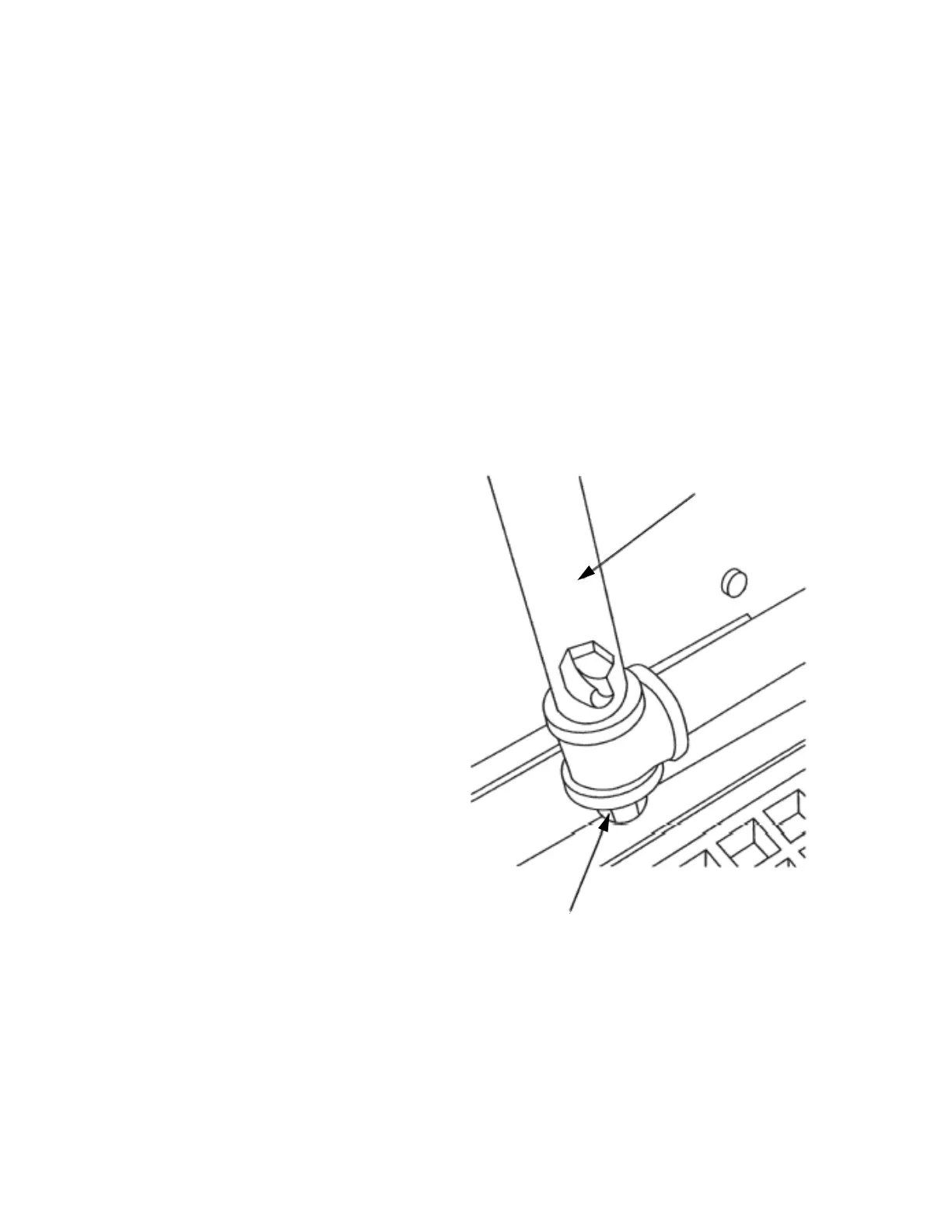
3. Remove flush plug from bottom of each spray header (see Fig-
ure 6-1).
4. Manually fill sump with water and run pump for 30 seconds to
flush loosened debris from spray headers.
5. Replace flush plugs.
Figure 6-1. Spray Header Flush Plug
Spray Header
Flush Plug













 To Next Page