9
3 SETUP
Set up the printer using the setup instructions included with printer.
CONNECTING THE SYSTEM
Make sure the following preparations of the physical site are met:
• The system must be placed on a flat and stable surface able to support 34.1 kg (75 lbs.) to
avoid the risk of falling.
• The work area for unpacking the system should be 1.22 m (48 in.) high, 1.83 m (72 in.) wide
and 1.02 m (40 in.) deep.
• The grounded electrical outlet (6A @100-127VAC or 2.5A @ 220-240VAC -- 50/60 Hz 600W)
must connect to either a Euro or a US power cord plug provided and must be located within 2 m
(80 in.) of the system. Do not use an extension cord or a power strip. Using these can possibly
cause intermittent power issues.
• The operating environmental temperature must be between 15°C to 30°C (59°F to 86°F).
• The operating environmental humidity must be between 20% to 80% RH non condensing.
CONNECTING THE POWER
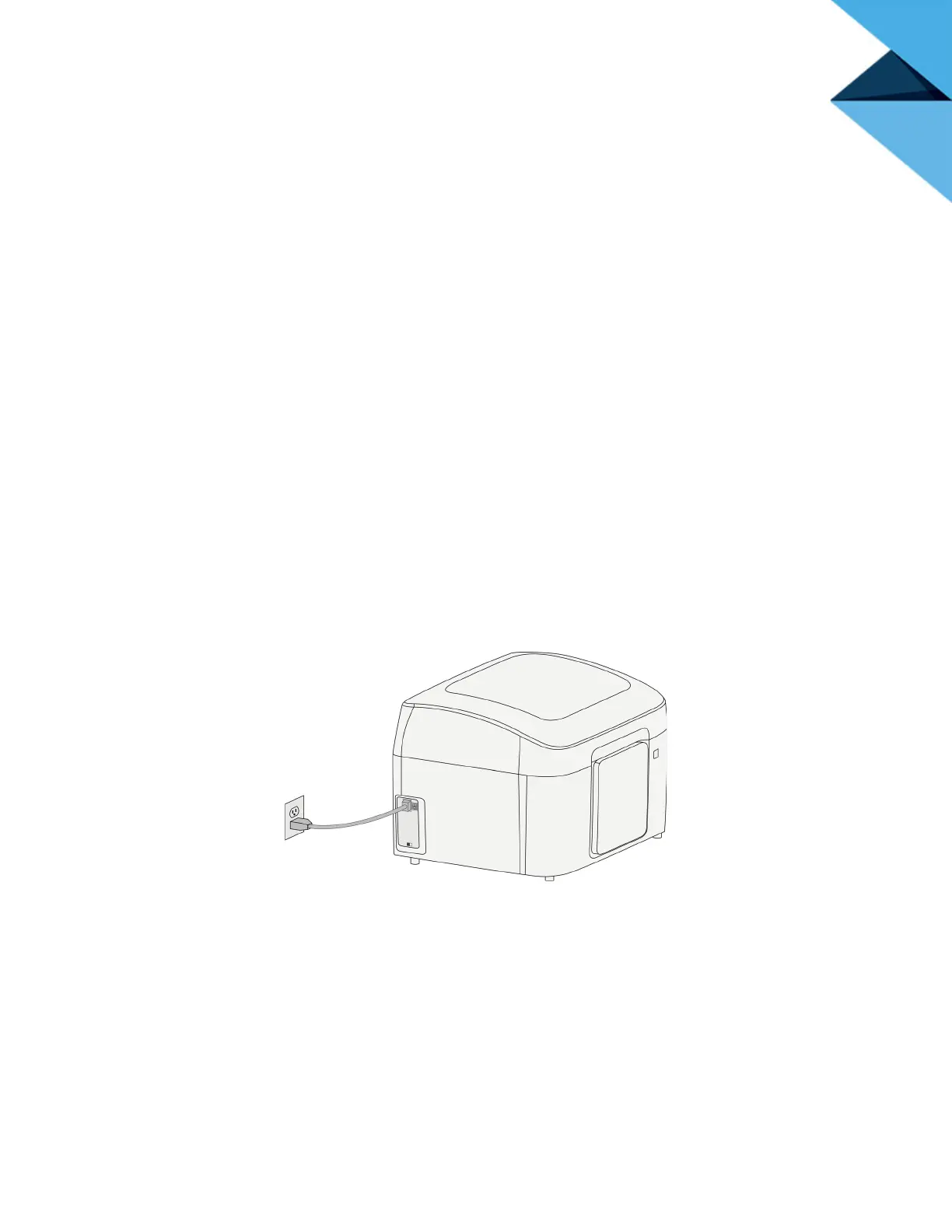
1. Connect the power cord for your region between the printer and a grounded power outlet.
Figure 3-7: Connecting the power
2. Turn the power switch to the ON (I) position.
Figure 3-8: Turn on the power















 To Next Page