11
INSTALLING SOFTWARE
The host computer is defined as the computer that is connected directly to the Mojo printer.
There are two software programs that are required for the Mojo printer:
• Mojo 3D printer software is used to send parts (processed by Print Wizard) to the printer.
• Print Wizard software installs on your computer or host computer and processes STL files for
printing and communicating with the host computer.
MOJO 3D PRINTER SOFTWARE
1. Locate the 3D Printer Software CD from the startup supplies and insert into the host computer
CD drive.
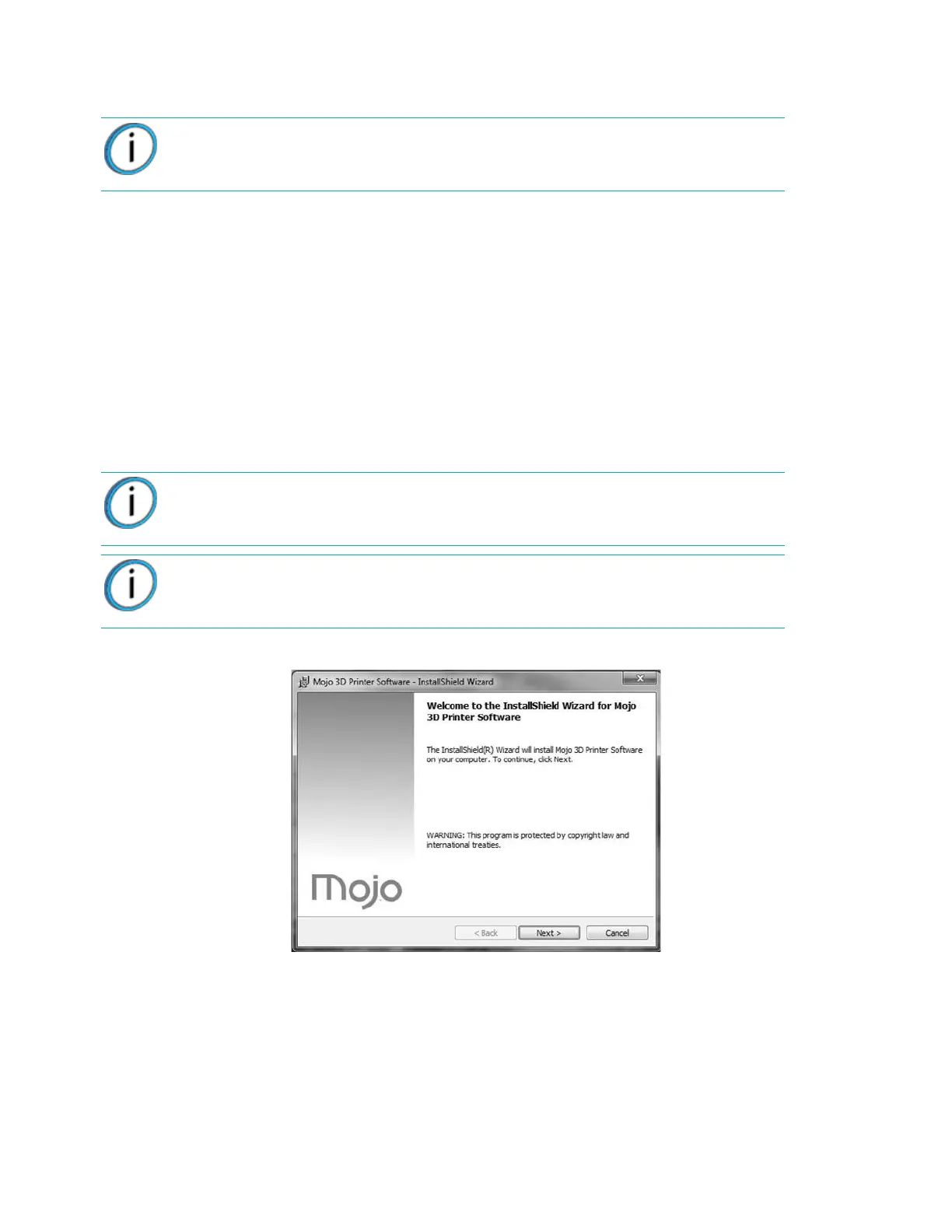
2. Follow the prompts to load the 3D Printer software on the host computer.
Figure 3-10: Loading Mojo 3D Printer software
Note: Make sure the “Windows automatic update” feature is turned off on the host
computer. Loss of part will occur if this feature is not turned off. See Windows
support and help instructions on how to turn these features off.
Note: Connect the USB cable between the USB cable connector to the back of
the printer and the host computer when prompted during software installation
Note: Do not use USB cables longer than 5 m (197 in.).















 To Next Page