46
EXPORTING PRINTER FILE
To better diagnose printer issues, you may need to export the printer configuration file (cfg) from your printer and
send it to your Service Provider.
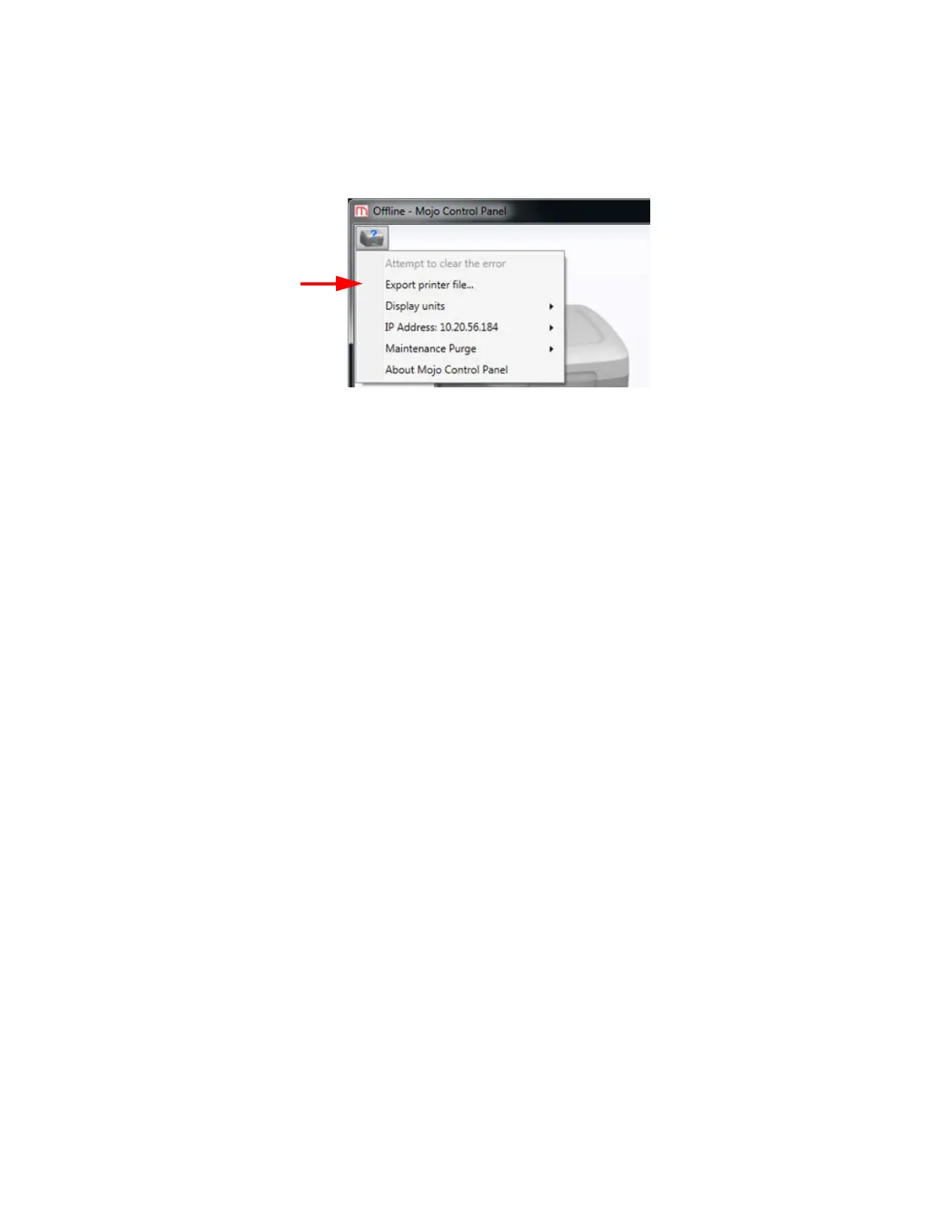
Figure 6-63: Export Printer File option
1. Open Mojo Control Panel from the host computer.
2. Click on the printer information icon in the upper left of the window.
3. Select Export Printer File.
4. Browse to the directory where you wish to save the configuration file (.cfg).
5. Click the Save button.
6. Close Mojo Control Panel.















 To Next Page