28
PRINTING A PART FROM MOJO CONTROL PANEL
Once parts are processed in Print Wizard, they can then be printed using Mojo 3D printer software on the host
computer.
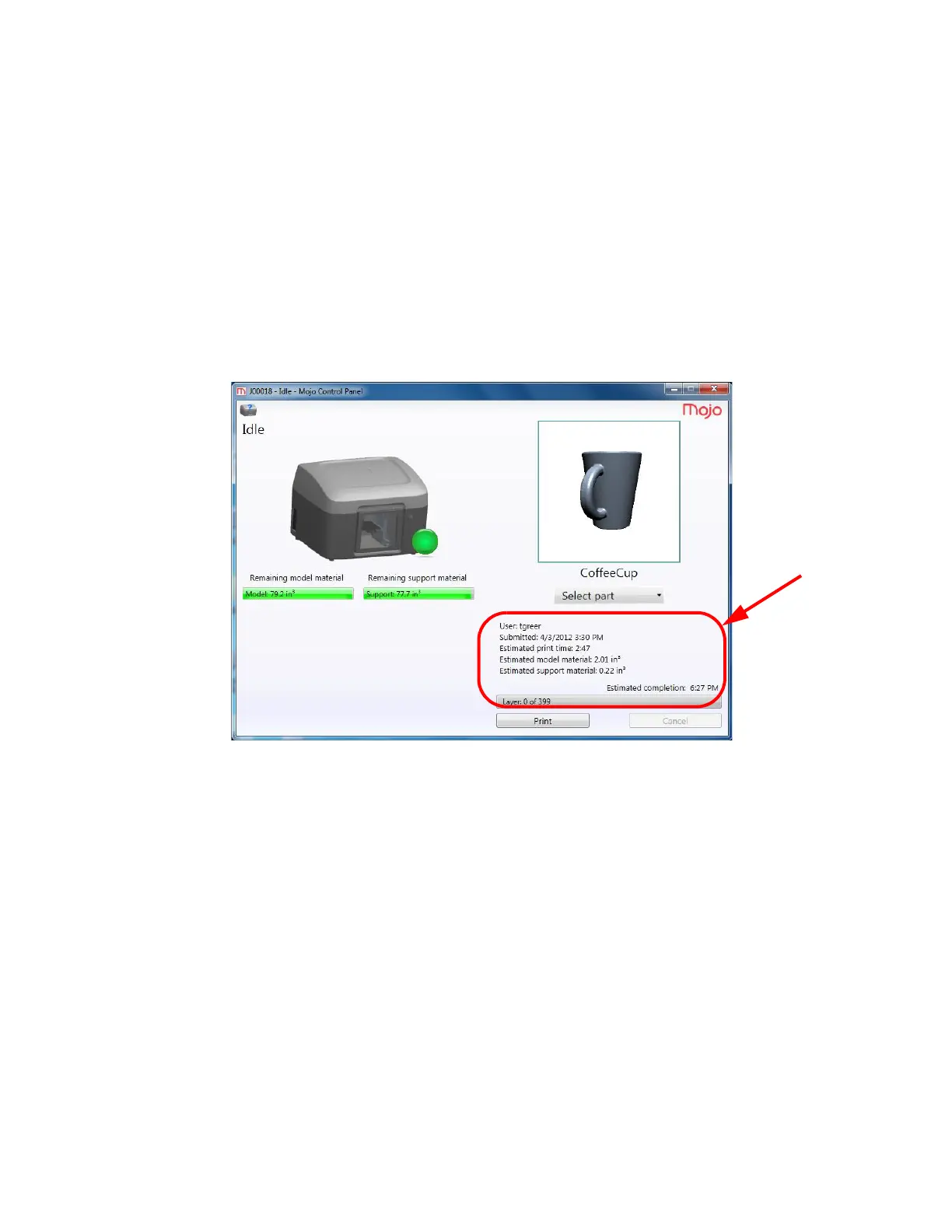
1. Open Mojo Control Panel and the window below appears. The following information is displayed:
• Remaining model and support material on QuickPack Print Engines
• User name
• Date and time part was submitted
• Estimated print time
• Estimated model and support material required to print the part
• Estimated completion time of the part
• Current layer status
Figure 4-33: Mojo Control panel















 To Next Page