16
INSTALLING A MODELING BASE
Always make sure there is a modeling base in the printer before printing a part.
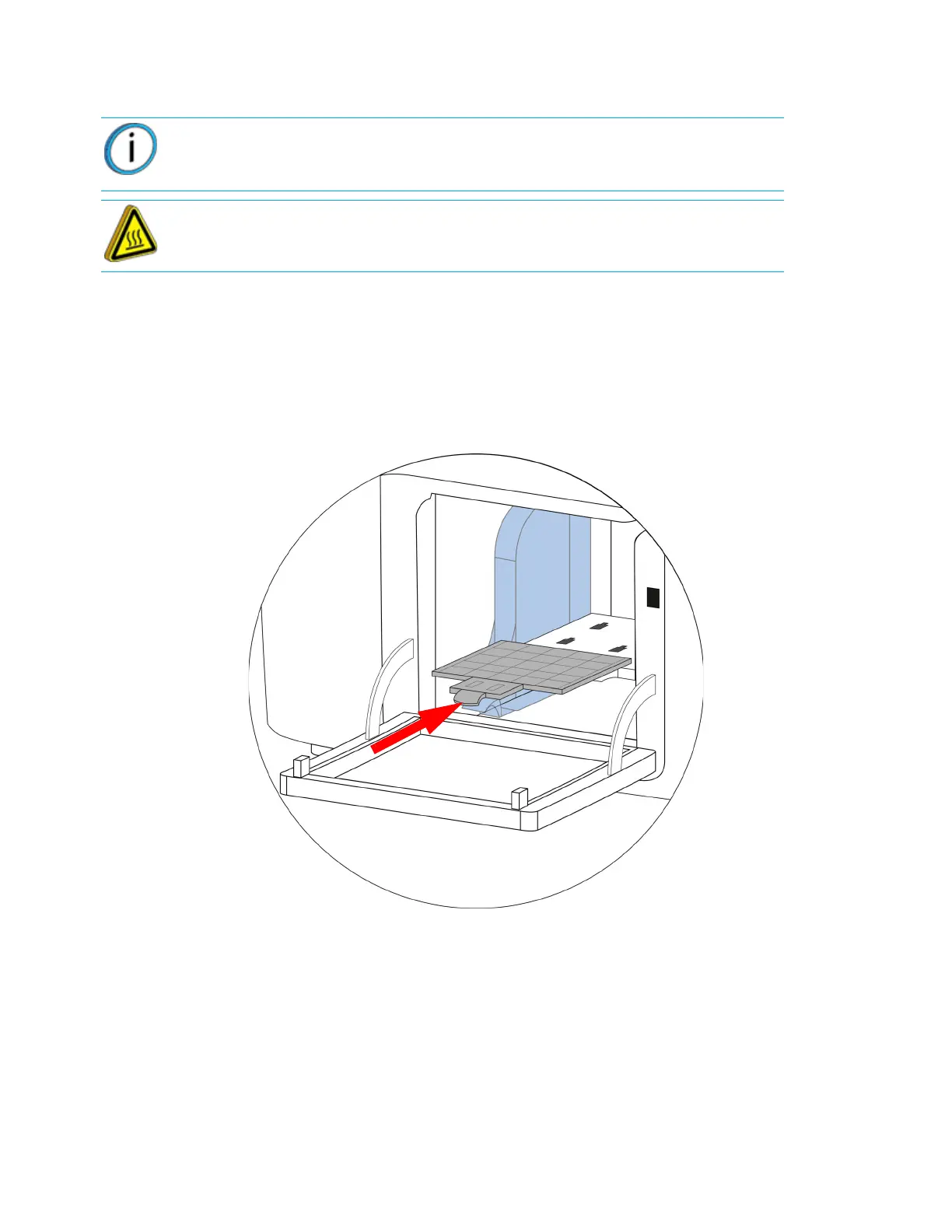
1. Install the modeling base by aligning the base tabs into the slots on the platen.
2. Push the modeling base onto the platen making sure the base “clicks” into position.
3. Close the door.
Figure 4-15: Installing modeling base
Note: Re-use of modeling bases is not recommended.
Hot Surface: The metal surfaces inside of the chamber can be hot. Use extra
care when working around heated components.















 To Next Page