33
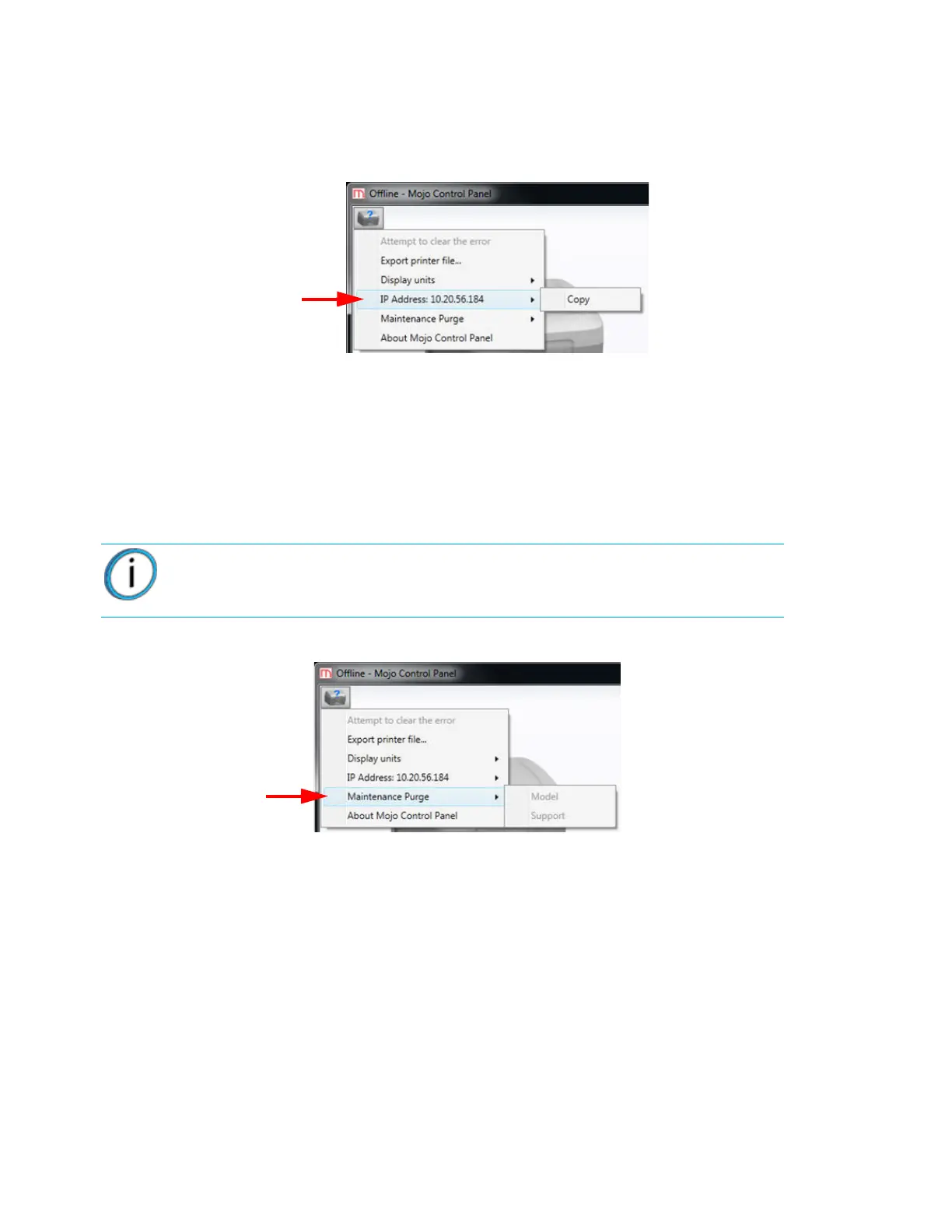
IP ADDRESS
The IP address of the host computer that is connected to the printer can be copied to the clipboard on the host
computer.
Figure 4-43: IP Address
MAINTENANCE PURGE
Maintenance purge is a way to verify that a QuickPack is extruding correctly or to purge out wet material from
the filament tube. It takes two maintenance purges to purge out all of the material in the filament tube. The
maintenance purge will purge material into air in the center of the build area. After a maintenance purge
completes, it is necessary to open the printer door and remove the purged material from the center of the build
area.
Figure 4-44: Maintenance Purge option
1. Click on the printer information icon in the upper left of the Mojo Control Panel window.
2. Select Maintenance Purge.
3. Select either Model or Support to be purged.
4. Wait for the liquefier to heat and purge to complete.
5. Remove the purged material from the center of the build area.
Note: If an opened QuickPack Print Engine has not been used in over two
weeks, two maintenance purges should be performed.















 To Next Page