19
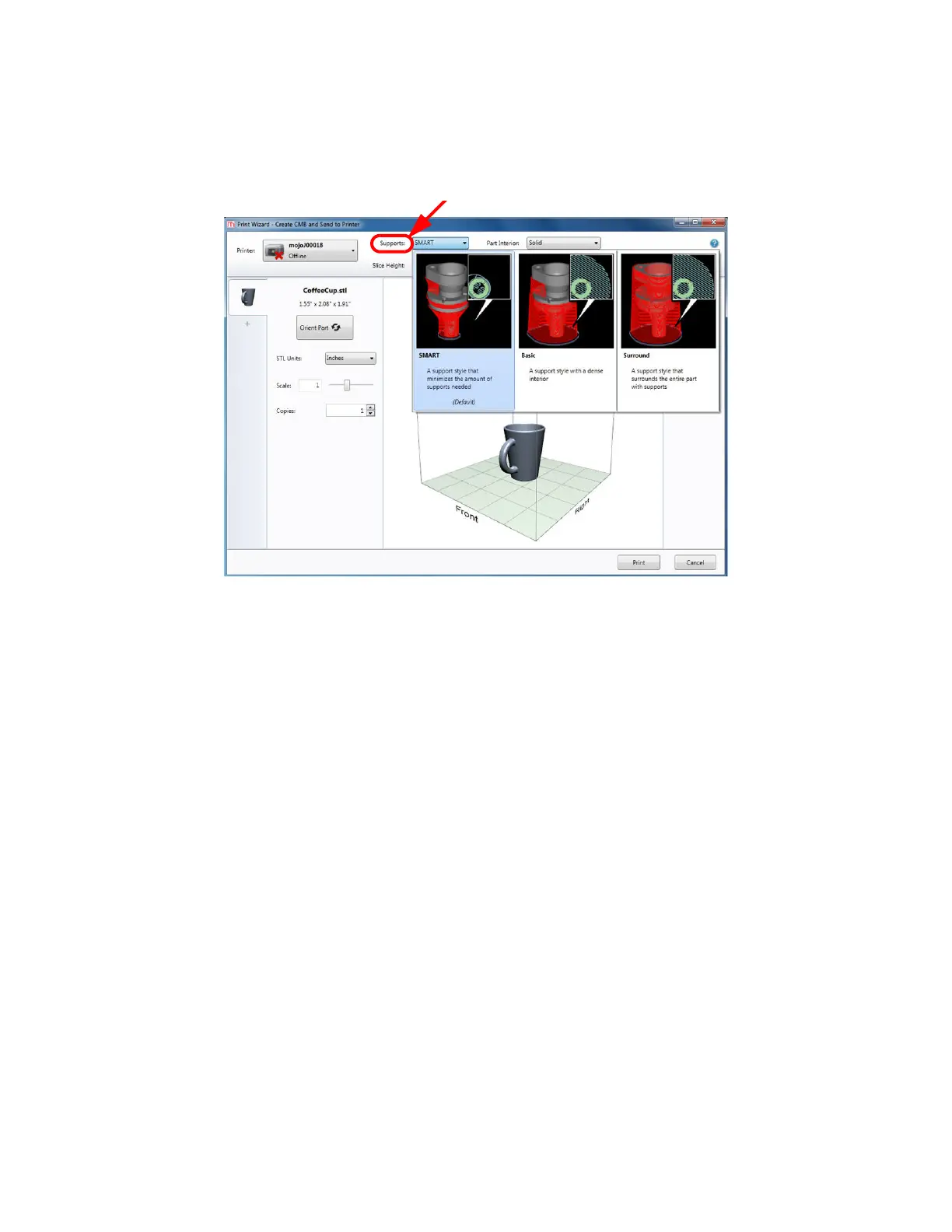
SELECTING SUPPORT STYLE
Supports are used to support the part during the build process. Supports are removed when the part is
complete. Support styles will affect the support strength and build time of the print. SMART support is the default
setting.
Figure 4-19: Support style
• SMART (default) - Minimizes the amount of support material used, reduces the print time, and
improves support removal for many parts. SMART support uses a consistent spacing between
support toolpaths and is less dense than Basic.
• Basic - May be used for most parts. Basic support uses a consistent spacing between support
toolpaths.
• Surround - The entire part is surrounded by support material. Typically used for tall, thin parts.















 To Next Page