32
ATTEMPT TO CLEAR THE ERROR
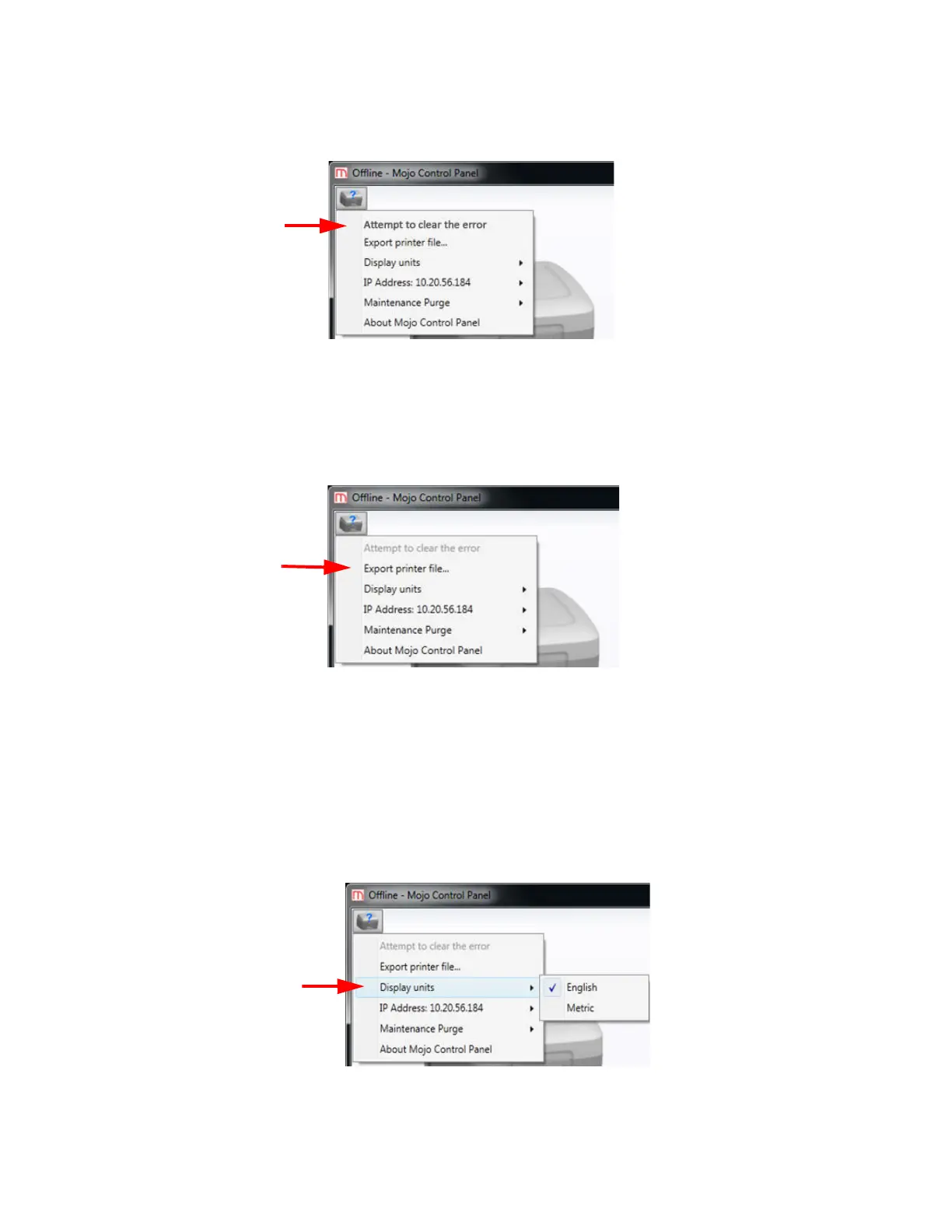
If certain errors occur, selecting “Attempt to clear the error” will clear the error and continue the printing process.
Figure 4-40: Attempt to clear the error option
EXPORT PRINTER FILE
To better diagnose printer issues, you may need to export the printer configuration file (cfg) from your printer and
send it to your Service Provider.
Figure 4-41: Export printer file option
1. Select Export printer file...
2. Browse to the directory where you wish to save the configuration file (.cfg).
3. Click the Save button.
DISPLAY UNITS
Display units can be selected for English or Metric measurement.
Figure 4-42: Display units option















 To Next Page