26
STL PART CONTENT INFORMATION
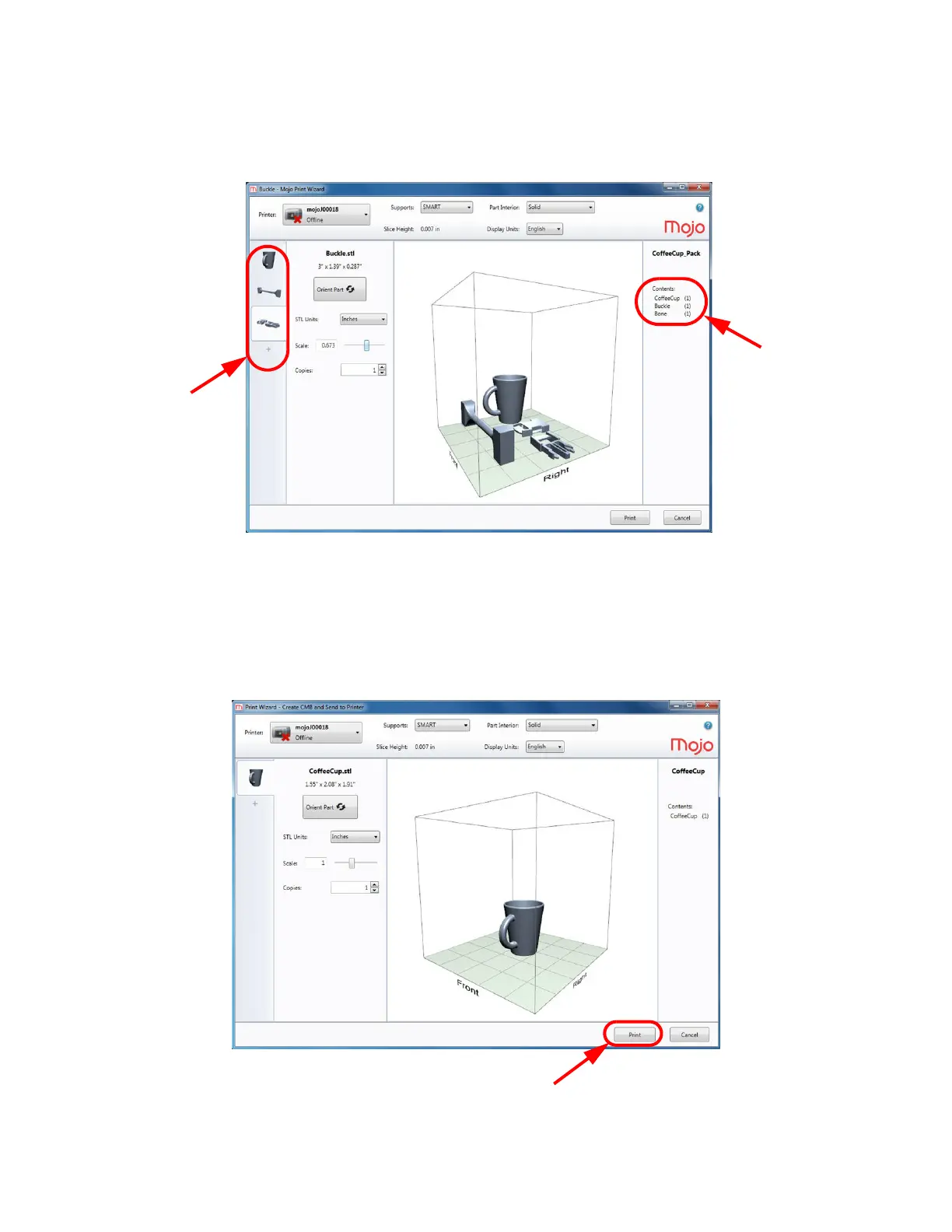
The name of the STL file and the quantity of parts to be printed for each job are displayed in the window. A
thumbnail view of the individual part(s) for all jobs are displayed on the left hand side of the Print Wizard screen.
Figure 4-29: Print Wizard screen
PROCESSING THE PART
After the part(s) have been selected, click the Print button. When the Print button is clicked, the part(s) will be
processed and sent to the host computer.
Figure 4-30: Print button















 To Next Page