34
ABOUT MOJO CONTROL PANEL
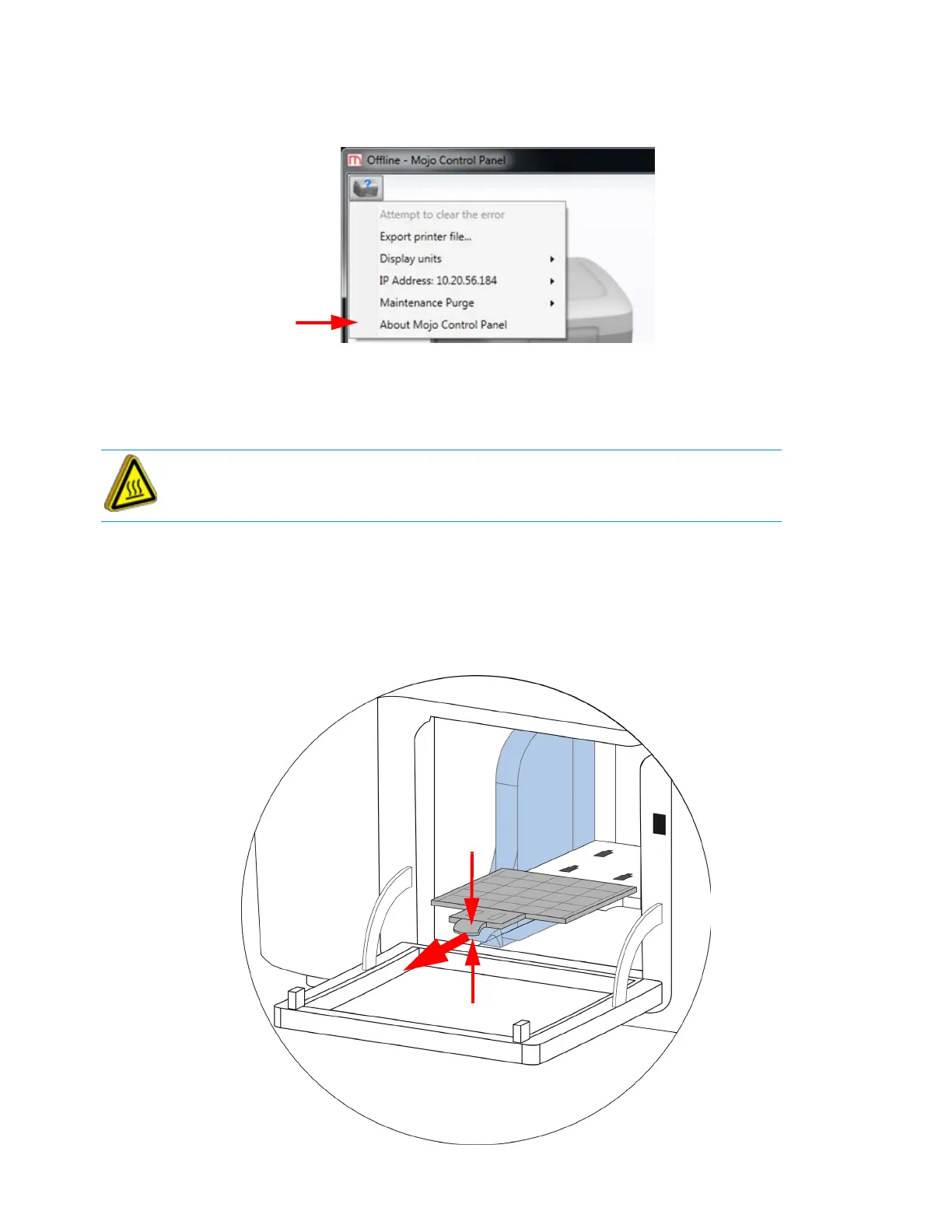
Displays Control Panel version and build number.
Figure 4-45: About Mojo Control Panel option
REMOVING A COMPLETED PART
When the job is complete, remove the part.
1. Open the door.
2. Remove the modeling base by squeezing two tabs together while pulling the modeling base out
of the chamber.
3. Close the door.
Figure 4-46: Modeling base removal
Hot Surface: The surfaces inside of the chamber can be hot. Use extra care
when working around heated components.















 To Next Page