Objet260 User Guide 5 Using Objet Studio
DOC-37004 Rev.E 5-66
Saving the
Screen Display
as an
Image File
Youcansavetheimagedisplayedintheactiveviewingscreenasagraphicfile.
Tosavethescreendisplayasanimage:
1. PressCtrl+B.
or—
FromtheObjetStudioCommandsmenu ,selectSaveBitmap.
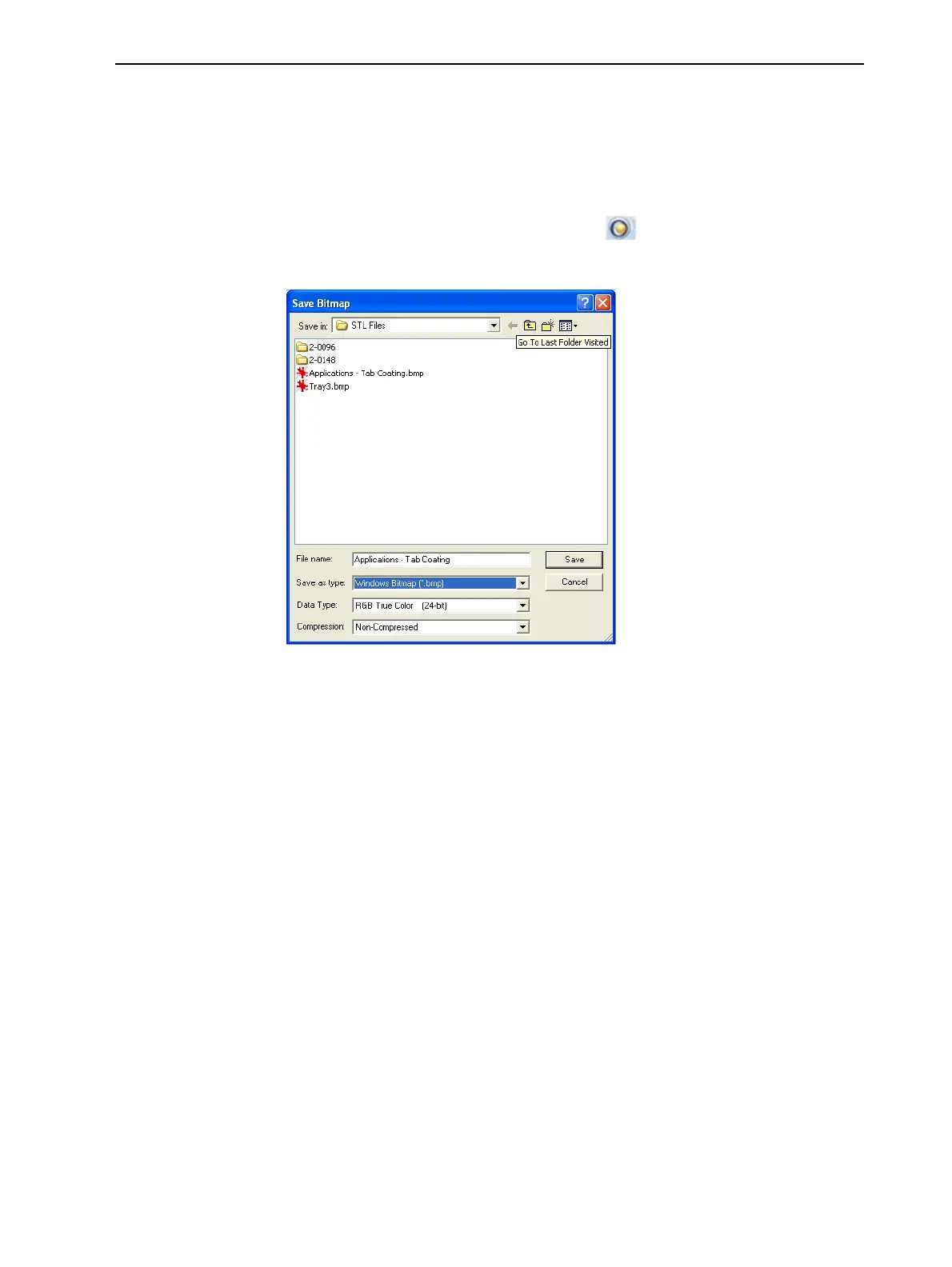
TheSave Bitmapdialogboxopens.
Figure5-82Save Bitmapdialogbox
2. Atthetopofthedialogbox,selecttheappropriatefolder.
3. Atthebottomofthedialogbox,enterafilename.
4. OpentheSave as typedrop-downlist,andselectthefileformat.
5. ClickSave.













 To Next Page