Objet260 User Guide 5 Using Objet Studio
DOC-37004 Rev.E 5-95
Additional
Server
Features
ObjetStudioontheprinterserverincludesthefollowingadditionalfeatures:
•"ExtendedTrayPreview"
•"EditingJobs"
•"RestartingJobs"
•"ResumingJobs"
•"SchedulingJobs"
•"ExportingJobs(objzf)"
•"ModifyingtheJobManagerScreen"
Thesefeaturesaredescribedonthefollowingpages.
ExtendedTrayPreview
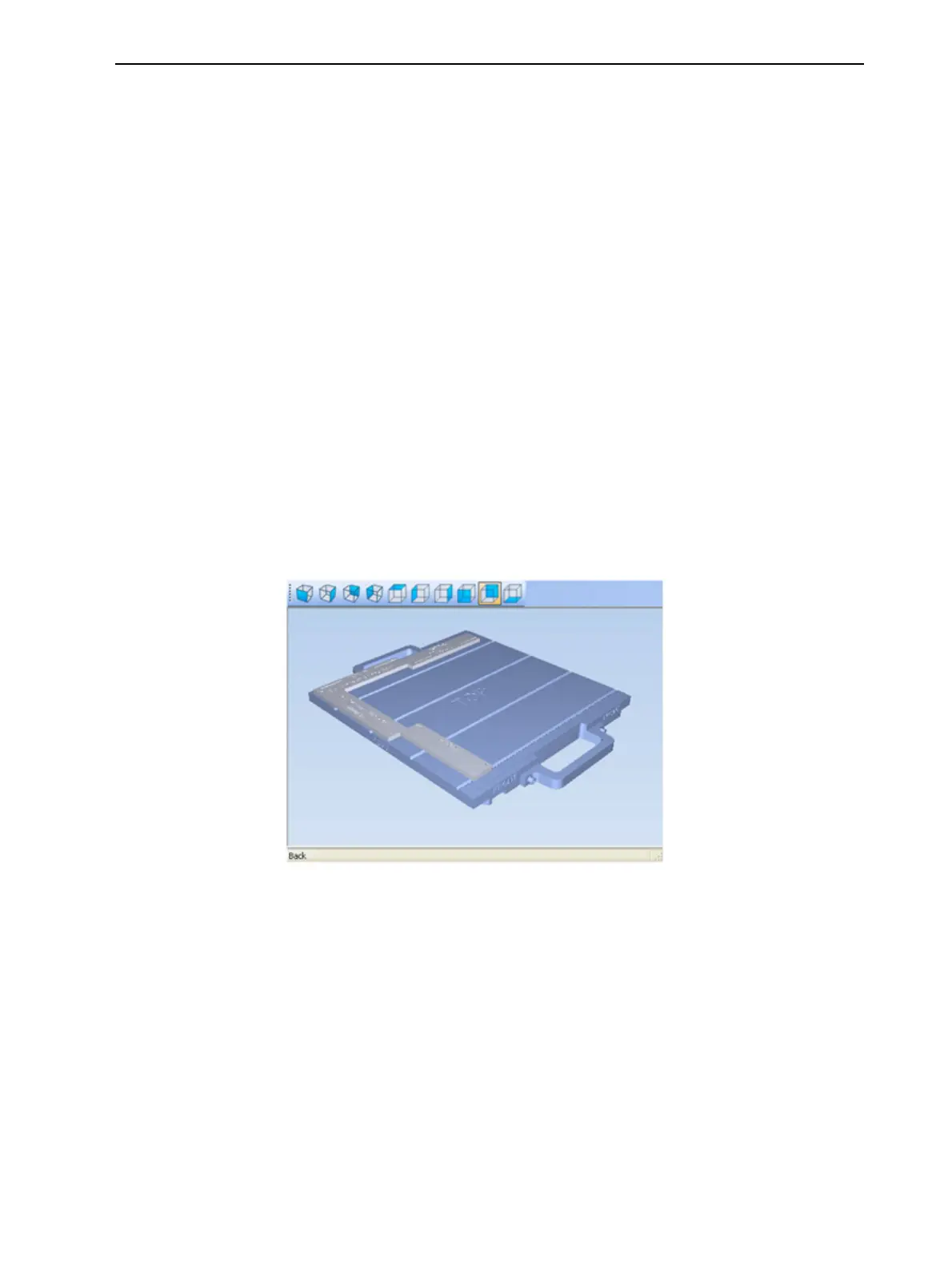
Inthiswindow,youcanviewthetrayfromdifferentanglesand
magnificationswithoutleavingtheJob Managerscreen.Inadditionto
displayingtheselectedjobintheTray Previewpane,youcanopenan
enlargedbuildtraywindow.
Todisplaythebuildtraywindow:
1. SelectajobintheJobs QueueortheHistorylist.
2. ClicktheTray Preview pane.
Figure5-119JobPreview
❒ Tochangethetraymagnification,turnthemousewheel.
❒ Toviewthetrayfromadifferentperspective,clicktherelevanticon.
❒ Toresizethewindow,dragitsedgeorcorners.
Ifthereareseveralobjectsonthebuildtray,youcanexcludeoneormore
frombeingprinted,withoutactuallydeletingtheobjectfromthetrayfile.
Topreventtheprintingofanobjectonthebuildtray:
1. Double-clickontheobjectyoudonotwanttoprint.
2. DisplaytheBuildtab.













 To Next Page