Objet260 User Guide 6 Operating and Maintaining the Objet260 3DPrinter
DOC-37004 Rev.E 6-42
13.Continueasfollows:
❒ Tomakethealignmentchangesintheprinter,makesurethatUpdate
system with new parametersisselected,andclickNext.
❒ Torecheckthealignmenttestresultsbeforemakingthealignment
changesintheprinter,clickPrevious.
❒ Ifyoudonotwanttomakealignmentchangesintheprinteratthis
time,selectKeep previous parameters andclickNext.
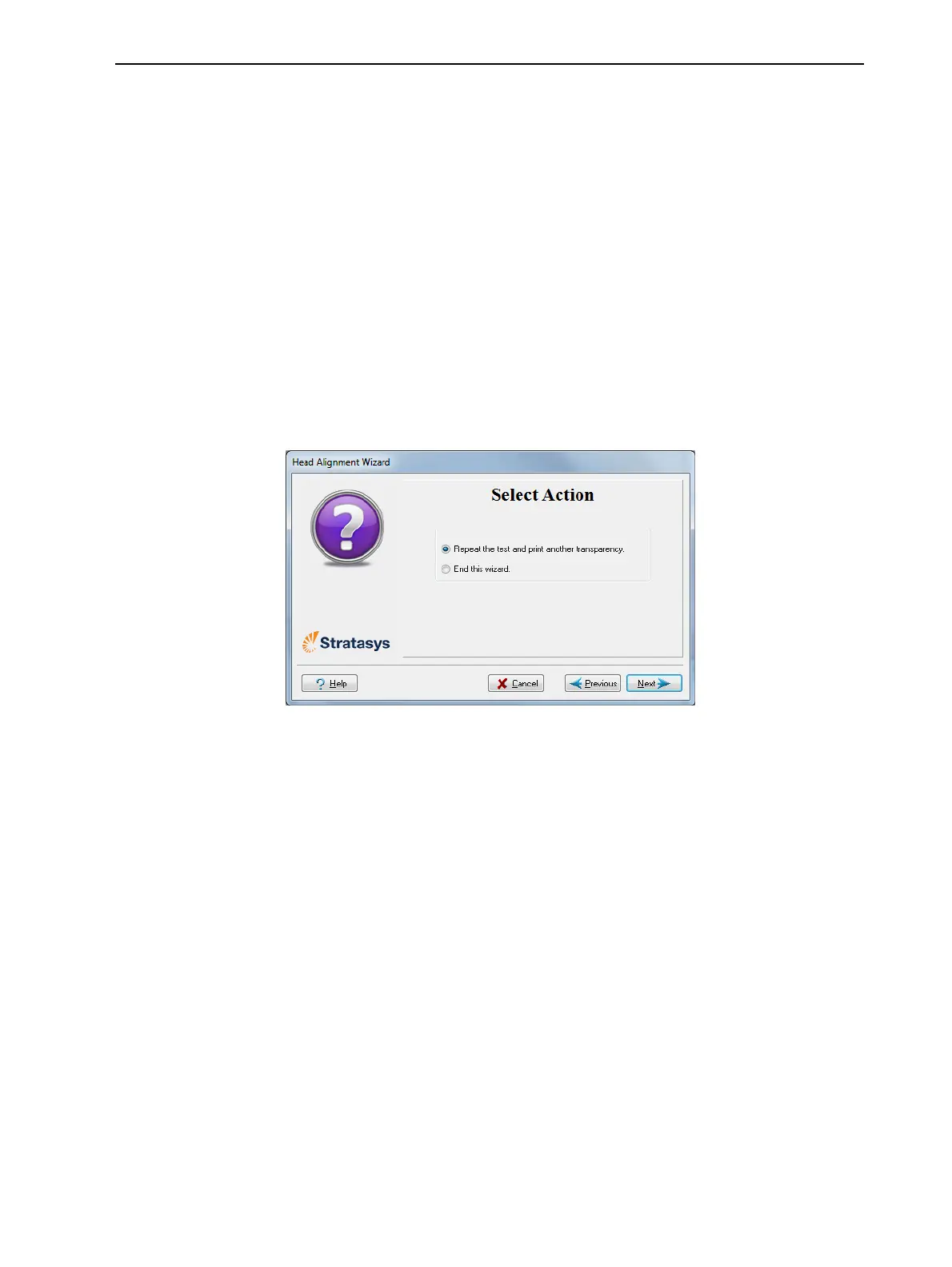
14.Inthefollowingscreen,youcanchoosetoeitherrepeatthehead
alignmentprocedureorclosethewizard.
❒ Ifthemostcloselyalignedverticallinesforaprintheadwereateither
extreme,chooseRepeat the test,thenclickNext.
Thetransparencytestwillshowiftheheadsarenowproperlyaligned,
and—ifnot—thewizardwillallowyouto“finetune”thealignment.
❒ Iftheverticallinesfortheprintheadswerenotalignedateither
extreme,chooseEnd the wizard,thenclickNext.
Figure6-54Repeat head alignmentoption
Optimizing
(Calibrating)
Print Heads
Theconditionoftheprintheadsdirectlyaffectsthequalityofprintedmodels.
Tomaintainoptimumprinting,youshouldroutinelytesttheprintheads,and
calibratethemtothebestworkingconfigurationpossiblebyrunningthe
HeadOptimizationwizardevery300hoursofprinting.
Duringthisprocedure,youplaceascaleonthebuildtrayandconnectitto
theprinter.Printingmaterial(resin)isjettedfromeachheadanditsweightis
automaticallyrecordedandthewizarddetermineshowtooptimizetheprint
heads.
If,duringtheoptimizationprocess,thewizarddeterminesthataprintheadis
faulty—orthatitisnegativelyaffectinglayeruniformitywiththecurrenthead
configuration—thewizardinstructsyoutoreplaceit.Ifthishappens,youcan
continuethewizardtoreplacetheprinthead,orabortthewizard,toreplace
theheadatanothertime.













 To Next Page