Objet260 User Guide 5 Using Objet Studio
DOC-37004 Rev.E 5-76
Default
Settings
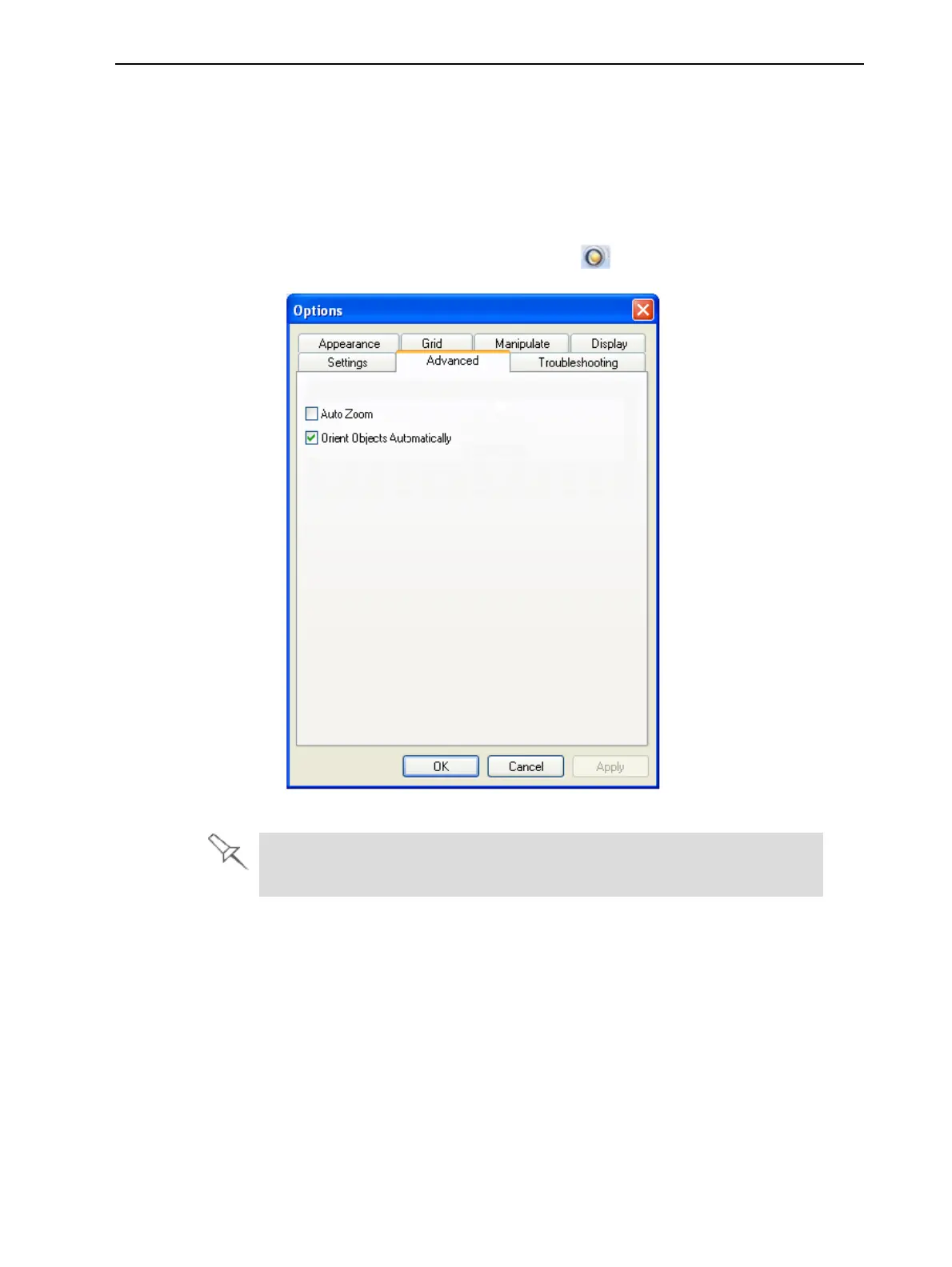
YoucancontrolthedefaultsettingsofseveralObjetStudiofeaturesfromthe
AdvancedtaboftheOptionsdialogbox.
TodisplaytheOptionsdialogbox
➢ FromtheToolsmenu,selectOptions.
or—
IntheObjetStudioCommandsmenu ,clickOptions.
Figure5-95Optionsdialogbox,Advancedtab
TheAdvancedtabisonlyaccessiblewhenProfessionalModeisactive
(see"ProfessionalModeFeatures"onthepreviouspage).
Automatic
Orientation
Bydefault,whenObjetStudioplacesobjectsonthebuildtray,itorientsthem
optimally,fortheshortestprintingtime.Ifnecessary,youcanchooseto
cancelautomaticorientationeachtimeyouplaceanobjectonthebuildtray
(see"AutomaticOrientation"onpage5-30).Inanycase,whenobjectsareon
thebuildtray,youcanchangetheirorientationmanually(see"Manual
Positioning"onpage5-33.)
TochangethedefaultsettingsothatAutomatic Orientationisdisabled:
➢ IntheAdvancedsectionoftheOptionsdialogbox,clearthecheckbox.













 To Next Page