Objet260 User Guide 6 Operating and Maintaining the Objet260 3DPrinter
DOC-37004 Rev.E 6-45
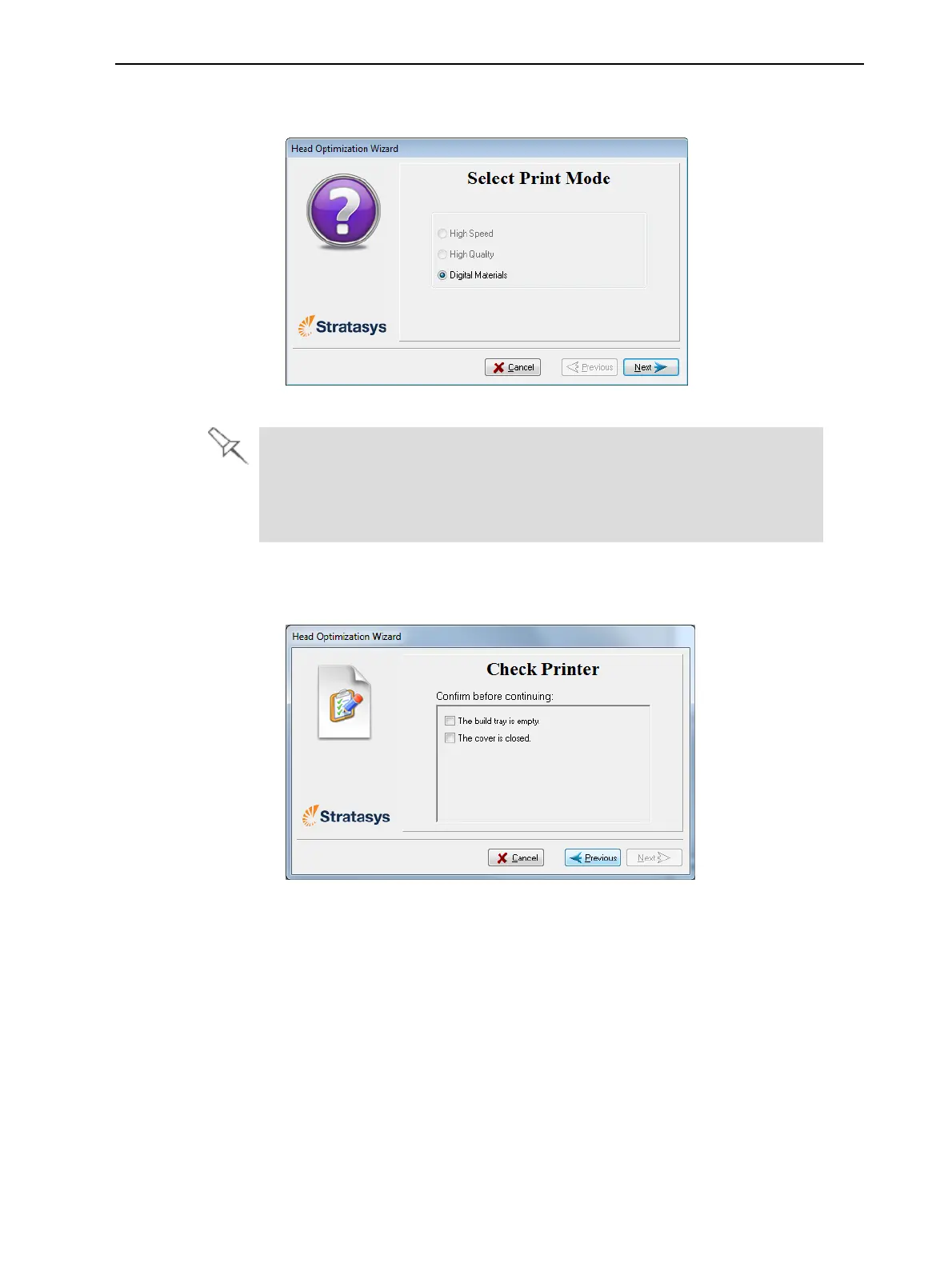
8. Selecttheprintingmodeforwhichyouwanttooptimizetheprintheads
andclickNext.
Figure6-58Printingmodeselection
IfyourprinterissettoprintinSinglematerialmode,onlytheHigh Speed
andHigh Qualityoptionsareenabled.
IfyourprinterissettoprintinDigitalMaterialmode,onlytheDigital
Material opitonisenabled.
9. Whenthefollowingscreenappears,tapeasheetofpinkpapertothe
surfaceleftofthebuildtray,closethecoverandclickNext.
Figure6-59Preparationsconfirmation
TheprinterprintsaframeonthebuildtrayandthenprintsthePattern
Test.













 To Next Page