Objet260 User Guide 6 Operating and Maintaining the Objet260 3DPrinter
DOC-37004 Rev.E 6-32
4. PressF3,oropentheOptionsmenuandselectPatternTest.
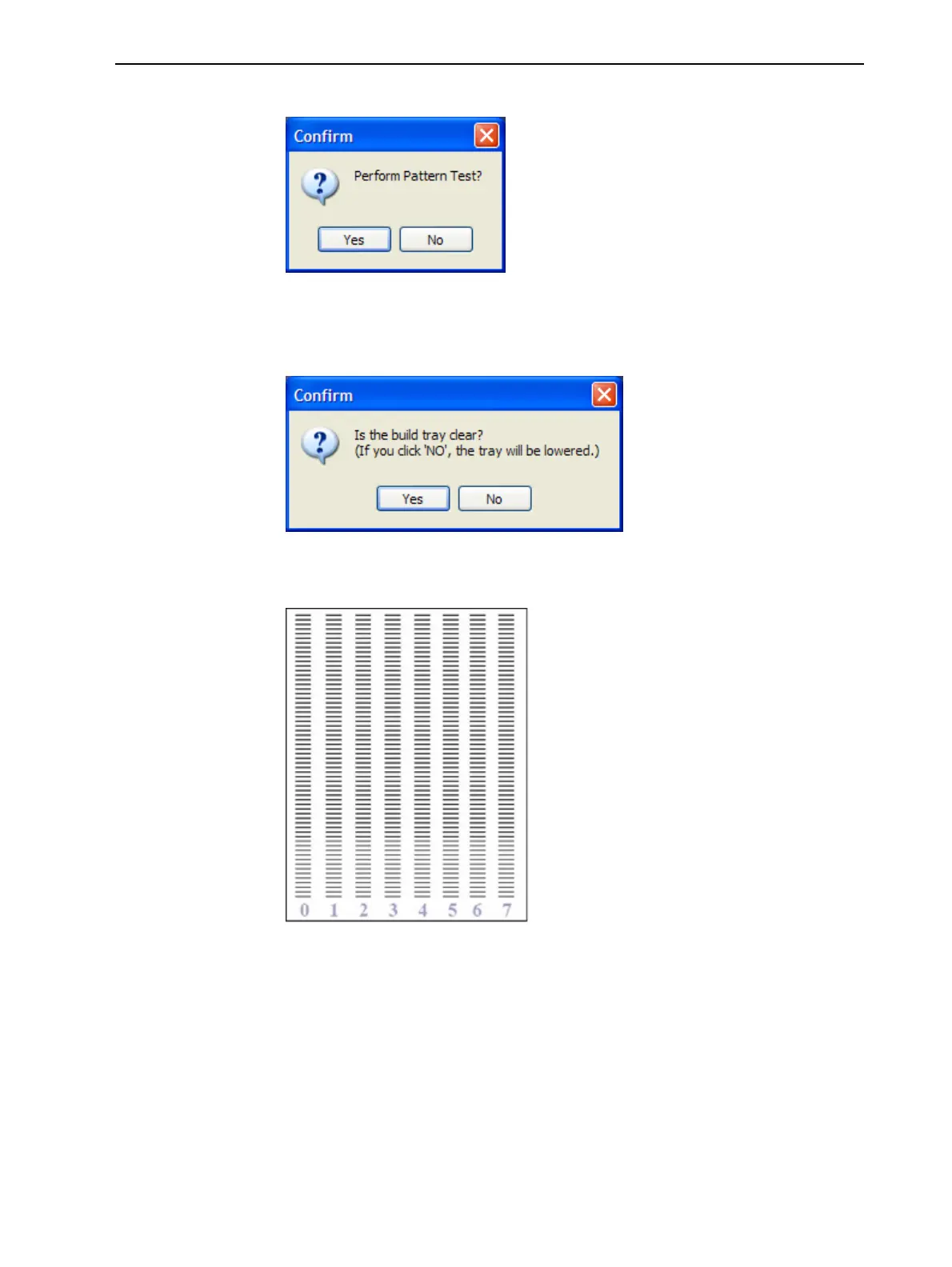
Figure6-34PatternTestconfirmation
5. Ifthebuildtrayisnotclear,clickNointhefollowingdialogbox.
Thislowersthebuildtray,sothatmodelsonthetrayarenotdamaged.
Figure6-35Buildtray(Z)leveladjustment
Theprinterprintsaseriesoflinesonthetestpaper(seenextfigure).
Figure6-36SamplePatternTest
6. Carefullyinspectthetestpapertoseeiftherearemissinglines.
Toomanymissinglines,especiallyiftheyareinthesamearea,indicates
thatthequalityofprintingwhenproducingmodelswillbepoor.Ifthisis
thecase,see"ImprovingPrintQuality"onthenextpage.
Note: Acceptablemodelqualityissubjective,anddependsonthetypeand
scale(size)ofthemodelsproduced.Asarule,however,morethan10
missinglinesinoneareaofacolumnisconsideredunacceptable.













 To Next Page