Objet260 User Guide 7 Handling Printed Models
DOC-37004 Rev.E 7-3
•ForSUP705,afterbreakingawayexcesssupportmaterial,soakthemodel
ina1%causticsodasolution(see"RemovingSUP705withCausticSoda"
onpage7-4).
•ForSUP706,afterbreakingawayexcesssupportmaterial,soakthemodel
ina2%causticsodaandsodiummetasilicatesolution(see"Removing
SUP706withCausticSodaandSodiumMetasilicate"onthenextpage).
Removing
SupportMaterial
withWater
Pressure
Formostmodels,themostefficientwaytoremovesupportmaterialisby
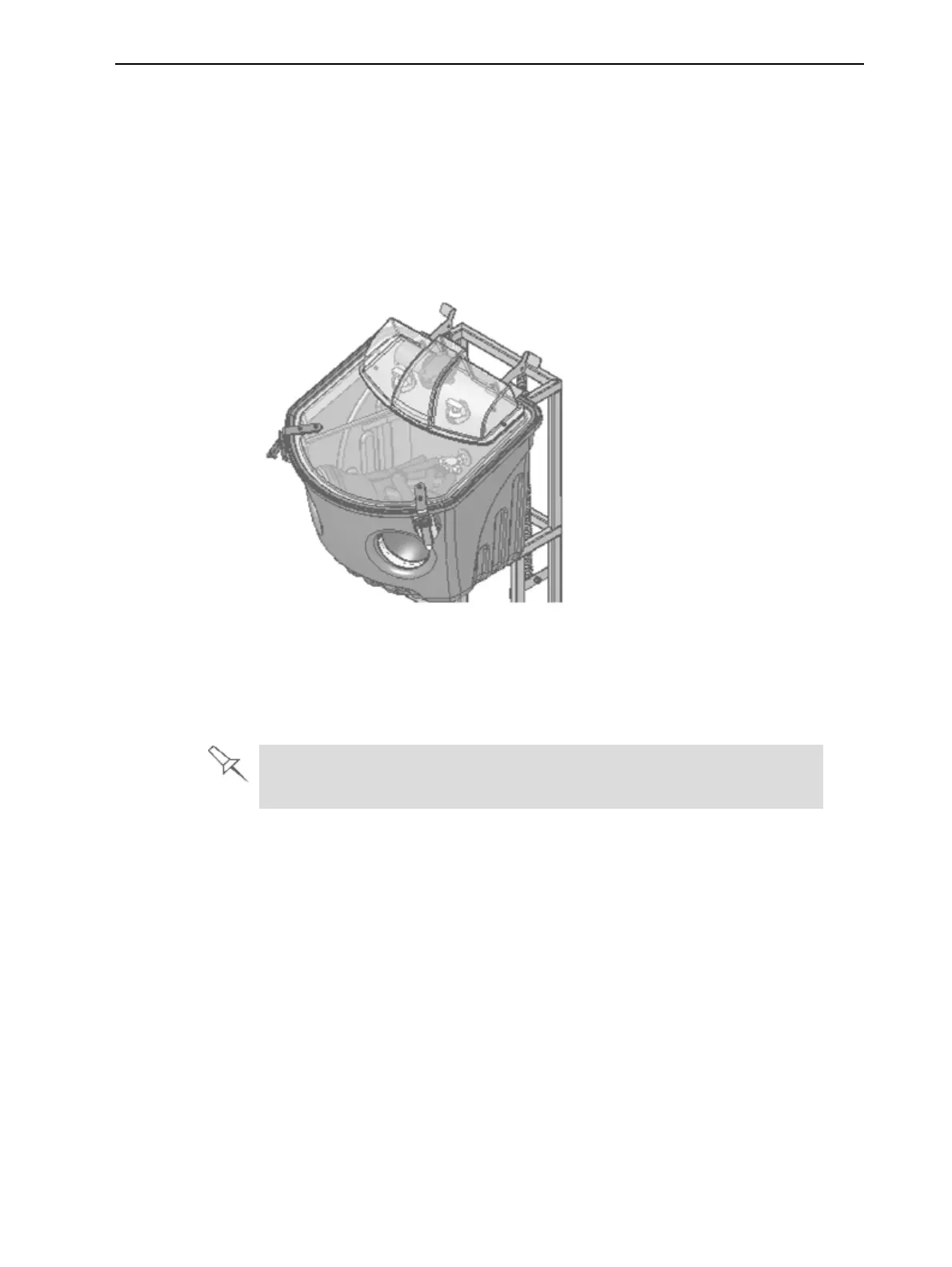
usingahigh-pressurewaterjet.OnesuitablesystemistheObjetWaterJet
cleaningunit.
Figure7-1WaterJetCleaningUnit
Tocleanamodelusingthisdevice,youplaceitinthechamber,andyou
manipulateitandthejetusingthebuilt-in,waterproofsleeves.Apumpturns
ordinarytapwaterintoahigh-pressurejet,andawiperkeepsthewindow
clear.
Usecautionwhencleaningdelicatemodelswithhigh-pressurewater
systems.













 To Next Page