Objet260 User Guide 5 Using Objet Studio
DOC-37004 Rev.E 5-9
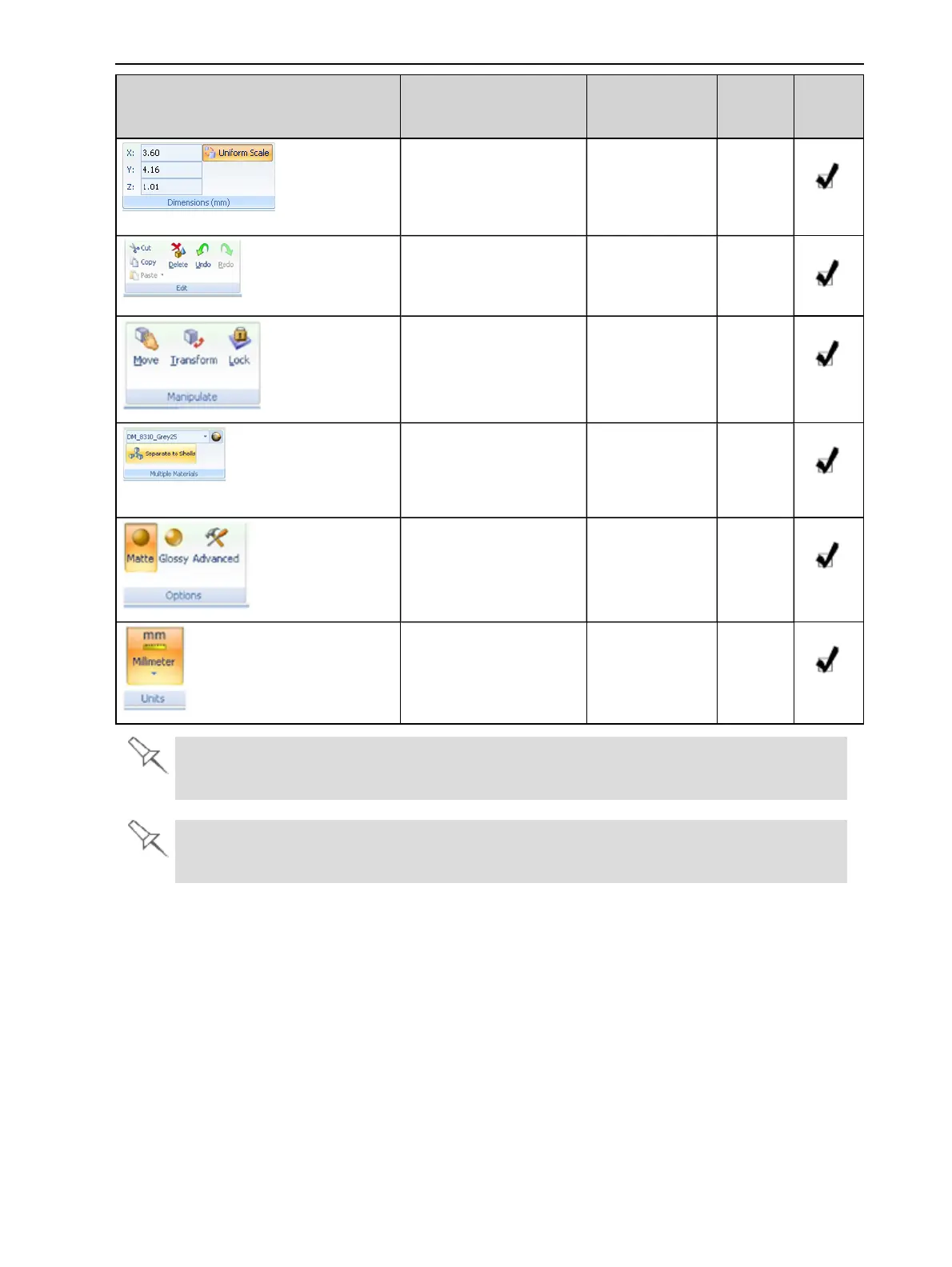
Group Purpose When enabled Tray
Settings
Ribbon
Model
Settings
Ribbon
Settingmodel
dimensions.
Amodelis
selected.
Cutting,copying,pasting
anddeletingmodels.
Amodelis
selected.
Moving,rotatingand
resizingmodels.
Amodelis
selected.
• Assigningamaterial
toamodelorshell.
• Separatingamodel
intoshells.
Amodelis
selected.
Assigningmodelfinish
andsettingsupport
strength/“hollow.”
Amodelis
selected.
Settingamodel’sunitof
measure(millimetersor
inches).
Amodelis
selected.
Toquicklyidentifyanicon,movethecursoroverittodisplayatooltip.The“Undo”and
“Redo”tooltipschangetoreflectyourlastObjetStudioaction.
Afteractivatingsomeoftheribboncommands(byclickingthem),theyremainactiveuntil
youclickanotherbuttonoruntilyoupresstheEscapekey.













 To Next Page