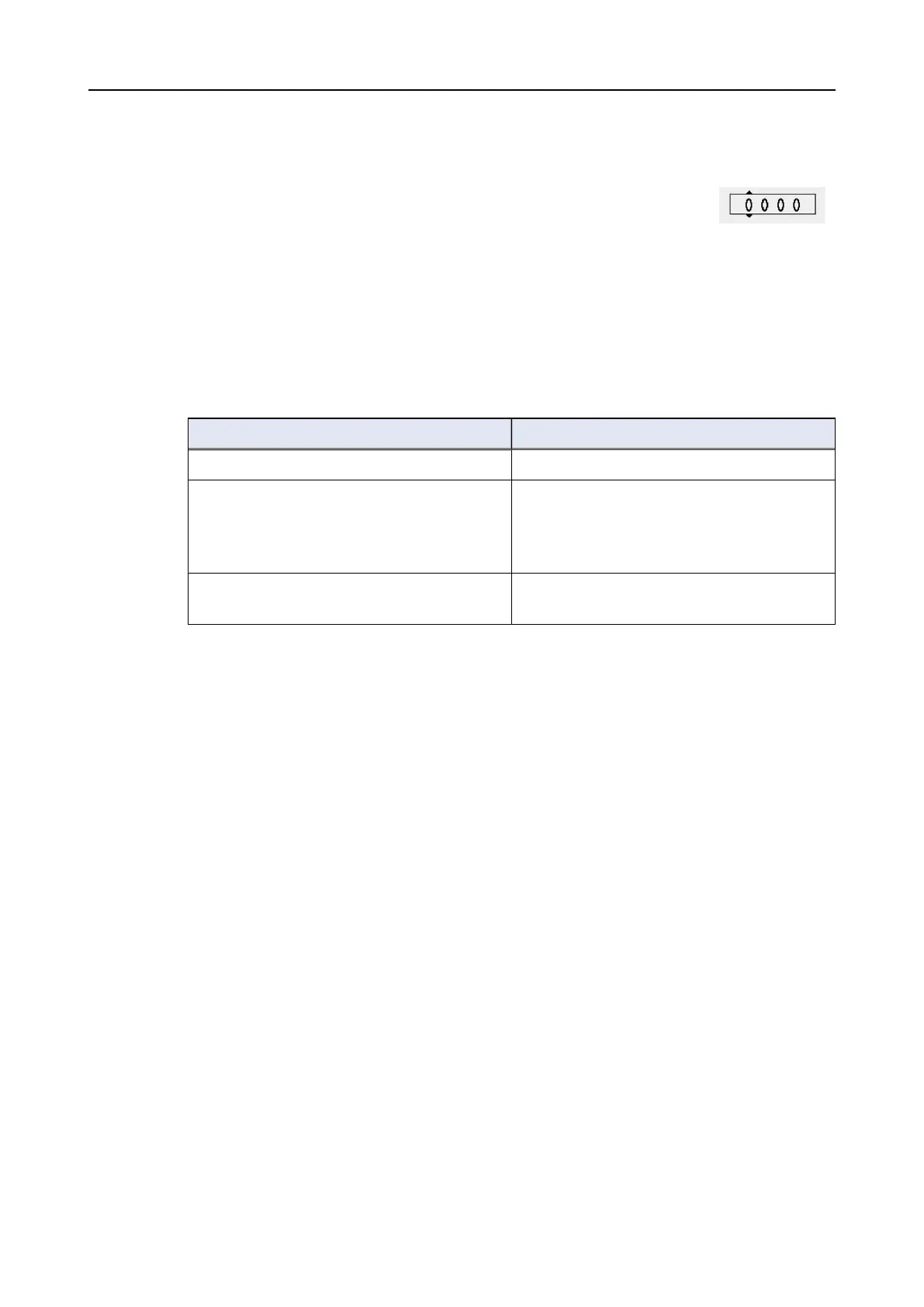
1. From the Main menu select Configuration > Options.
2. Select the field for entering the pass code.
3. When the Enter pass code dialog is shown, enter the current pass code.
The default pass code is ‘2750’.
4. Change the pass code and confirm your selection.
Auto continue mode
You can set the machine to automatically continue to the next step in a method, as long as the
consumables used are the same.
1. Select Configuration > Options > Auto continue mode.
Setting Definition
Off The machine pauses between each step.
Equal cons. except SiC The machine automatically continues to the
next step, but pauses when grinding with SiC
Paper, which must be changed between the
steps.
Always The machine automatically continues to the
next step.
Time to fill empty tube
This function applies when LaboDoser-100 is used with LaboForce-100.
You can set the time for filling the tube:
• if you have installed a new bottle
• after the cleaning procedure.
Procedure
1. Select Configuration > Options > Time to fill empty tube.
2. If needed, set the time.
3. Confirm your selection.
Pump cleaning time
This function applies when LaboDoser-100 is used with LaboForce-100.
You can set the time for pumping water through the tubes during the cleaning procedure.
Procedure
1. Select Configuration > Options > Pump cleaning time.
2. If needed, set the time.
3. Confirm your selection.
58 LaboPol-30
8 LaboForce-100









 To Next Page