21
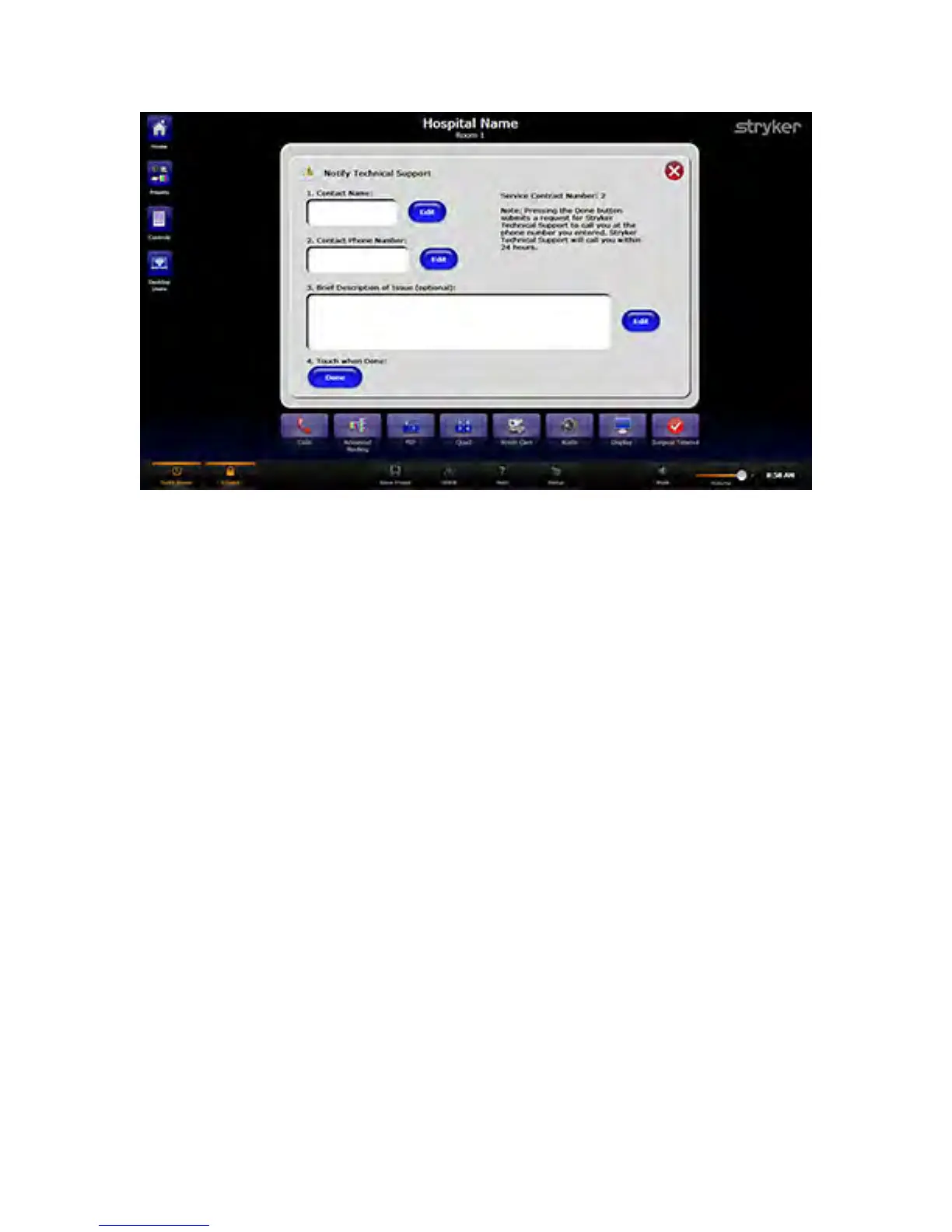
FFiigguurree 33.. SSOORRNN SSuuppppoorrtt PPaaggee
NNoottee:: TToo uussee tthhiiss ffeeaattuurree,, tthhee SSwwiittcchh PPooiinntt IInnffiinniittyy mmuusstt bbee rreeggiisstteerreedd ttoo SSOORRNN,,
aanndd aa sseerrvviiccee ccoonnttrraacctt mmuusstt bbee ppuurrcchhaasseedd..
6.3.5 Help
The Help screen offers tutorials that explain how to operate the system. To access the
Help section, press the HHeellpp button on the taskbar.
The Help screen uses multimedia to instruct you on how to operate different functions of
the system, such as how to route video, make a call, or control room cameras. The
Stryker Communications Technical Support contact information can be found on the
bottom of the page.



 To Next Page