23
6.4 Home and Presets Buttons
6.4.1 Home Button
Pressing the HHoommee button returns the Control Section to it’s home state, showing the
Simple Routing screen.
6.4.2 Presets Button
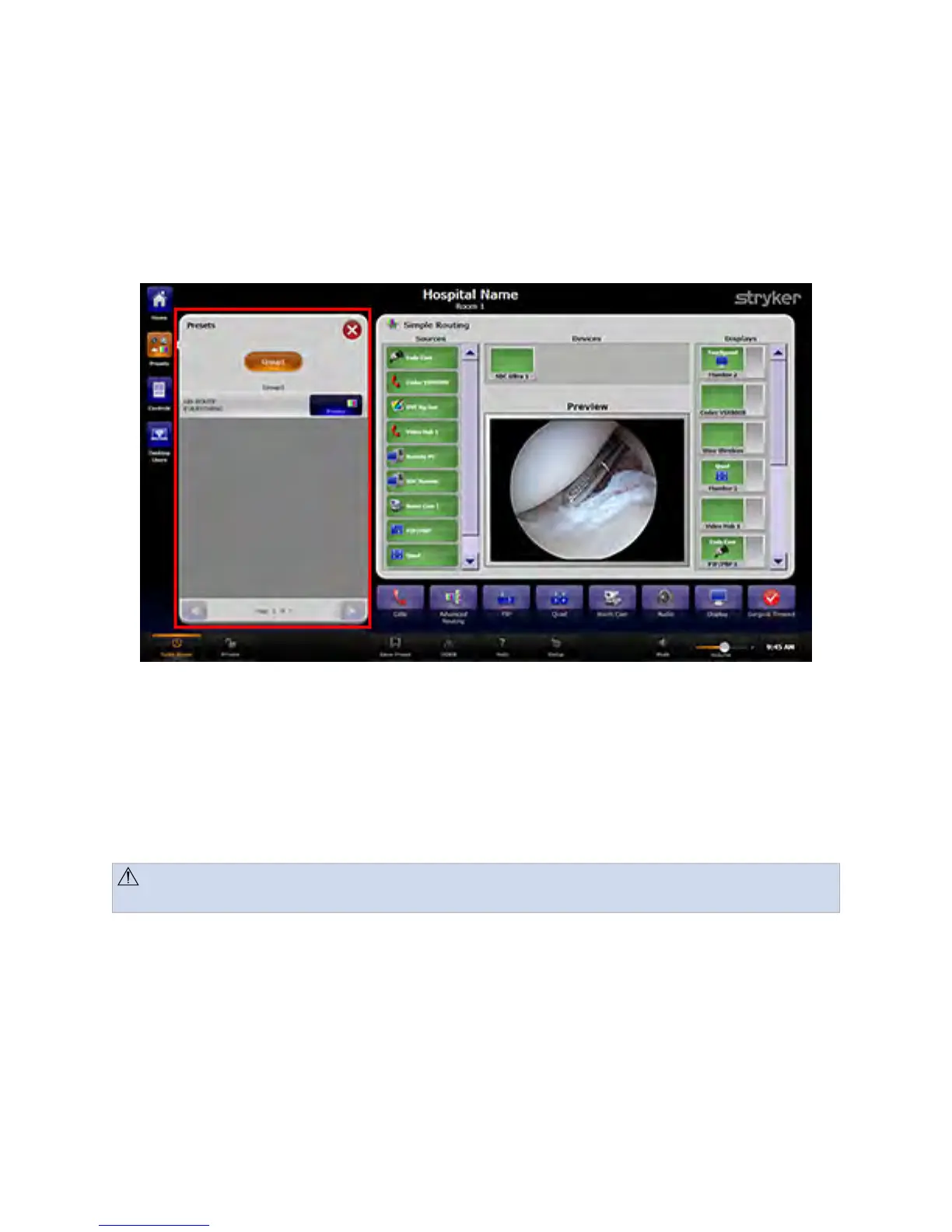
Pressing the PPrreesseettss button opens the Presets menu.
FFiigguurree 66.. PPrreesseettss MMeennuu
To use a preset from the menu, press the desired PPrreesseett button. The preset will
automatically load (
see 9 Presets, page 34
).
6.5 Screensaver
After 2 hours of non-use, the SwitchPoint Infinity Touch Panel screensaver will activate.
CCaauuttiioonn:: Use caution when reactivating the Touch Panel from screensaver mode,
as touching anywhere on the Touch Panel may inadvertently execute a function.
NNoottee:: TThheerree iiss nnoo ssccrreeeenn ssaavveerr ooppttiioonn ffoorr AAllll--IInn--OOnnee ssyysstteemmss..



 To Next Page