27
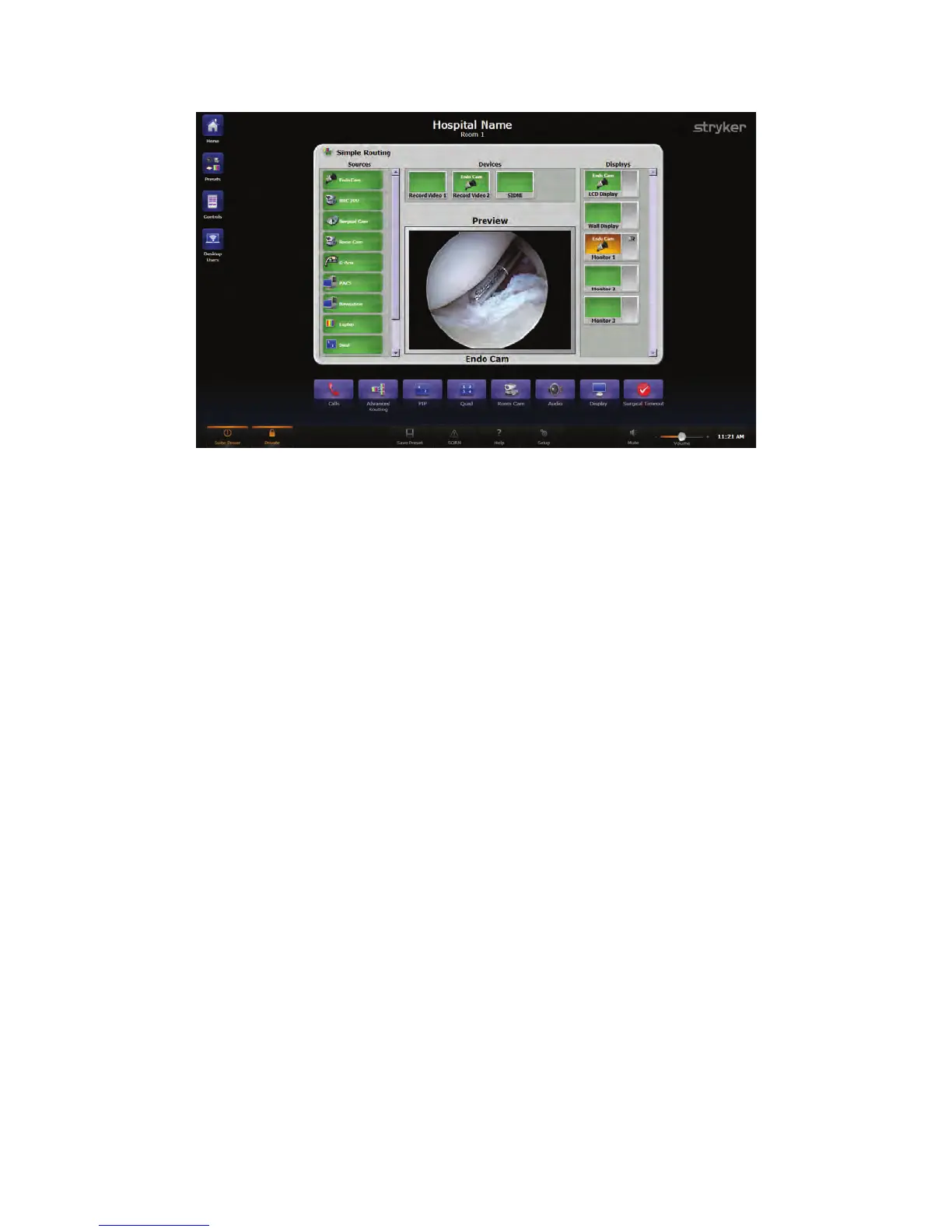
FFiigguurree 99.. VViieewwiinngg aanndd RReeccoorrddiinngg aa SSoouurrccee oonn aa DDiissppllaayy
7.1.3 Using Sidne or SDC3 along with Viewing and Recording a
Source on a Display
To route a source through a device to a display and use Sidne or SDC3, perform the
following steps:
1. Select a source, such as the Endo Cam, from the Video Sources area located on the
left side of the screen.
2. Select the Sidne or SDC3 destination from the Devices area. The icon for the video
source being routed through Sidne or SDC3 will be displayed on the device button.
3. For Sidne only, select a device through which to route the source, such as the SDC,
from the Devices area at the top of the screen. The icon for the video source being
routed through the device will be displayed on the device button.
4. Select a display, such as Monitor 2, from the Displays area located on the right side
of the screen. The icon for the video source being routed through the display will
appear on the display button, and the route has been completed.



 To Next Page