EasyManua.ls Logo

Stryker SwitchPoint Infinity 3 - User Manual

Stryker SwitchPoint Infinity 3
124 pages
Print Icon
To Next Page IconTo Next Page
Loading...
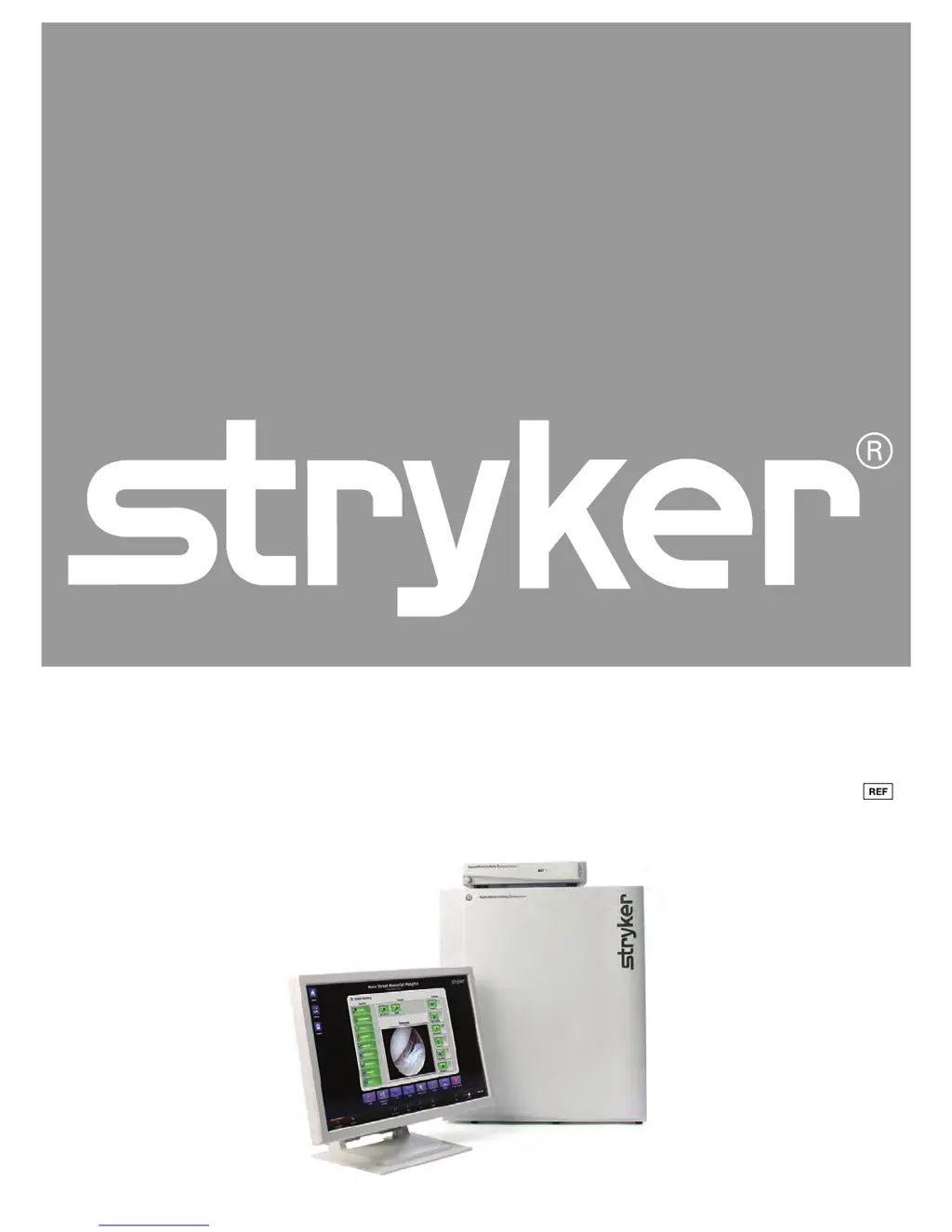
SSwwiittcchhPPooiinntt IInnffiinniittyy®® 33 aanndd SSwwiittcchhPPooiinntt IInnffiinniittyy 33--LLiittee
RRoouutteerr aanndd CCoonnttrrooll SSyysstteemm
OOppeerraattiioonnss aanndd MMaaiinntteennaannccee MMaannuuaall
0678001000
0678003000

Table of Contents

Questions and Answers

Summary

Indications for Use

Intended Use

Details the system's purpose in medical environments.

System Indications

Specifies the general user population for the system.

Contraindications

Lists any conditions where the system should not be used.

Wireless Microphone Features

Explains the function and technical aspects of the wireless microphone.

Warnings and Cautions

Safety Warnings

Provides critical safety instructions to prevent injury.

Cautions and Notes

Outlines precautions for equipment damage and supplementary information.

Product Symbol Definitions

Standard Symbol Explanations

Explains symbols used on the equipment and in the manual.

EMC Precautions and Symbols

Details EMC precautions and related symbols.

System Overview

Integrated Router and Conferencing Interface

Describes the system's core functionality as a router and conferencing interface.

Equipment Connections

Connector Types and System Inputs;Outputs

Lists and describes connectors, video/audio inputs/outputs.

Advanced Connectivity Options

Describes RS-232, KVM, Video Network Hub, SuiteLink, Sidne, Codecs.

Touch Panel Interface

Interface Layout and Sections

Describes Control Section, Quick Button Bar, and Global Taskbar.

Global Taskbar Functions

Explains Volume, Setup, Save Preset, SORN, Help, Suite Power, Private.

Navigation Buttons

Covers Home and Presets buttons for navigation.

Touch Panel Screensaver

Details the automatic screen saver activation and usage caution.

Routing Video

Simple Routing Procedures

Describes basic routing, viewing, and recording sources.

Visual and Text Routing Methods

Explains creating routes visually and via text menus.

Creating and Saving Routes

Steps for building, unrouting, and saving routes.

PIP and Quad View Generator

Picture-in-Picture (PIP) Operations

Explains PIP features like selecting images, layout, and size.

Quad View Operations

Details Quad View features for displaying four images.

Presets Management

Recalling and Saving Presets

How to load and save room configurations as presets.

Call Management

Manual Dialing and Call Setup

Making calls via manual dial, including Room-to-Room and Codec calls.

Campus, Offsite, and Active Calls

Campus status, Codec calls, and active call management.

Call History, Privacy, and Groups

Call history, room privacy, and call group organization.

Storing Speed Dials and Offsite Calls

Saving speed dials and making Offsite/Codec calls.

Advanced and SuiteView Call Types

Broadcast, View Only, Meeting Room, and SuiteView calls.

Surgical Timeout

Surgical Timeout Procedure Steps

Step-by-step guide to performing the surgical timeout checklist.

Control Panel Operations

Device and Advanced Controls Overview

Buttons for surgical devices and advanced functions like routing and camera.

PC Device Control

KVM Functionality for PC Management

Explains KVM for controlling PCs via the system.

Audio Controls

Speaker, Input, and Output Level Adjustments

Adjusts speaker volume, bass, balance, treble, and input/output levels.

Display Management

Configuring and Controlling Displays

Manages displays, turning them on/off and selecting images.

Room Camera Control

Camera Operation and Advanced Settings

Controls pan/tilt/zoom, focus, and advanced camera settings.

Remote Device Control

Stryker Digital Capture (SDC) Operations

How to control the SDC device via the system.

Observation Room Features

Observation Room Controls and Video Routing

Controls speaker volume and video routing for observation displays.

Camera Control References

Refers to Room Camera controls for pan/tilt/zoom and advanced settings.

Room Lights Control

Lighting Presets and Operation

Controls room lighting presets and all-off function.

Touch Panel Calibration

Touch Panel Calibration Procedure

Steps for calibrating the touch panel interface.

Setting System Date and Time

Date and Time Configuration

How to set the system's date and time.

SORN Support

Contacting Technical Support

Contacting Stryker technical support through the system.

Shutting Down the System

System Shutdown Procedure

Procedure for safely shutting down the system.

Emergency Operation

Backup Video Mode Procedures

Instructions for using backup video in case of primary video loss.

Troubleshooting Guide

Useful Tips for System Operation

General advice for optimal system use and maintenance.

System Troubleshooting Steps

Specific troubleshooting steps for the system.

Physical and Electrical Specifications

SPI3 and SPI3-Lite Unit Specifications

Environmental, electrical, and physical specs for SPI3 and SPI3-Lite units.

Control System Unit Specifications

Electrical and physical specs for SPI3 Control System and All-In-One.

Required Equipment and EMC Information

Lists required equipment and EMC guidance.

RF Separation Distances

Recommended distances for RF equipment to prevent interference.

Maintenance Procedures

Periodic Maintenance Schedule

Tasks and schedule for user maintenance.

Preventative Maintenance and Cleaning

Requirements for system restarts and cleaning procedures.

Product Disposition and Battery Handling

Information on product disposal and battery removability.

Wireless Microphone Battery Replacement

Instructions for changing batteries in the wireless microphone.

Damage Claims and Service Procedures

Procedures for handling damaged equipment and service requests.

WEEE Passport, SPI3-Lite Recycling

Recycling Guidance for SPI3-Lite

Guidance for recycling the SPI3-Lite system.

Contact Information

Stryker Customer Service Details

Contact details for Stryker Customer Service.

Summary

Indications for Use

Intended Use

Details the system's purpose in medical environments.

System Indications

Specifies the general user population for the system.

Contraindications

Lists any conditions where the system should not be used.

Wireless Microphone Features

Explains the function and technical aspects of the wireless microphone.

Warnings and Cautions

Safety Warnings

Provides critical safety instructions to prevent injury.

Cautions and Notes

Outlines precautions for equipment damage and supplementary information.

Product Symbol Definitions

Standard Symbol Explanations

Explains symbols used on the equipment and in the manual.

EMC Precautions and Symbols

Details EMC precautions and related symbols.

System Overview

Integrated Router and Conferencing Interface

Describes the system's core functionality as a router and conferencing interface.

Equipment Connections

Connector Types and System Inputs;Outputs

Lists and describes connectors, video/audio inputs/outputs.

Advanced Connectivity Options

Describes RS-232, KVM, Video Network Hub, SuiteLink, Sidne, Codecs.

Touch Panel Interface

Interface Layout and Sections

Describes Control Section, Quick Button Bar, and Global Taskbar.

Global Taskbar Functions

Explains Volume, Setup, Save Preset, SORN, Help, Suite Power, Private.

Navigation Buttons

Covers Home and Presets buttons for navigation.

Touch Panel Screensaver

Details the automatic screen saver activation and usage caution.

Routing Video

Simple Routing Procedures

Describes basic routing, viewing, and recording sources.

Visual and Text Routing Methods

Explains creating routes visually and via text menus.

Creating and Saving Routes

Steps for building, unrouting, and saving routes.

PIP and Quad View Generator

Picture-in-Picture (PIP) Operations

Explains PIP features like selecting images, layout, and size.

Quad View Operations

Details Quad View features for displaying four images.

Presets Management

Recalling and Saving Presets

How to load and save room configurations as presets.

Call Management

Manual Dialing and Call Setup

Making calls via manual dial, including Room-to-Room and Codec calls.

Campus, Offsite, and Active Calls

Campus status, Codec calls, and active call management.

Call History, Privacy, and Groups

Call history, room privacy, and call group organization.

Storing Speed Dials and Offsite Calls

Saving speed dials and making Offsite/Codec calls.

Advanced and SuiteView Call Types

Broadcast, View Only, Meeting Room, and SuiteView calls.

Surgical Timeout

Surgical Timeout Procedure Steps

Step-by-step guide to performing the surgical timeout checklist.

Control Panel Operations

Device and Advanced Controls Overview

Buttons for surgical devices and advanced functions like routing and camera.

PC Device Control

KVM Functionality for PC Management

Explains KVM for controlling PCs via the system.

Audio Controls

Speaker, Input, and Output Level Adjustments

Adjusts speaker volume, bass, balance, treble, and input/output levels.

Display Management

Configuring and Controlling Displays

Manages displays, turning them on/off and selecting images.

Room Camera Control

Camera Operation and Advanced Settings

Controls pan/tilt/zoom, focus, and advanced camera settings.

Remote Device Control

Stryker Digital Capture (SDC) Operations

How to control the SDC device via the system.

Observation Room Features

Observation Room Controls and Video Routing

Controls speaker volume and video routing for observation displays.

Camera Control References

Refers to Room Camera controls for pan/tilt/zoom and advanced settings.

Room Lights Control

Lighting Presets and Operation

Controls room lighting presets and all-off function.

Touch Panel Calibration

Touch Panel Calibration Procedure

Steps for calibrating the touch panel interface.

Setting System Date and Time

Date and Time Configuration

How to set the system's date and time.

SORN Support

Contacting Technical Support

Contacting Stryker technical support through the system.

Shutting Down the System

System Shutdown Procedure

Procedure for safely shutting down the system.

Emergency Operation

Backup Video Mode Procedures

Instructions for using backup video in case of primary video loss.

Troubleshooting Guide

Useful Tips for System Operation

General advice for optimal system use and maintenance.

System Troubleshooting Steps

Specific troubleshooting steps for the system.

Physical and Electrical Specifications

SPI3 and SPI3-Lite Unit Specifications

Environmental, electrical, and physical specs for SPI3 and SPI3-Lite units.

Control System Unit Specifications

Electrical and physical specs for SPI3 Control System and All-In-One.

Required Equipment and EMC Information

Lists required equipment and EMC guidance.

RF Separation Distances

Recommended distances for RF equipment to prevent interference.

Maintenance Procedures

Periodic Maintenance Schedule

Tasks and schedule for user maintenance.

Preventative Maintenance and Cleaning

Requirements for system restarts and cleaning procedures.

Product Disposition and Battery Handling

Information on product disposal and battery removability.

Wireless Microphone Battery Replacement

Instructions for changing batteries in the wireless microphone.

Damage Claims and Service Procedures

Procedures for handling damaged equipment and service requests.

WEEE Passport, SPI3-Lite Recycling

Recycling Guidance for SPI3-Lite

Guidance for recycling the SPI3-Lite system.

Contact Information

Stryker Customer Service Details

Contact details for Stryker Customer Service.

Stryker SwitchPoint Infinity 3 Specifications

General IconGeneral
Input Voltage100-240 VAC
Frequency50/60 Hz
CategoryControl Systems
Operating Temperature0°C to 40°C
Storage Temperature-20°C to 60°C
CertificationsIEC 60601-1, CE, UL
CompatibilityStryker Endoscopy Systems