66
18
Observation Room
NNoottee:: SSyysstteemmss rruunnnniinngg SSPPII33..55 ddoo nnoott hhaavvee tthhee OObbsseerrvvaattiioonn RRoooomm ooppttiioonn..
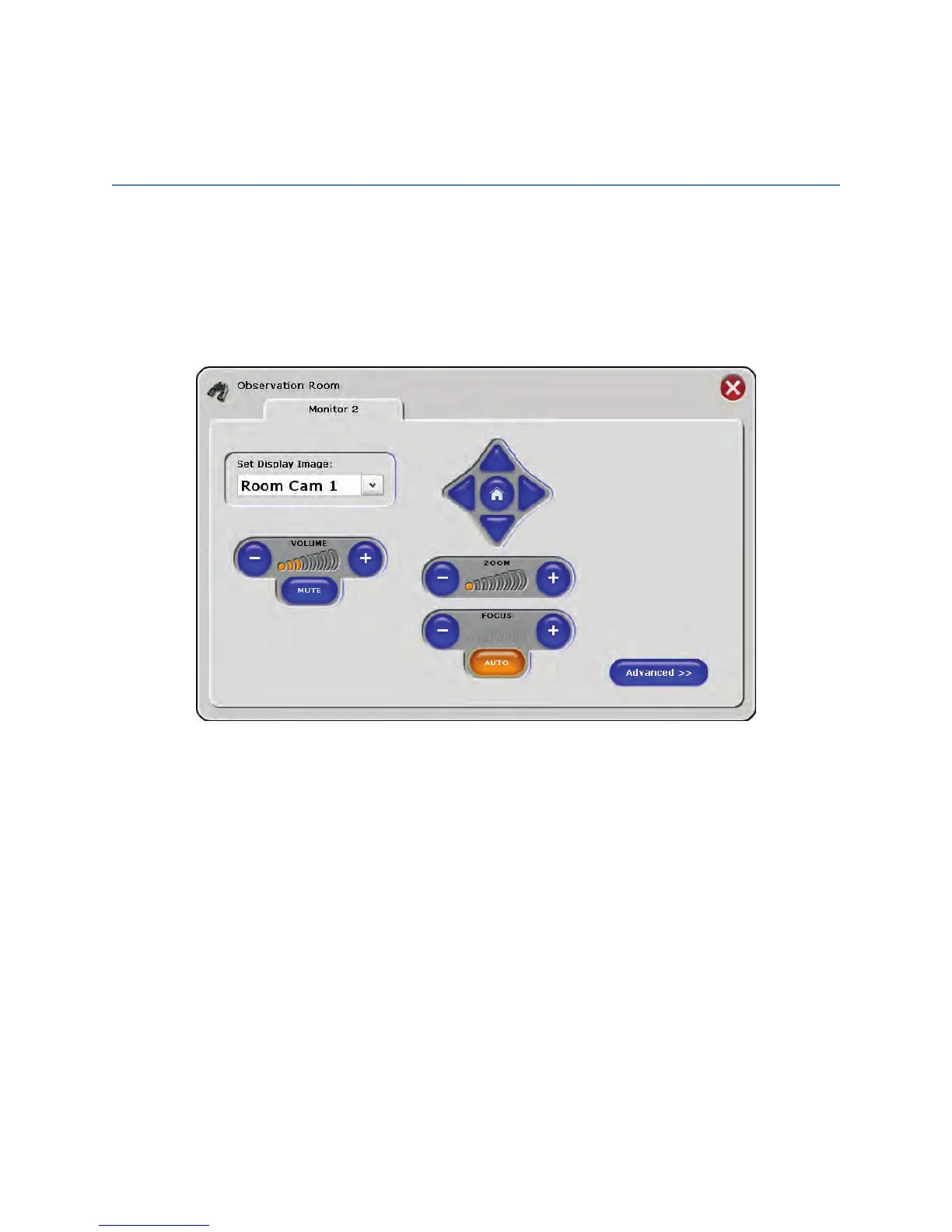
The Observation Room screen controls the speaker volume and video routing for
displays in the observation room. The Observation Room PC will automatically display
this screen when turned on.
FFiigguurree 4444.. OObbsseerrvvaattiioonn RRoooomm SSccrreeeenn
To access the Observation Room screen From SwitchPoint Infinity 3, press the
OObbsseerrvvaattiioonn RRoooomm button under the Advanced Controls section of the Control Panel.
This screen appears similar to the one on the Observation Room PC with the exception
of the DDiissaabbllee button.



 To Next Page