64
Use the “Set Camera Display” drop down menu to choose a display on which the camera
video will appear.
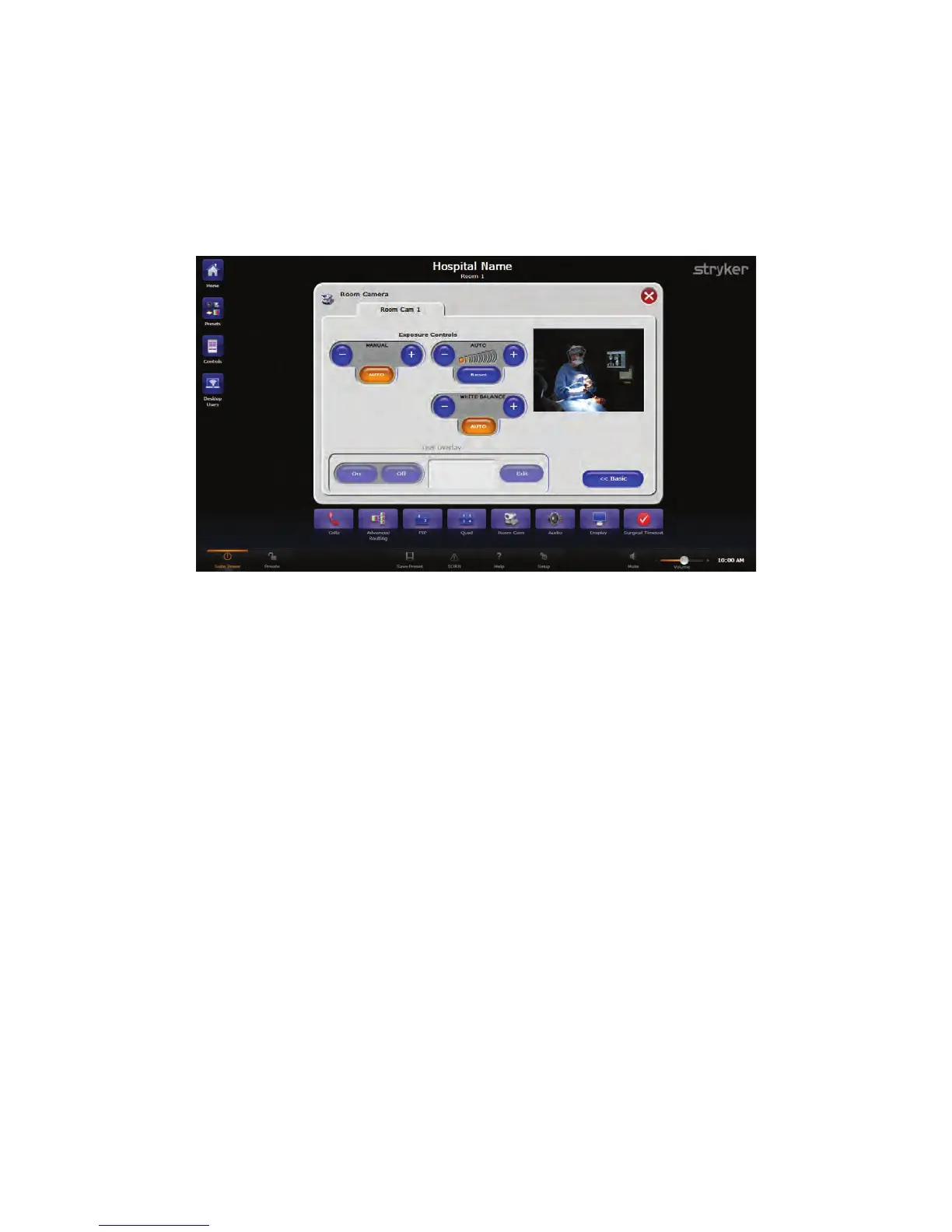
16.1 Advanced
From the Advanced Room Camera screen the exposure of the image viewed on the
room camera can be adjusted.
FFiigguurree 4433.. AAddvvaanncceedd RRoooomm CCaammeerraa SSccrreeeenn
1. To manually adjust the exposure of the room camera, press the “++” or “--” buttons
under the Manual Settings.
2. To have the camera automatically adjust the settings, press the AAuuttoo button under
the Manual settings.
3. To adjust the white balance, press the “++” or “--” buttons under the White Balance
settings.
4. Depending on the camera, it may be possible to add a text overlay. To do so, press
the OOnn button in the Overlay settings box, and press the EEddiitt button to enter text. If
the camera does not support this feature, it will be disabled.



 To Next Page