22
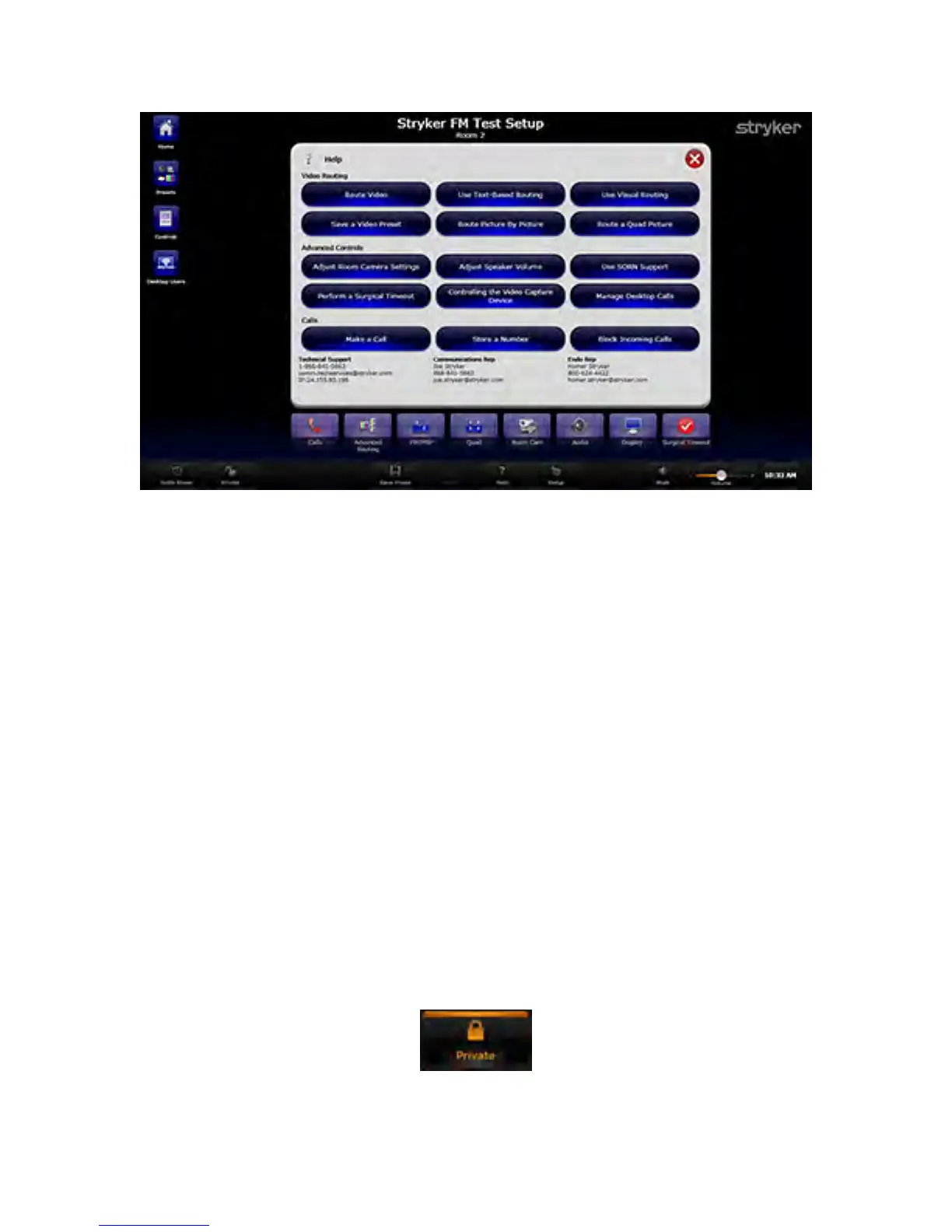
FFiigguurree 44.. HHeellpp SSccrreeeenn
6.3.6 Suite Power
When pressed, this button will turn on or off all of the display monitors controlled by the
SwitchPoint Infinity 3 Control System.
NNoottee:: IInn tthhee ccaassee ooff SSttrryykkeerr VViissiioonn 22 mmoonniittoorrss oonnllyy,, tthhee SSuuiittee PPoowweerr bbuuttttoonn aaccttss aass
aa ttooggggllee.. IIff tthhee mmoonniittoorrss aarree aallrreeaaddyy ooffff,, pprreessssiinngg tthhiiss bbuuttttoonn wwiillll ttuurrnn tthheemm oonn aanndd
vviiccee vveerrssaa..
If the Suite Power button is highlighted it indicates the suite monitors are on, unless they
have been manually switched off, in which case, they will need to be manually switched
back on. If it is not highlighted, the suite monitors are off. Powering on or off individual
displays will not affect the state of the Suite Power.
6.3.7 Private
The Private button provides control over the ability to view or remotely monitor the room
where the SwitchPoint Infinity 3 Control System is located. The Private button toggles on
and off and stays highlighted in orange when Private is On.
If Private is On, the system restricts all inbound communications without user
authorization. If the SwitchPoint Infinity 3 Control system is currently connected to
another room within the hospital campus or offsite location, activating the Private feature
will immediately disconnect the room.
FFiigguurree 55.. PPrriivvaattee BBuuttttoonnss OOnn//OOffff



 To Next Page