55
NNoottee::
•• IItt iiss nnoott ppoossssiibbllee ttoo lleeaavvee aann aannsswweerr bbllaannkk.. EEaacchh qquueessttiioonn mmuusstt bbee
aannsswweerreedd ttoo pprroocceeeedd ttoo tthhee nneexxtt..
•• IItt iiss nnoott ppoossssiibbllee ttoo ggoo bbaacckk aanndd mmooddiiffyy aannsswweerrss.. TToo cchhaannggee aann aannsswweerr,,
yyoouu mmuusstt rreessttaarrtt tthhee vveerriiffiiccaattiioonn bbyy pprreessssiinngg tthhee SSttaarrtt OOvveerr bbuuttttoonn iinn tthhee
uuppppeerr lleefftt ccoorrnneerr ooff tthhee ssccrreeeenn..
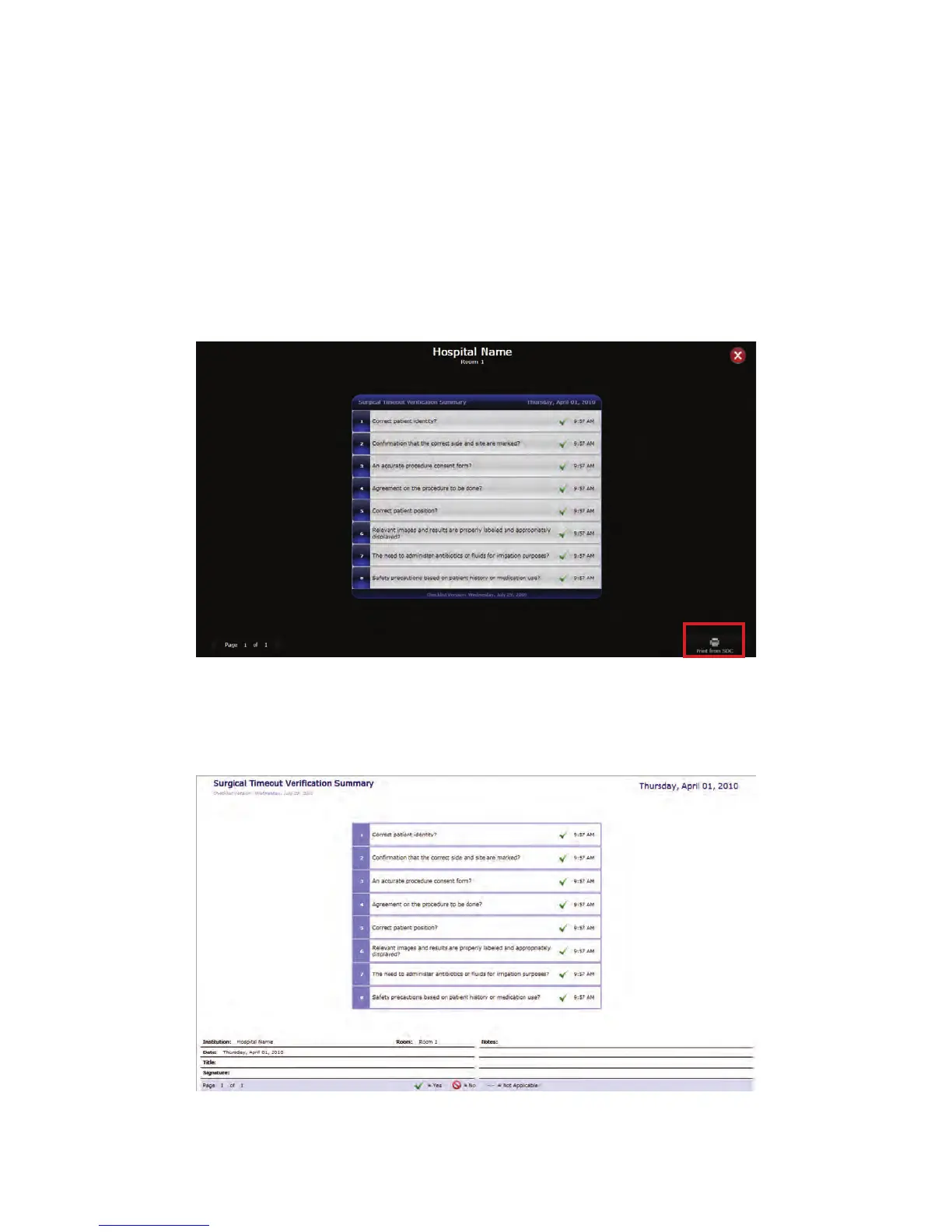
5. Once all of the questions have been answered, a Surgical Timeout Verification
Summary will appear that can then be printed out and placed with the patient’s chart.
To print out the summary, press the PPrriinntt ffrroomm SSDDCC button at the bottom right
corner of the screen.
FFiigguurree 3344.. SSuurrggiiccaall TTiimmeeoouutt VVeerriiffiiccaattiioonn SSuummmmaarryy
6. A print-friendly version of the checklist will appear if there is a second touch panel
connected (this feature is not available for SPI 3.5). It will contain fields at the bottom
of the checklist for signatures and notes that can be filled in on the printed form.
FFiigguurree 3355.. SSuurrggiiccaall TTiimmeeoouutt PPrriinntt--FFrriieennddllyy VVeerriiffiiccaattiioonn SSuummmmaarryy



 To Next Page