62
15
Display
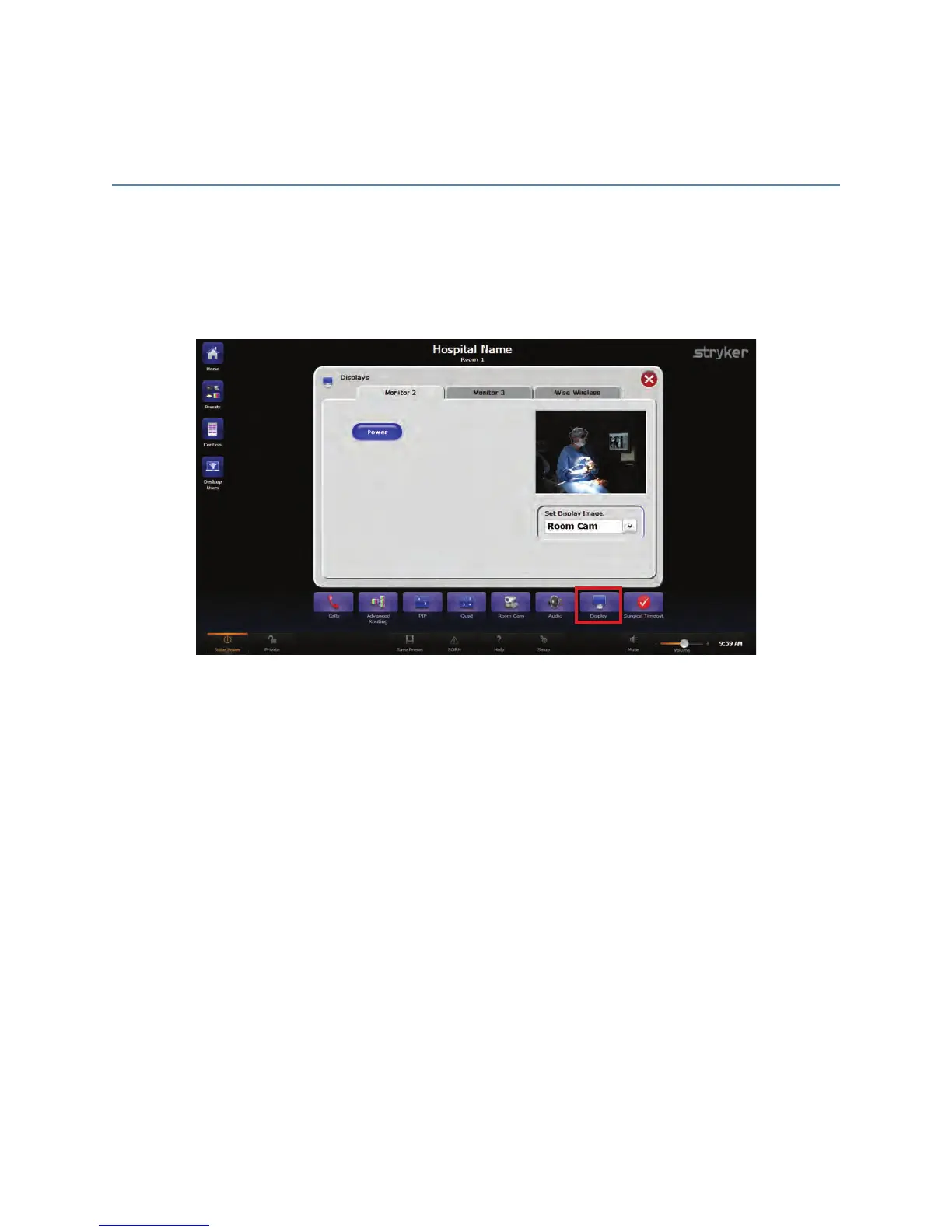
The Displays screen shows all of the configured displays in one location. Each tab on the
Displays screen represents a display in the OR. From each tab you can turn on or off the
display, as well as select the image you want to view on that display.
FFiigguurree 4411.. DDiissppllaayyss SSccrreeeenn
To turn a display on or off, press the PPoowweerr button. To choose a display image, select
one from the “Set Display Image” drop down menu.



 To Next Page