74
23
Shutting Down the SwitchPoint Infinity 3
To shut down the SwitchPoint Infinity system, do the following:
1. Press the SSeettuupp button on the task bar.
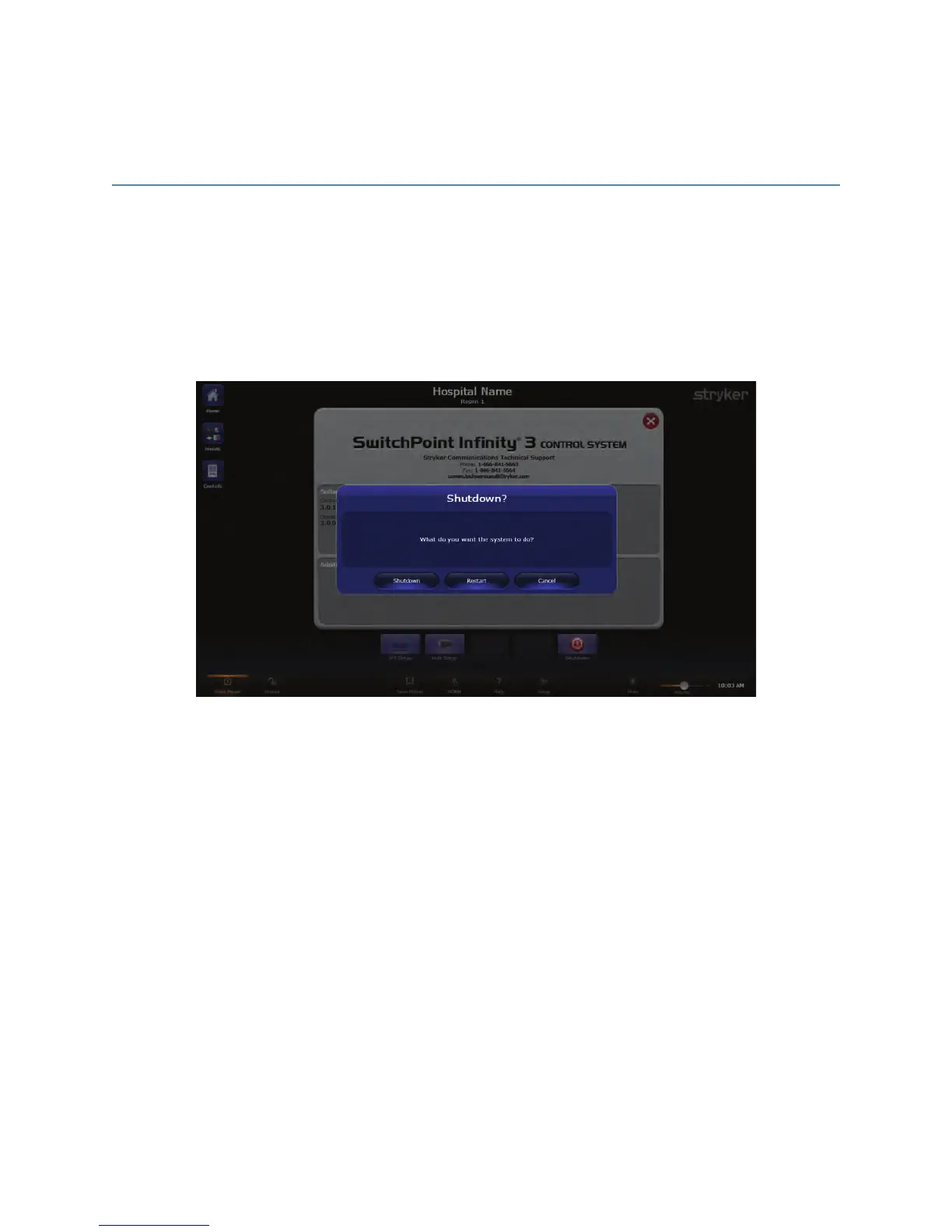
2. Press the SShhuuttddoowwnn button that appears in the bottom right corner of the Setup
screen. A dialog box will appear asking if you would like to shutdown or restart the
system.
FFiigguurree 5511.. SShhuutt DDoowwnn SSccrreeeenn
3. Press the SShhuuttddoowwnn button.
The system will then shut down.



 To Next Page