Chapter 2 Installing Trays 39
FIGURE 2-11 Securing the Rail to the Back of the Cabinet
For extra stability, you can tighten the rail screws as in .
6. Repeat Step 1 through Step 5 to install the right rail.
Installing a Tray in a Cabinet
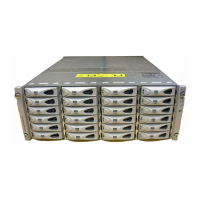
Install the controller tray in the first empty 2RU slot at the bottom of the cabinet. If
you are installing expansion trays, continue installing the trays from the bottom up.
1. Using two people, one at each side of the tray, carefully lift and rest the tray on
the bottom ledge of the left and right rails (
FIGURE 2-12).
Caution – Use care to avoid injury. A tray can weigh up to 55 pounds (25 kg).



 To Next Page