Chapter 5 Servicing Infrastructure Boards and Components 5-9
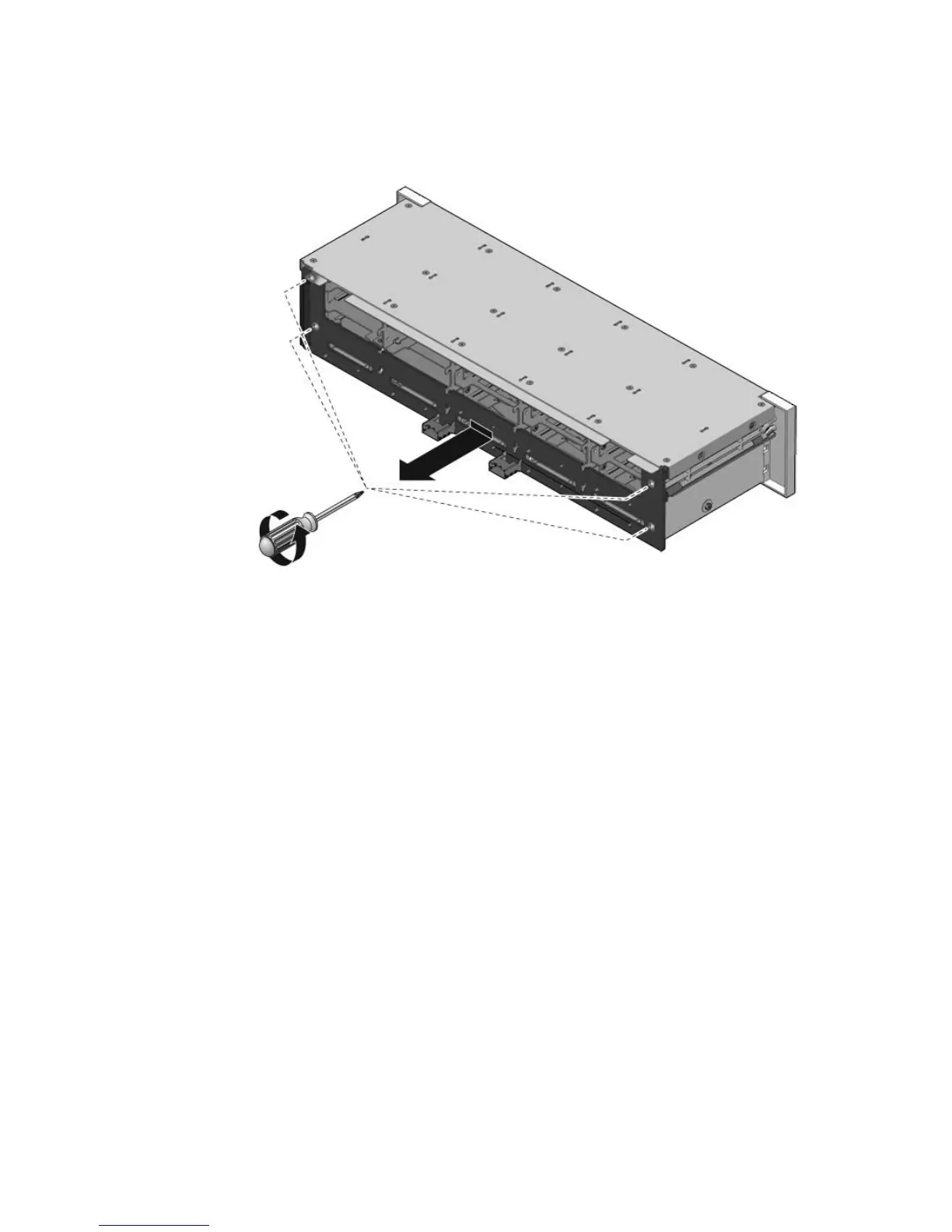
FIGURE 5-5 Removing the Drives Backplane
3. Slide the backplane down and off the drives cage retention hooks.
4. Place the drives backplane on an antistatic mat.
5.3.2 Installing the Drives Backplane
1. Slide the backplane under the retention hooks on the drives cage. (FIGURE 5-6)
2. Install the four No. 2 Phillips screws that secure the backplane to the drives
cage.
The sequence is top left, top right, bottom left, bottom right.
3. Install the drives cage.
See Section 5.2.2, “Installing the Drives Cage” on page 5-7.














 To Next Page