Chapter 3 Servicing Customer-Replaceable Devices 3-7
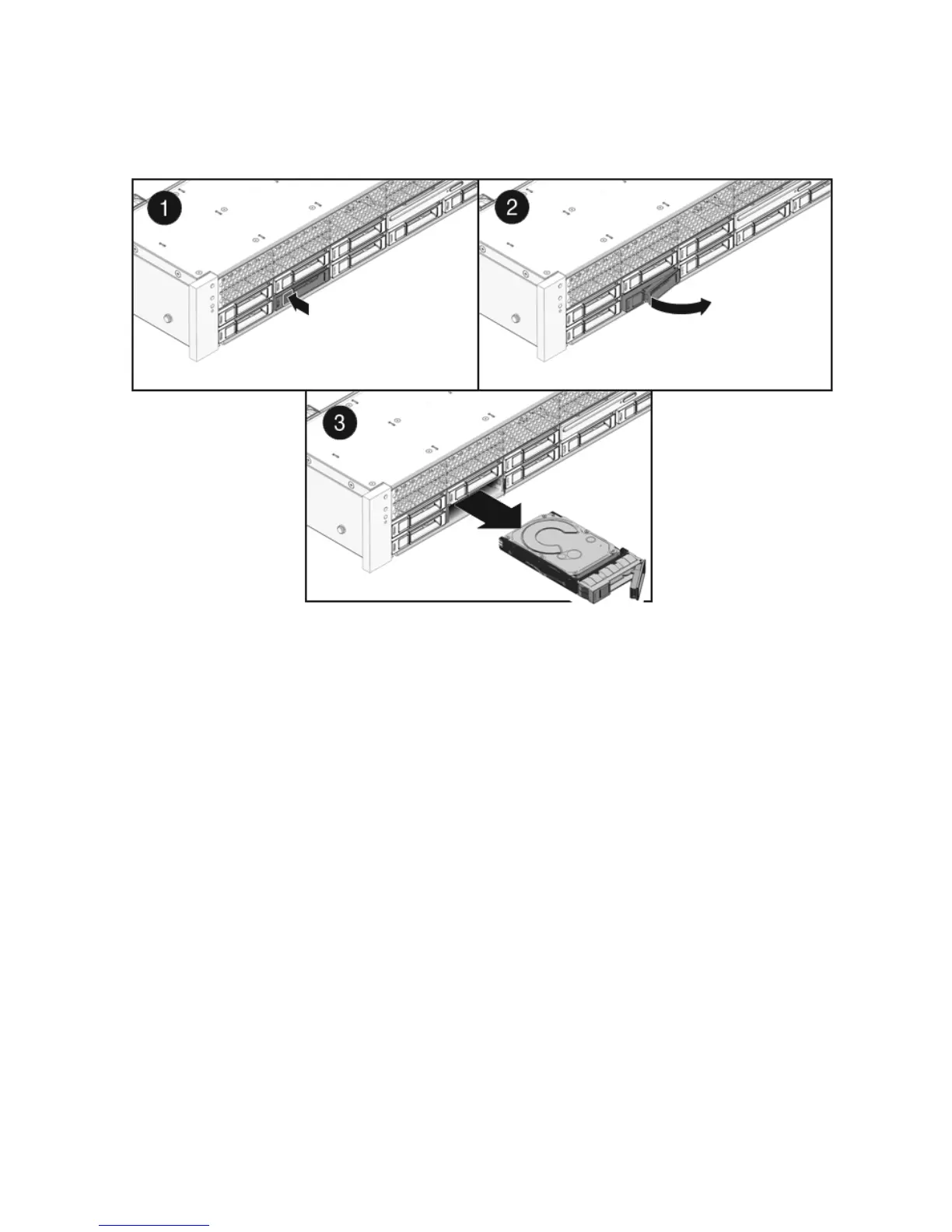
FIGURE 3-3 Locating the Drive Release Button and Latch
3.2.5 Installing a Hard Drive or SSD
Installing a hard drive or SSD into the Sun Fire X4450 server is a two-step process.
You must first install a drive into the drive slot, and then configure that drive to the
server.
To install a drive into a Sun Fire X4450 server:
1. If necessary, remove the blank panel from the chassis.
The Sun Fire X4450 might have as many as eight blank panels covering
unoccupied drive slots.
2. Determine the drive slot location for the replacement drive.
If you removed an existing drive from a slot in the server, you must install the
replacement drive in the same slot as the drive that was removed. Drives are
physically addressed according to the slot in which they are installed. See
TABLE 3-1 for drive locations.
3. Slide the drive into the drive slot until it is fully seated. (
FIGURE 3-4)














 To Next Page