5-18 Sun Fire X4450 Server Service Manual • November 2009
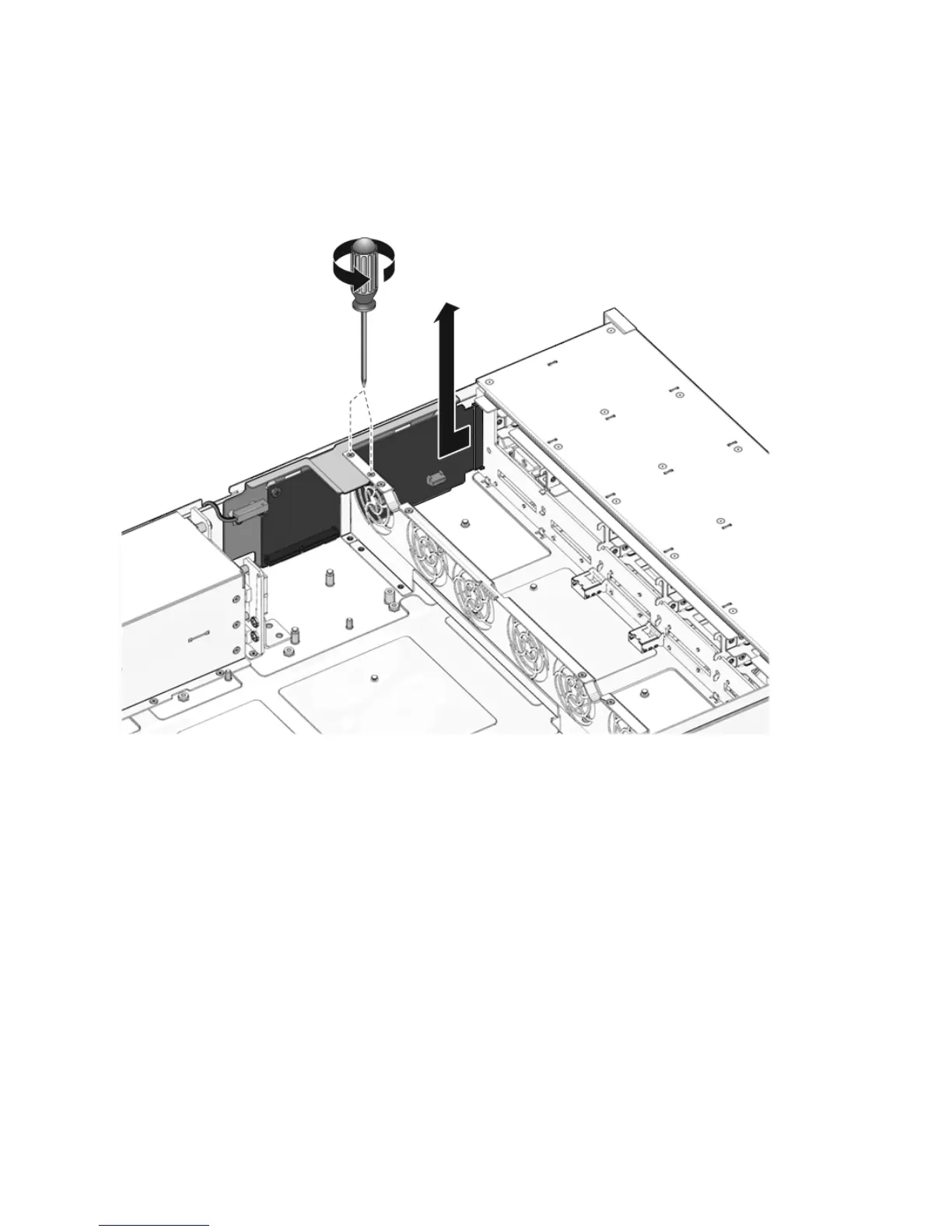
7. Place the paddle card on an antistatic mat.
FIGURE 5-12 Removing the Paddle Card
5.7.2 Installing the Paddle Card
1. Lower the paddle card into the chassis.
The paddle card fits over a series of mushroom standoffs in the chassis side wall.
2. Slide the paddle card forward to plug it into the drives backplane. (
FIGURE 5-13)
3. Secure the paddle card with two No. 2 Phillips screws.
4. Install the fan power boards.
See Section 5.1.2, “Installing a Fan Power Board” on page 5-3.
5. Install the power distribution board.
See Section 5.5.2, “Installing the Power Distribution Board” on page 5-13.














 To Next Page