Chapter 2 Preparing to Service the System 2-3
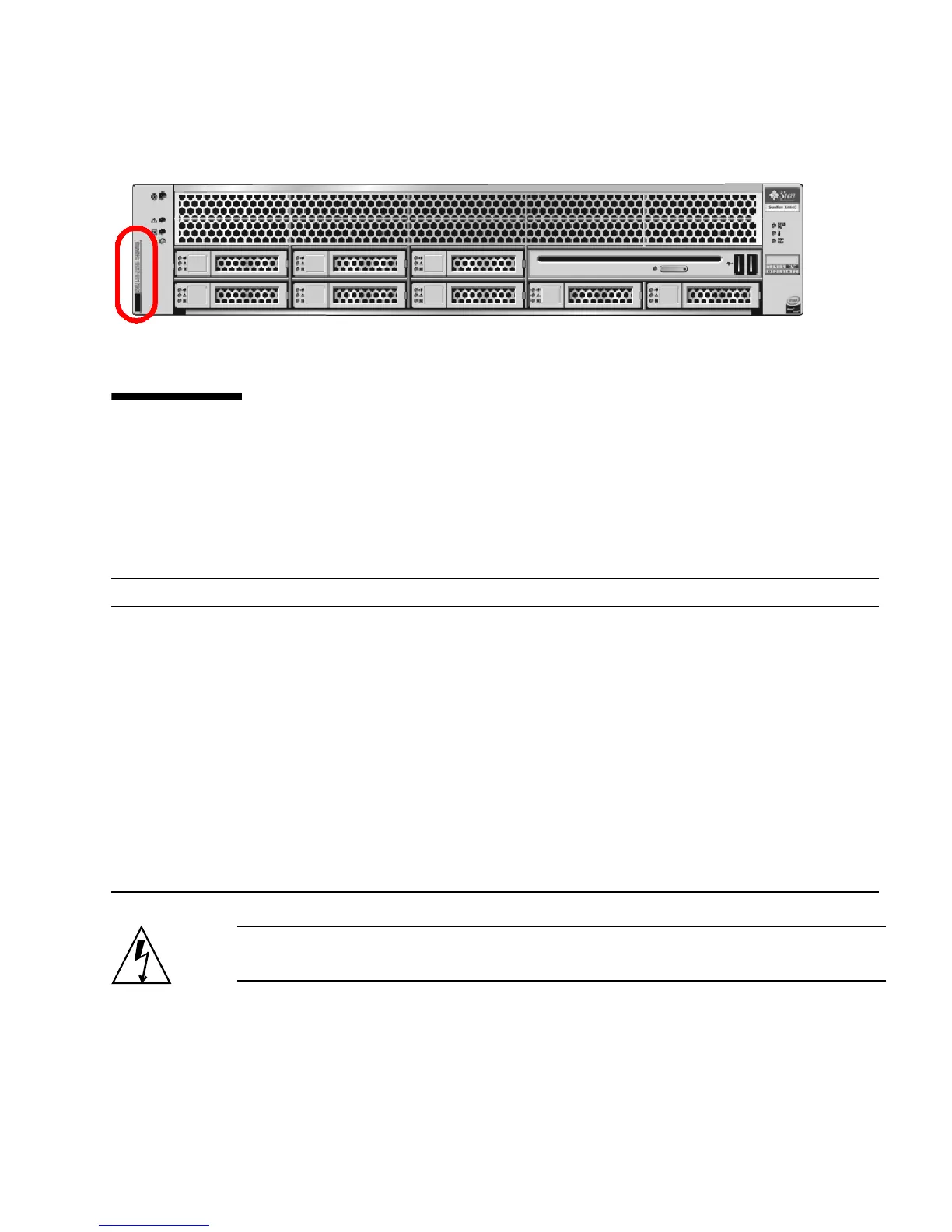
FIGURE 2-1 Chassis Serial Number Label
2.4 Powering Off the Server
To remove main power from the server, use one of the methods shown in the
following table.
Caution – To completely power off the server, you must disconnect the AC power
cords from the back panel of the server.
TABLE 2-1 Shutdown Procedures
Shutdown Method
Graceful shutdown Use a pen, or other non-conducting pointed object, to press and release the Power
button on the front panel. Pressing the power button causes Advanced
Configuration and Power Interface (ACPI)–enabled operating systems to perform
an orderly shutdown of the operating system. Servers not running ACPI-enabled
operating systems will shut down to standby power mode immediately.
Emergency shutdown Press and hold the Power button for at least four seconds until the main power is
off and the server enters standby power mode.
When the main power is off, the Power/OK LED on the front panel flashes,
indicating that the server is in standby power mode. See
FIGURE 2-2.
CAUTION: All applications and files will be closed abruptly without saving
changes. File system corruption might occur.
ILOM/ELOM SP CLI
shutdown
See Section 2.4.1, “Powering Off the Server Using the Service Processor
Command Line” on page 2-4.














 To Next Page