3-16 Sun Fire X4450 Server Service Manual • November 2009
3.4.3 Removing a Power Supply
Caution – Hazardous voltages are present. To reduce the risk of electric shock and
danger to personal health, follow the instructions.
1. Determine which power supply (0 or 1) requires replacement.
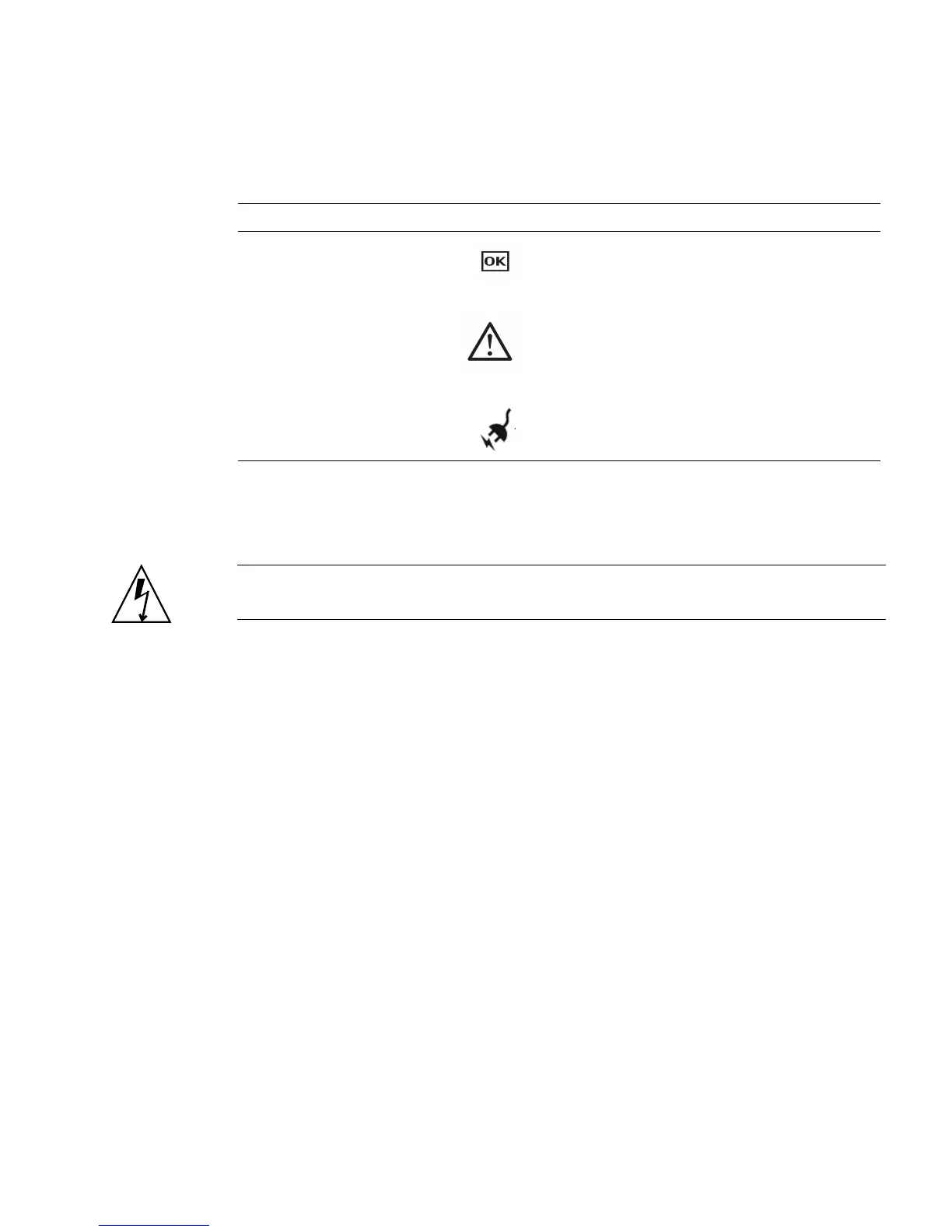
A lit (amber) failure LED on a power supply indicates that a failure was detected.
2. Gain access to the rear of the server where the faulty power supply is located.
3. Release the cable management arm (CMA). (
FIGURE 3-12)
The CMA is located at the rear of the server rack.
a. Press and hold the tab.
b. Rotate the cable management arm out of the way so that you can access the
power supply.
Figure Leg end
Legend LED Symbol Color Lights when
1
AC Present Green The power supply is plugged in and
AC power is available, regardless of
system power state.
2
Service Required Amber The power supply is faulty.
The front and rear panel Service
Required LEDs are also lit if the
system detects a power supply fault.
3
OK to Remove Green A power supply can be removed
safely during a hot–swap operation.














 To Next Page