Chapter 3 Servicing Customer-Replaceable Devices 3-9
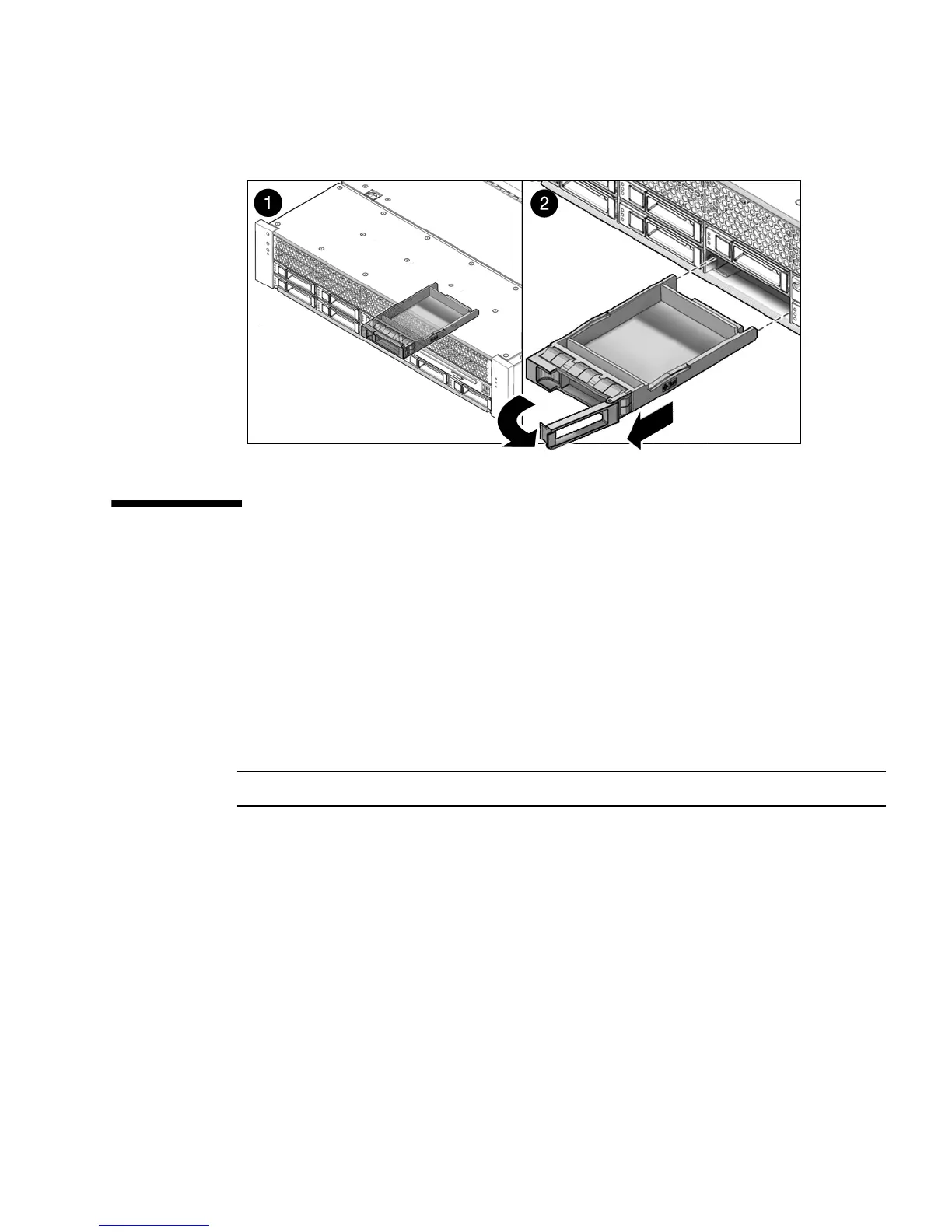
FIGURE 3-5 Drive Filler
3.3 Servicing Fan Modules
The following topics are covered:
■ Section 3.3.1, “About Sun Fire X4450 Fans” on page 3-9
■ Section 3.3.2, “Fan Module LED Reference” on page 3-10
■ Section 3.3.3, “Detecting Fan Module Failure” on page 3-11
■ Section 3.3.4, “Removing a Fan Module” on page 3-12
■ Section 3.3.5, “Installing a Fan Module” on page 3-13
Note – This is a customer-replaceable unit.
3.3.1 About Sun Fire X4450 Fans
Six pairs of fan modules are located under the top cover door, providing N+1 cooling
redundancy. Each fan module contains two fans mounted in an integrated,
hot-swappable CRU.
If a fan module fails, replace the fan module as soon as possible to maintain server
availability.
Fan modules are hot-swappable and can be removed and installed while the server is
running without affecting the rest of the server’s capabilities.
.














 To Next Page