3-8 Sun Fire X4450 Server Service Manual • November 2009
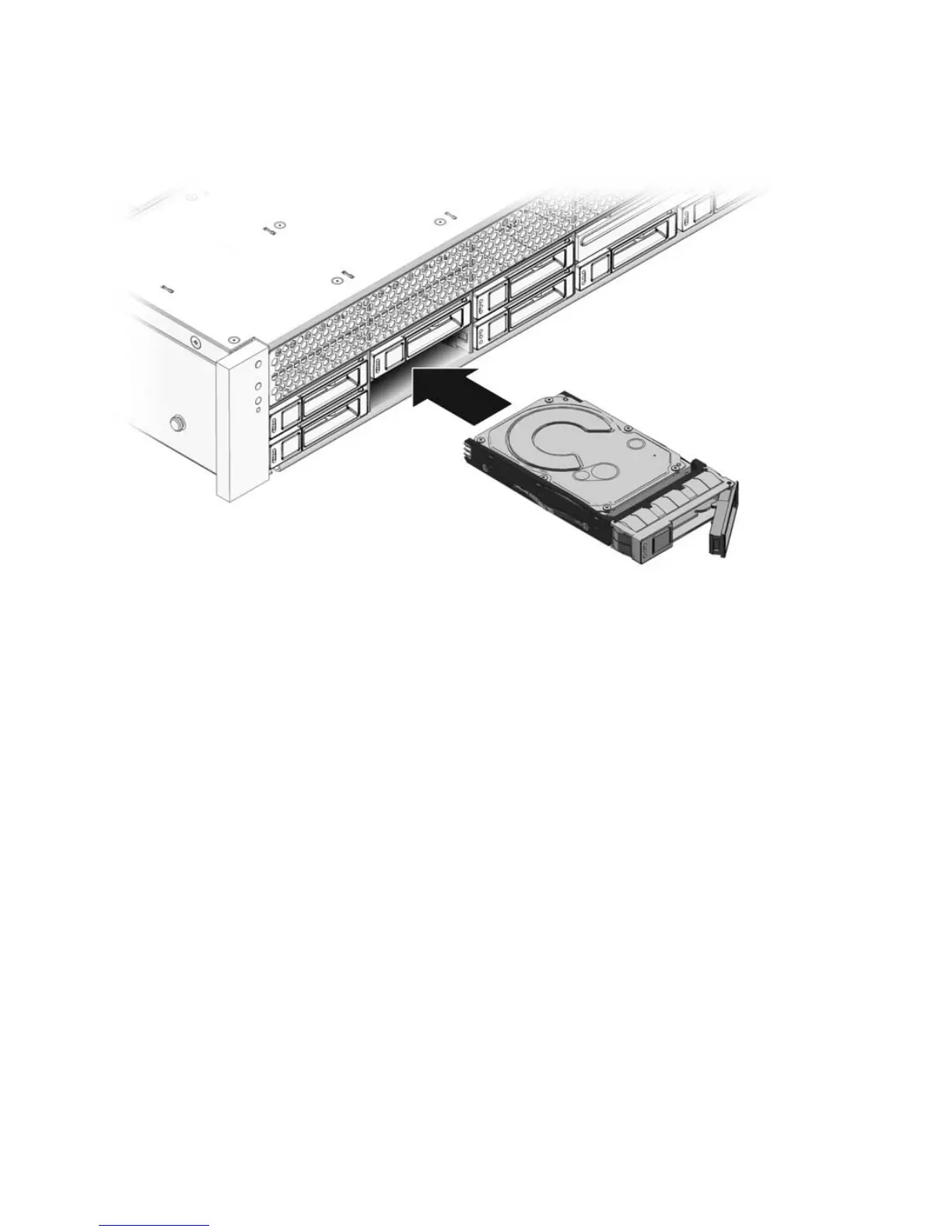
FIGURE 3-4 Installing a Drive
4. Close the latch to lock the drive in place.
5. Do one of the following:
■ If you have hot-plugged the drive:
Configure the drive. See one of the following HBA documents:
For Sun StorageTek: Sun StorageTek RAID Manager Software User's Guide
For LSI MegaRAID Storage Manager (MSM): Sun LSI 106x RAID User's Guide
■ If you have cold-plugged the drive:
Restore power to the server. Do the procedure described in Section 6.4,
“Powering On the Server” on page 6-5.
3.2.6 Using Drive Fillers
All drive slots in the Sun Fire X4450 Server must have drive fillers in place during
operation to maintain airflow. To remove fillers, pull the ejector and pull the filler out
of the chassis. (
FIGURE 3-5)














 To Next Page