3-4 Sun Fire X4450 Server Service Manual • November 2009
Note – You can create RAID volumes with SAS HDs and SATA SSDs, as long as you
do not mix them in a same volume.
3.2.2.1 Servicing SSDs
The solid-state drive and the adapter bracket is compatible with the server’s hard
drive slot. Therefore, the procedure to remove an SSD is the same as replacing the
hard drive. See:
■ Section 3.2.4, “Removing a Hard Drive or SSD” on page 3-5
■ Section 3.2.5, “Installing a Hard Drive or SSD” on page 3-7
■ Section 3.2.6, “Using Drive Fillers” on page 3-8
3.2.2.2 SSD Minimum Required Firmware
BIOS/ILOM Firmware
■ BIOS: S93_3B56
■ ILOM: 3.0.3.30
Adaptec Firmware
■ Adaptec FW: 16732
■ LSI FW: 1.27.02, MPTBIOS: 6.26.00
SSD firmware
■ Intel SSD FW: 845C8626
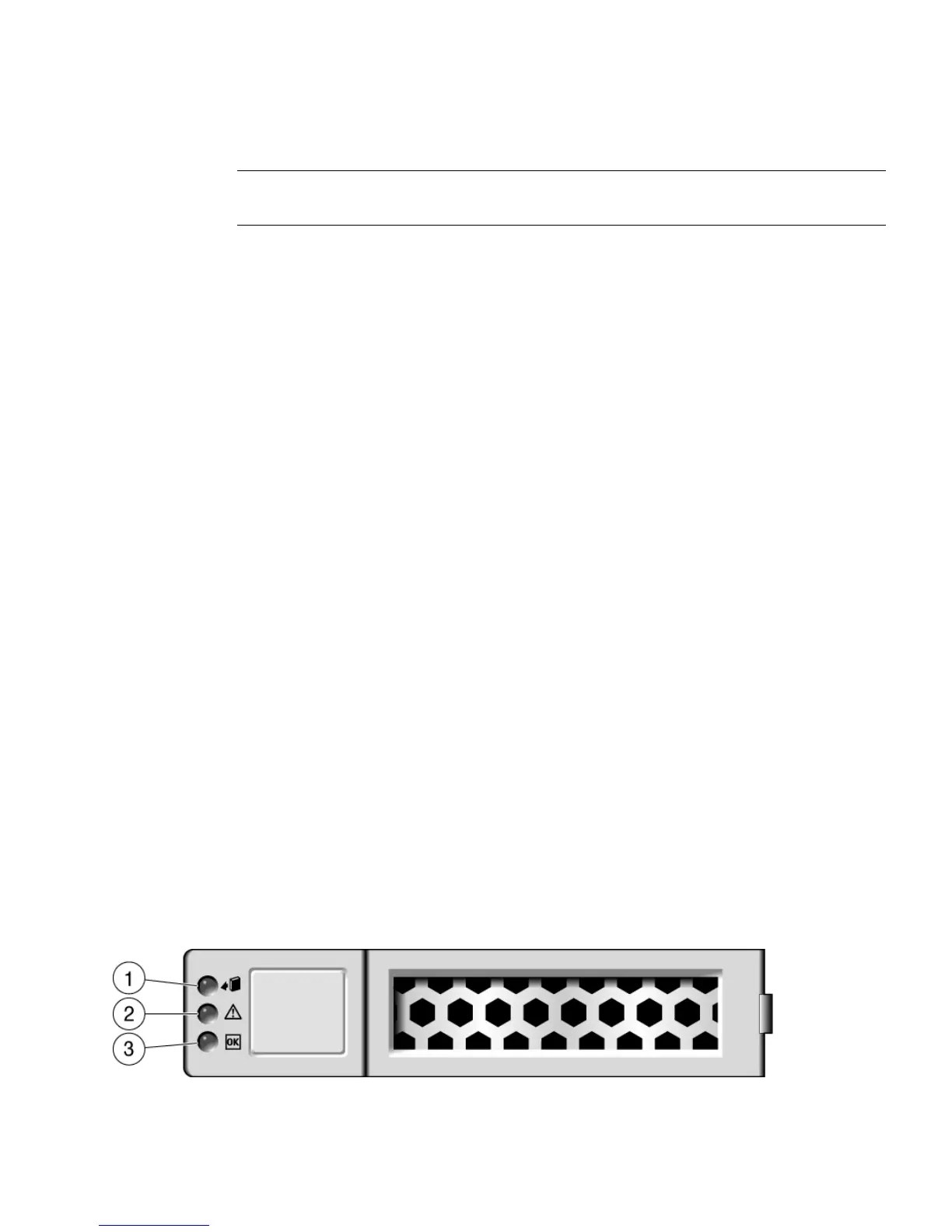
3.2.3 Drive Status LED Reference
FIGURE 3-2 shows the drives status LEDs on the Sun Fire X4450 server.
FIGURE 3-2 Drives Status LEDs













 To Next Page