Chapter 3 Servicing Customer-Replaceable Devices 3-5
3.2.4 Removing a Hard Drive or SSD
Hard drives can be hot-plugged or cold-plugged. Drives in the Sun Fire X4450 server
might be hot-pluggable, depending on the drive configuration.
To hot-plug a drive you must take the drive offline (to prevent applications from
accessing it, and to remove the logical software links to it) before you can safely
remove it.
To remove a drive from a Sun Fire X4450 server:
1. Identify the drive you wish to remove.
The amber Service Required LED might be lit. For specific drive locations, see
Section 3.2.1, “Sun Fire X4450 Server Drive Guidelines” on page 3-2.
2. Determine if the drive can be hot-plugged, or cold-plugged.
The following conditions might prevent you from hot-plugging a drive. You must
power off the server, if the drive:
■ Contains the operating system, and the operating system is not mirrored on
another drive.
■ Cannot be logically isolated from the online operations of the server.
3. Do one of the following:
■ To hot-plug a drive:
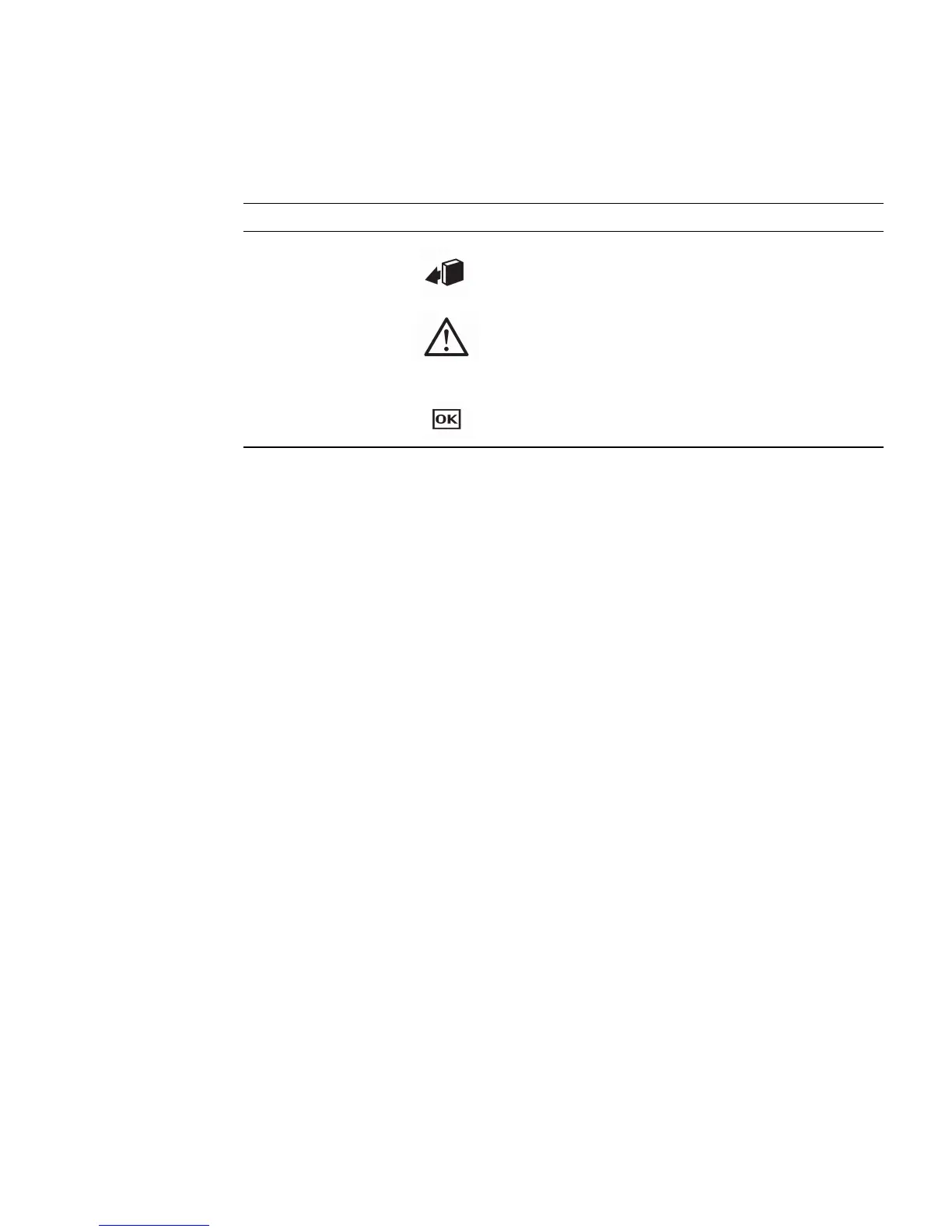
Figure Leg end
Legend LED Symbol Color Lights when
1
OK to
Remove
Blue A drive can be removed safely during a
hot-plug operation.
2
Service
Required
Amber The system is running and the drive is
faulty. The front and rear panel Service
Required LEDs are also lit if the system
detects a drive fault.
3
OK/Activity Green Data is being read from or written to the
drive.














 To Next Page