2-4 Sun Fire X4450 Server Service Manual • November 2009
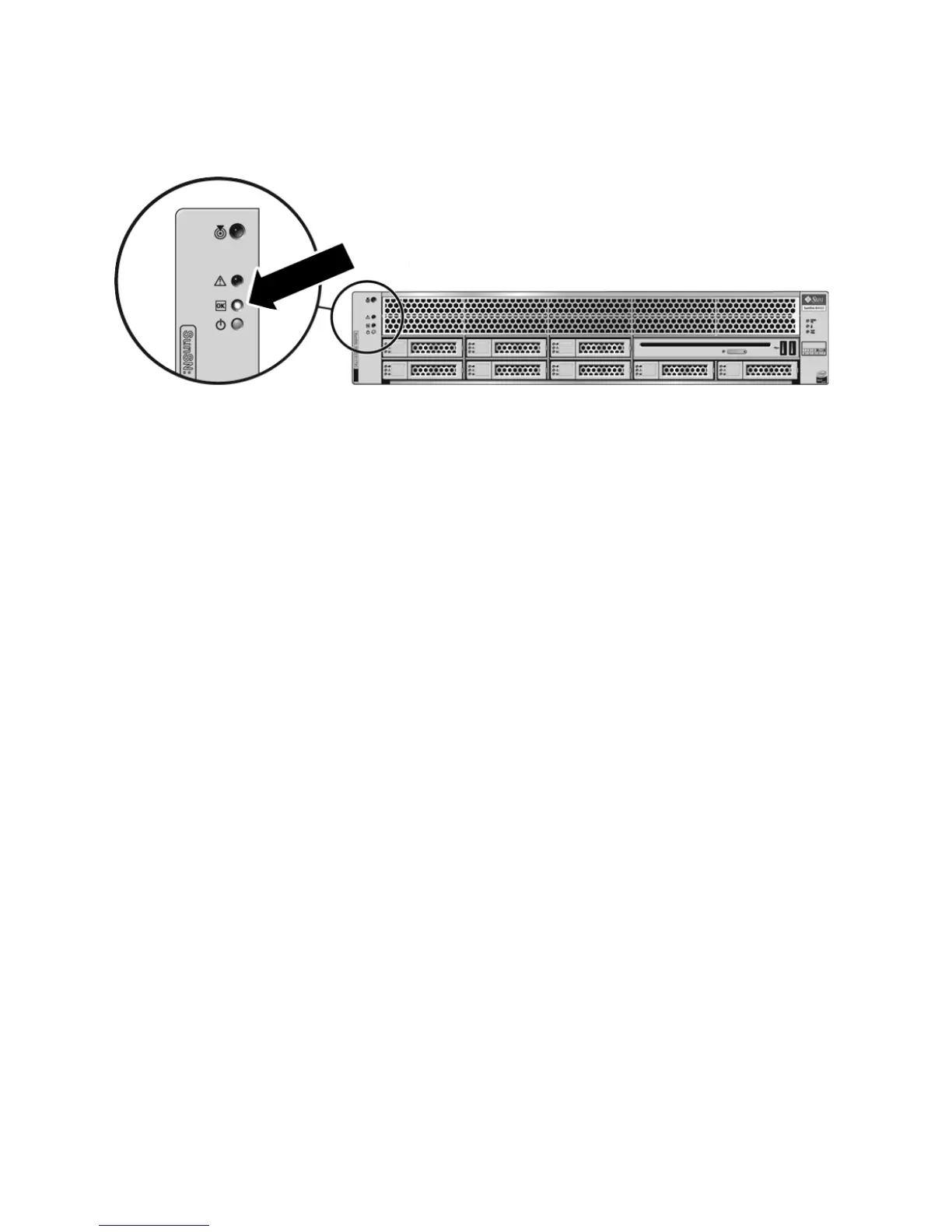
FIGURE 2-2 Front Panel Power/OK LED
2.4.1 Powering Off the Server Using the Service
Processor Command Line
You can use the service processor to perform a graceful shutdown of the server and
ensure that all of your data is saved and the server is ready for restart.
Refer to the operating system documentation for additional information.
1. Log in as a superuser or equivalent.
Depending on the type of problem, you might want to view server status or log
files, or run diagnostics before you shut down the server.
2. Notify affected users.
3. Save any open files and quit all running programs.
Refer to your application documentation for specific information.
4. Shut down all logical domains.
5. Shut down the Operating System.
6. Open an SSH session.
7. Log into the Service Processor.
8. Type:
stop /SYS
or
cd /SP/CtrlInfo
set powerctrl=off













 To Next Page