5-14 Sun Fire X4450 Server Service Manual • November 2009
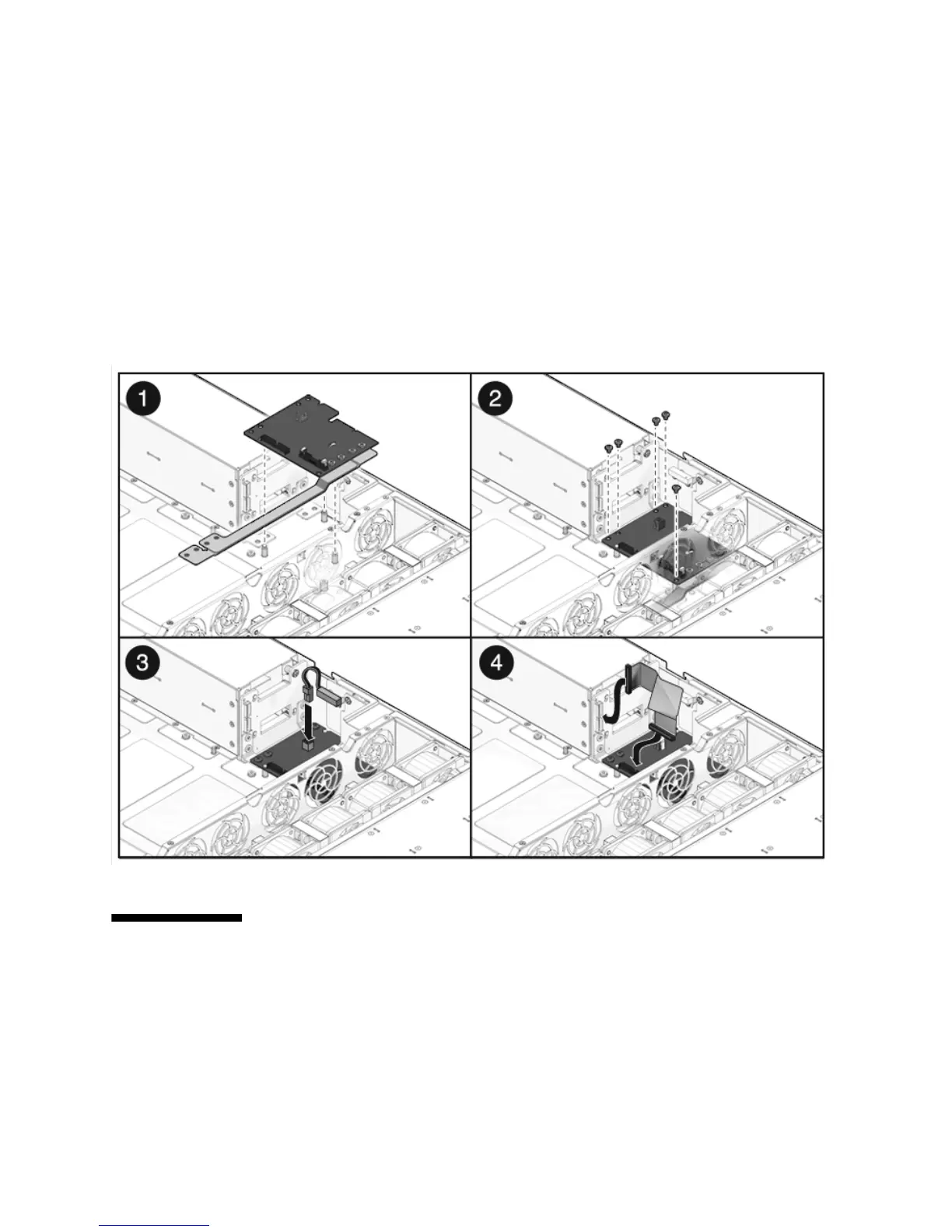
5. Connect the power distribution board ribbon cable to the Power Supply Unit
backplane. [4]
6. Install the power supplies.
Slide each power supply into its bay until it locks into place.
7. Install the motherboard assembly.
See Section 4.8.2, “Installing the Motherboard Assembly” on page 4-32.
FIGURE 5-9 Installing the Power Distribution Board
5.6 Servicing the Power Supply Backplane
In the Sun Fire X4450 server, the power supply backplane carries 12V power to the
power distribution board.














 To Next Page