Questions? Call or Text +1-801-658-0015 • 11
Alarms. You are able to instruct the Sunstone CDDP-A to alert you to temperature uctuations, comparator
failures, electrode sticks, and more.
Import/Export. You are able to import or export weld settings from one CDDP-A welder to another.
MEDIA
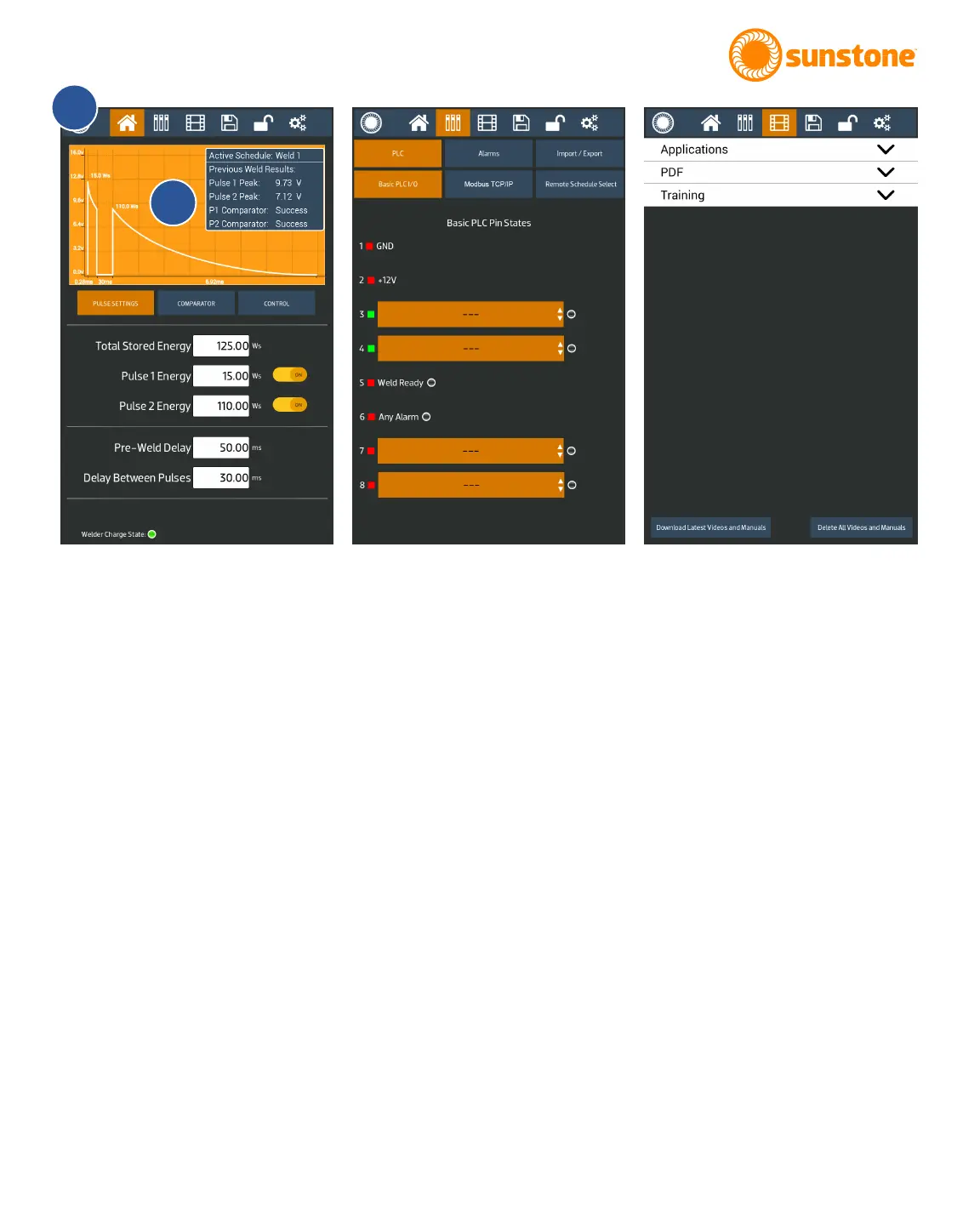
The Media Screen, as shown in Figure 11.3, provides the operator with a library of instructional application
videos, user guides, and training materials. See Chapter 6 for specic details about elements of the Media
Screen.
Applications. Click on Applications to view a list of available application videos.
PDF. Click on PDF to view a list of applicable manuals and other documents.
Training. Click on Training to view a list of available training material.
The Save/Load Screen allows you to save or load weld settings. See Chapter 7 for specic details about
elements of the Save/Load Screen.
Figure 11.1. Homescreen with Pulse Settings
Tab selected. See Chapter 4 for specic
details about the Home Screen.
A
B
Figure 11.2. Commuications Screen with the
PLC tab selected. See Chapter 5 for specic
details about the Communications Screen.
Figure 11.3. Access the Media Screen to
view instructional material. See Chapter 6 for
specic details about the Media Screen.















 To Next Page