Questions? Call or Text +1-801-658-0015 • 25
Import/Export Tab
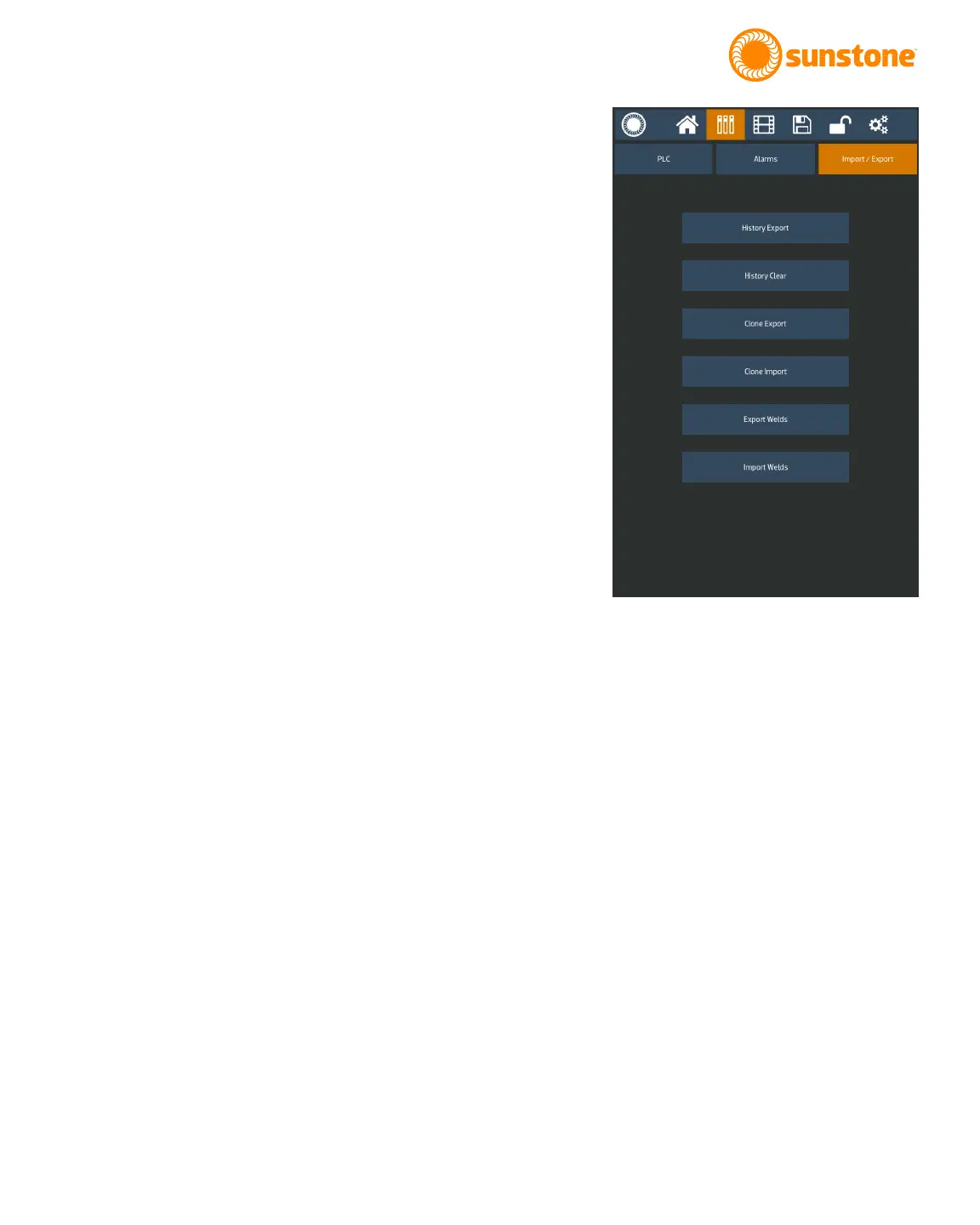
The Import/Export tab has six buttons that can be used for dif-
ferent import and export functions. See Figure 25.1.
Export History will export the past weld results history to a
USB stick. The export CSV le will include all weld parameters
and comparator values.
History Clear will clear the past weld results history.
Clone Export will save all the welder settings, including the
saved schedules to a USB stick. This function is benecial for
operators who need to have multiple identically congured
power supplies.
Clone Import will take the saved and exported welder settings
from a USB stick and load them onto the power supply.
Export Welds will copy all the saved weld schedules to a USB
stick.
Import Welds will load saved weld schedules from a USB stick
and load them into the power supply.
Figure 25.1. When you select the Import/Export
tab will be able to export history, export clone
information for another welder, or import clone
information.















 To Next Page