Questions? Call or Text +1-801-658-0015 • 27
Figure 27.3. When you select the Import/
Export tab will be able to export history,
export clone information for another welder,
or import clone information.
Figure 27.2. When you select the Import/
Export tab will be able to export history,
export clone information for another welder,
or import clone information.
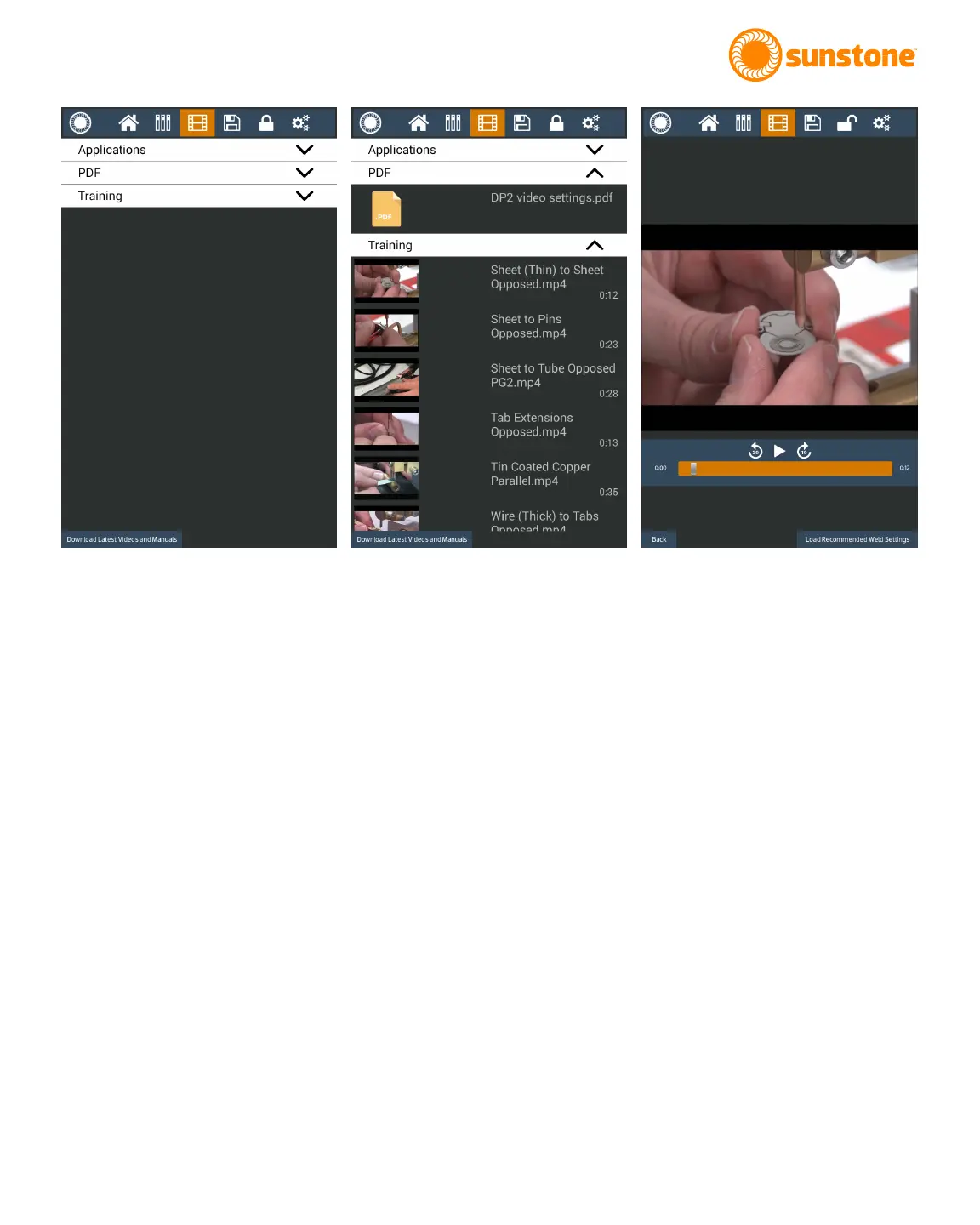
Figure 27.1. Click on the Media icon in the
Navigation Bar to open the Media Screen.
the search box will cycle through the search results. The “Back” button can be pressed to exit the PDF viewer
and go back to the main media screen. If you touch the page number you can type in a page number and press
done. The PDF viewer will navigate to that page.















 To Next Page