10B-34 AIR BAG SYSTEM
DIAGNOSTIC FLOW TABLE
DTC B1031 : Power Source Voltage High
Special tool
(A) : 09932-76010
DTC B1032 : Power Source Voltage Low
Step Action Yes No
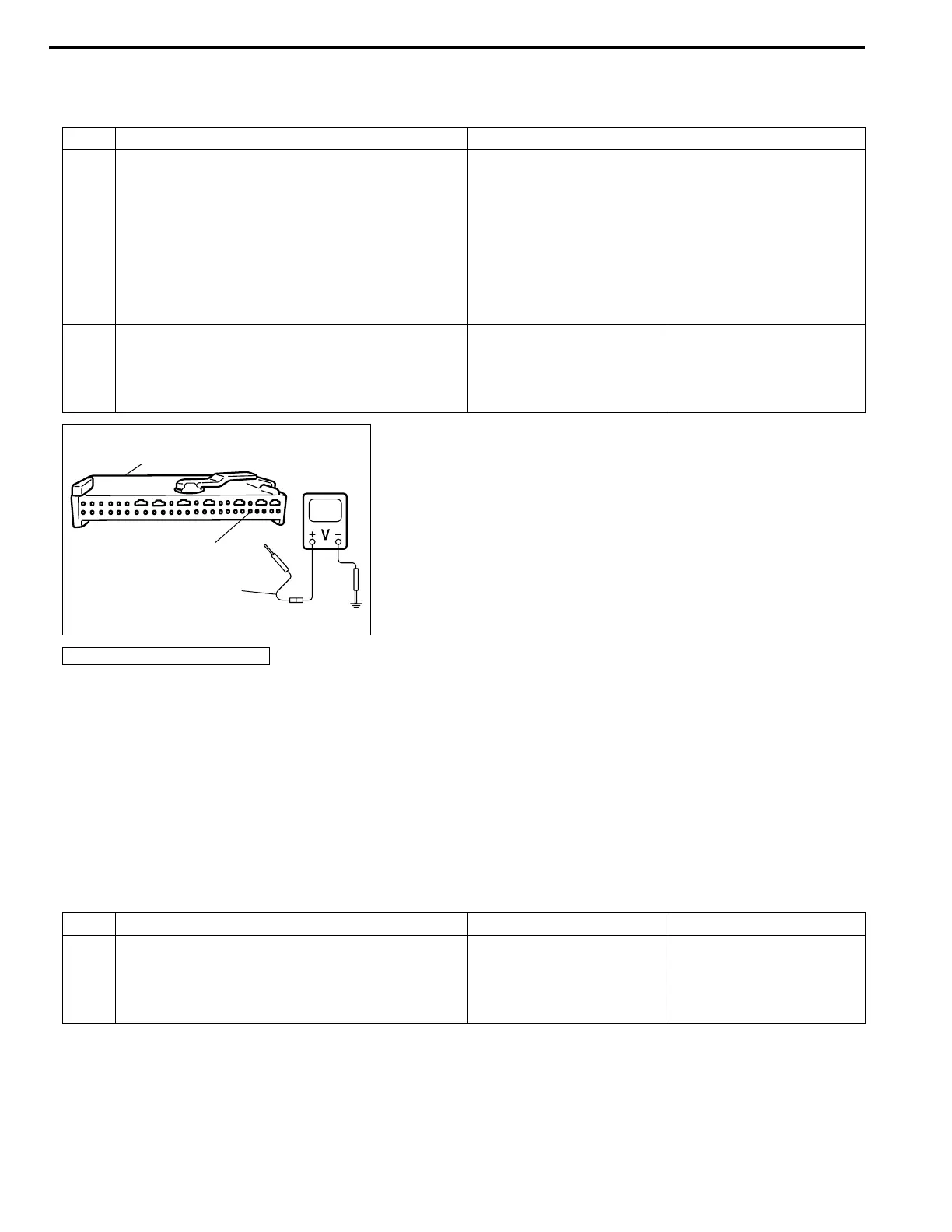
1 1) With ignition switch OFF, disconnect SDM
connector “G66”
2) Check proper connection to SDM at “G66-
32” terminal.
3) If OK, then ignition switch ON, and then
check voltage from “G66-32” terminal in
SDM connector “G66” to body ground.
Is voltage 14 V or less?
Go to step 2. Check Charging System
and repair as necessary.
(Refer to DIAGNOSIS in
Section 6H.)
2 1) With ignition switch OFF, disconnect SDM
connector “G66”.
With ignition switch ON, is DTC B1031 current?
Substitute a known-good
SDM and recheck.
Check Charging System
and repair as necessary.
(Refer to DIAGNOSIS in
Section 6H.)
1. SDM connector “G66”
(A)
“G66-32”
1
NOTE:
Upon completion of inspection and repair work, perform the following items.
• Reconnect all air bag system components, ensure all components are properly mounted.
• Clear diagnostic trouble codes (Refer to DTC CLEARANCE), if any.
• Repeat AIR BAG DIAGNOSTIC SYSTEM CHECK to confirm that the trouble has been corrected.
Step Action Yes No
1 1) Measure voltage on battery.
Is voltage 11 V or more?
Go to Step 2. Check Charging System
and repair as necessary.
(Refer to DIAGNOSIS in
Section 6H.)



 To Next Page