technical reference
SYNRAD FH Series Flyer Operator’s Manual Version 3.4
121
USER INTERFACE
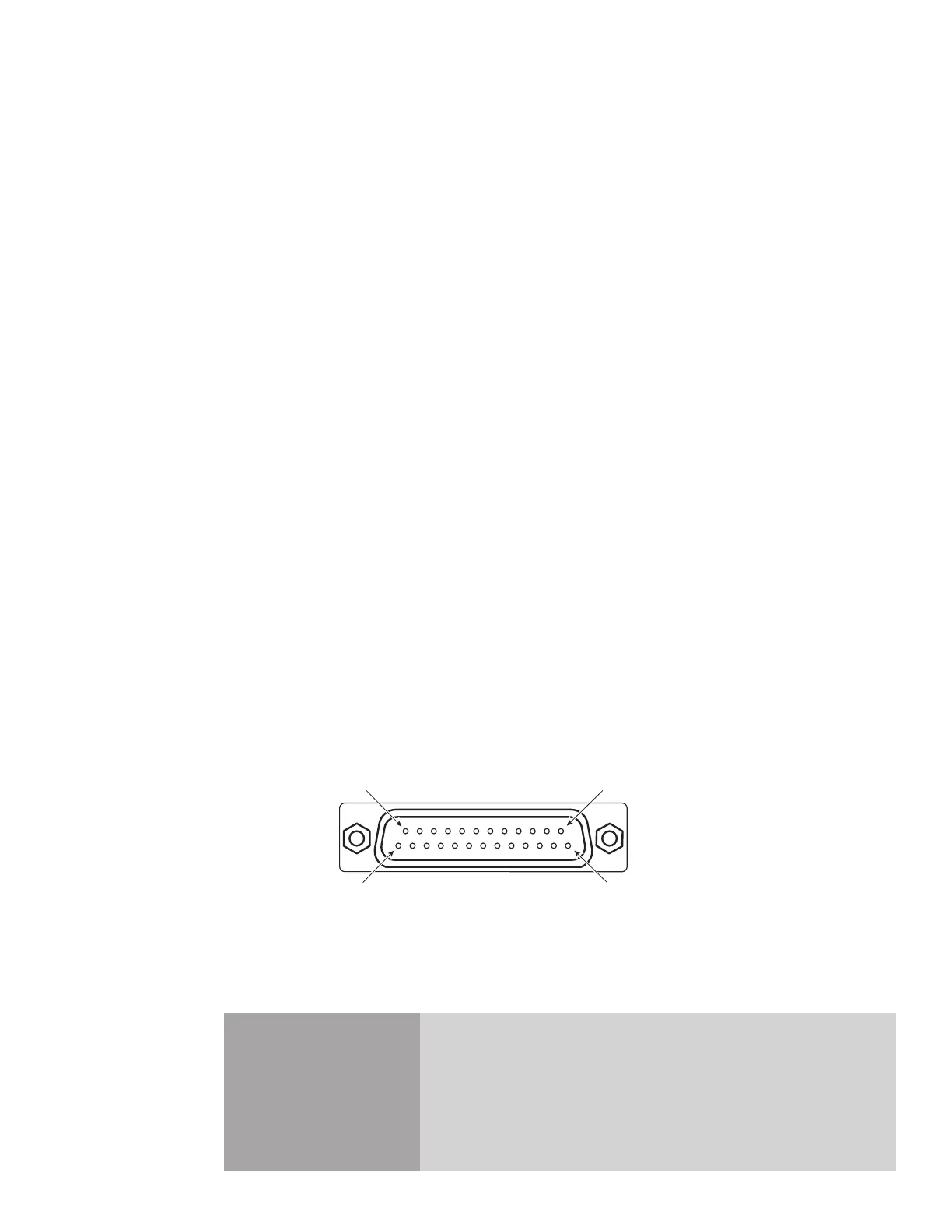
Pin 1
(2.9" × 2.9") (3.4" × 4.2") (5.04") (0.007") (±0.059")
125HP** 66 × 66 80.4 × 99 125 ± 2 180 ±1.5
(2.6" × 2.6") (3.2" × 3.9") (4.92") (0.007") (±0.059")
80 mm 27 × 27 33.5 × 41.2 74 ± 1 116 ±0.4
(1.1" × 1.1") (1.3" × 1.6") (2.91") (0.005") (±0.016")
* The typical working distance is marked on each lens mount. Consult your marking head’s Final Test Report for the actual working
distance.
** High-power 125 mm lens for use with lasers 40 W and higher.
Input/Output circuitry
The Input/Output circuitry section includes subsections:
User Interface overview
Internal +15 VDC supply
Digital input circuitry
Digital output circuitry
FH Index/Tracker to Flyer conversion
FH Smart to Flyer conversion
User Interface overview
Flyer’s DB-25 User Interface connection provides an isolated +15 VDC, 400 mA internal supply for power-
ing externally-connected I/O devices; two high-speed optoisolated inputs; six bipolar optoisolated inputs;
and eight bipolar optoisolated outputs that allow you to automate your marking operation. The male DB-
25 User Interface connection requires a matching DB-25 female connector in order to attach external I/O
devices to Flyer. A female DB-25 connector is included in the Flyer ship kit for this purpose.
Caution
possible
equipment
damage
The pin assignments on Flyer’s DB-25 User Interface connection
are NOT compatible with FH Smart’s DB-25 Parts Handling Control
connection. If you are integrating an FH Flyer head into an exist-
ing FH Smart marking system, you must revise any I/O eld wiring
connected to Flyer’s DB-25 connection. Failure to do so may damage
Flyer’s internal circuitry and/or any external devices connected to the
I/O wiring harness.
A simple parts handling system utilizing FH Flyer I/O to control marking might operate like this: A con-
veyor stops with a new part positioned under the marking head and then delivers a ‘start mark’ signal to



 To Next Page