tracking
SYNRAD FH Series Flyer Operator’s Manual Version 3.4
105
WinMark Pro tracking setup
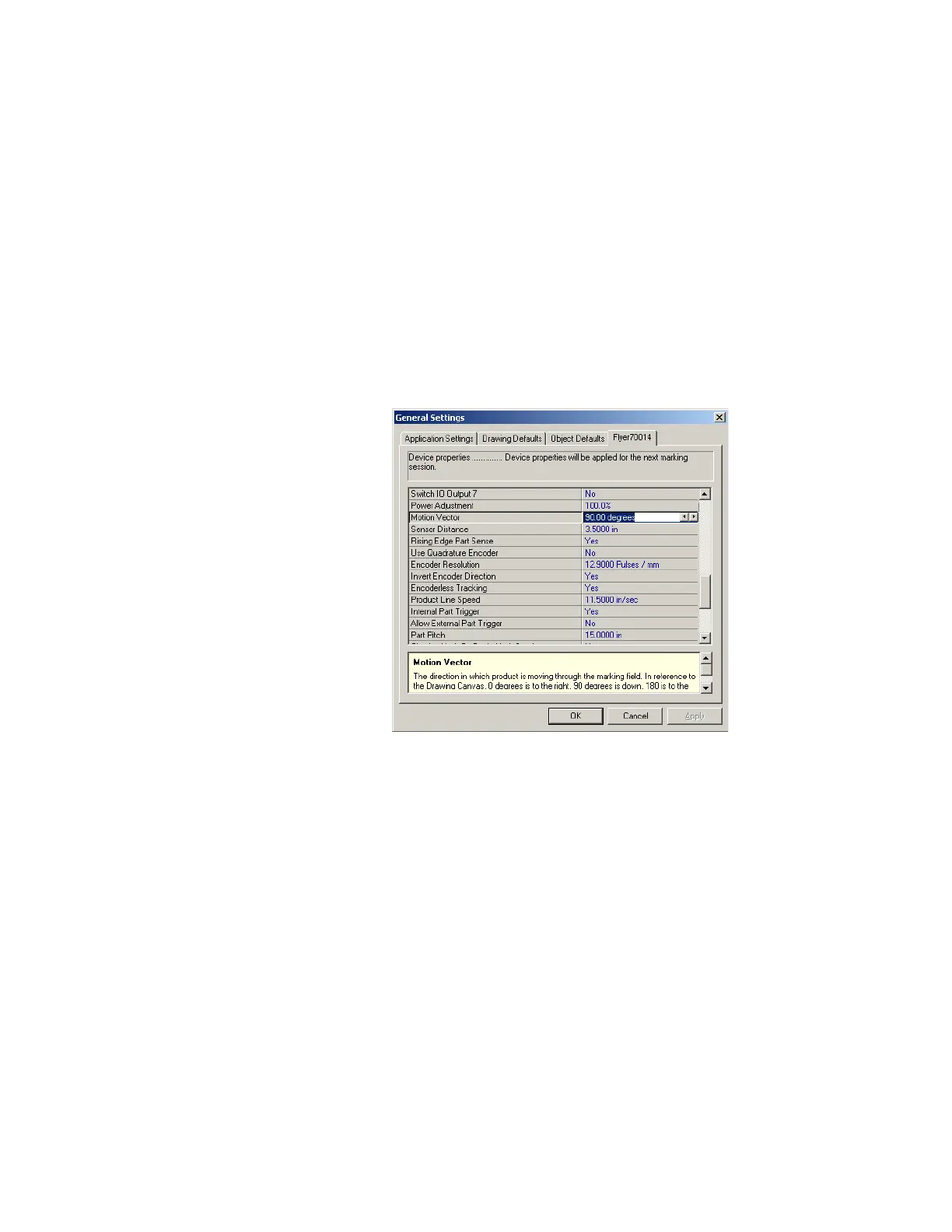
WinMark Pro v6 contains a “Device” tab (labeled Flyer70014 in Figure 5-20). This tab contains head spe-
ci
c setup parameters and is located on the Tools menu under General Settings… (or right-click the Mark
button in WinMark’s Drawing Editor). In version 6, these tracking parameters are located on the “Device”
tab because tracking parameters will vary slightly from head-to-head on production lines due to slight
variations in encoder couplings, conveyor speeds, part sensor location, etc.
Note: The label of the “Device” tab corresponds to the “name” given to your Flyer head. Every Flyer
head leaves the factory with a unique name based on the head’s serial number—“Flyerxxxxxx”;
where xxxxxx are the last six digits of the head’s serial number. By using the Object Name prop-
erty, you can rename your Flyer head to something meaningful to your facility such as its Ethernet
IP address or a reference to its physical location such as “AssemblyLine3”.
Figure 5-20
Tracking properties on “Flyer device” tab
To setup your FH Flyer marking head for tracking, make sure that your Flyer head is communicating with
WinMark Pro v6 and then edit the tracking parameters described below.
Motion Vector
Set the direction of part movement through the marking eld. When looking at WinMark Pro’s Drawing
Canvas (shown in Figure 4-21), 0° is part movement towards the right, 90° is movement towards the bot-
tom, 180° is towards the left, and 270° is part movement towards the top of the Drawing Canvas.
When the Track Marking Object property is Yes, a motion arrow displays to the left of the Drawing Canvas
showing the direction of the currently entered Motion Vector.
Note: Part motions of either 90° or 270° provide the fastest line speeds because part movement is along
the long axis of the marking eld; 0° or 180° part movement is slightly slower due to the shorter
mark area. WinMark Pro v6 and FH Flyer support Motion Vector values in 0.01° increments.



 To Next Page