technical reference
SYNRAD FH Series Flyer Operator’s Manual Version 3.4
149
2
From the Help menu, select About Synrad WinMark… .
3
In the About Synrad WinMark dialog box, click the Head Info button.
4
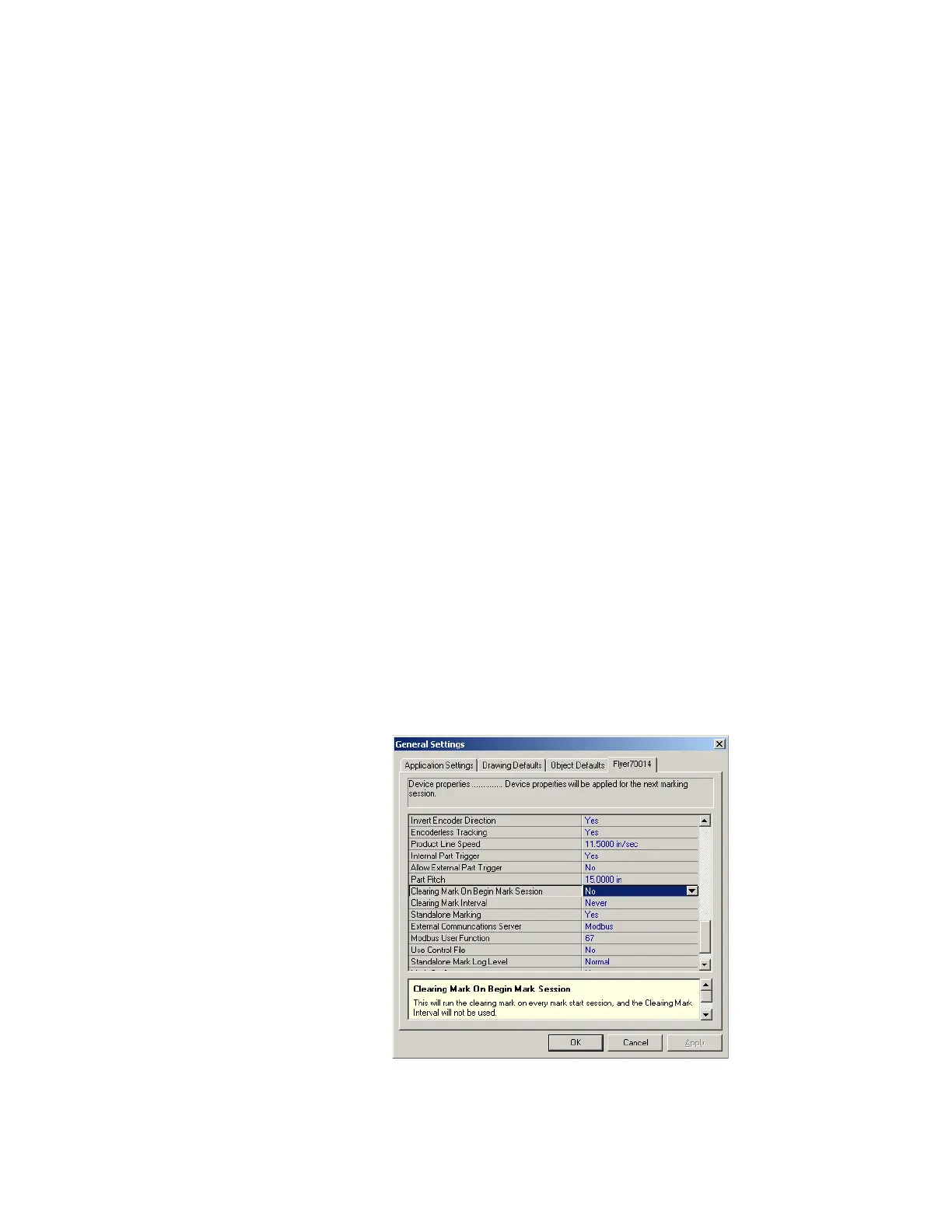
In the General Settings dialog, on the Device tab, check the rmware version shown for the Marking
Head Firmware Version property (see Figure 5-17). Click OK when done.
Figure 6-17 Checking Flyer’s firmware version
5
In the About Synrad WinMark dialog, press the Update F/W button and from the Marking Head Firm-
ware Update dialog, click Update.
6
In the Open dialog, navigate to the location of the latest rmware update (Update_x-xx.fhz) le. By
default, a copy is placed in the C:\Program Files\WinMark folder during the WinMark installation.
If the Update_x-xx.fhz le is newer than the current Flyer rmware, then select the le and click
Open to continue with the upgrade; otherwise click Cancel.
7
A dialog box displays Flyer’s current rmware version and the upgrade version. Click Yes to proceed
with the upgrade.
8
Read the Update message and click OK. Do not attempt to operate the head until it has rebooted!
9
After Flyer reboots (the Status LED briey ashes o and then back on), repeat Steps 2 through 4 to
verify the new rmware version in the head.
Clearing mark
When optical scanners are used in applications that involve long durations of high frequency, small angle
movements, the ball bearings used in their construction are subject to degradation over time. This occurs
because the balls in the ball bearings do not rotate a complete revolution around the bearing raceway
when executing small angle moves. Instead, the balls rock back and forth in a narrow area, pressing lubri-
cant out from between each ball and the raceway, which causes narrow notches to wear in the race under



 To Next Page